Development and implementation WordPress Theme


A Central Interior Image Anchors Stable WordPress Page Content
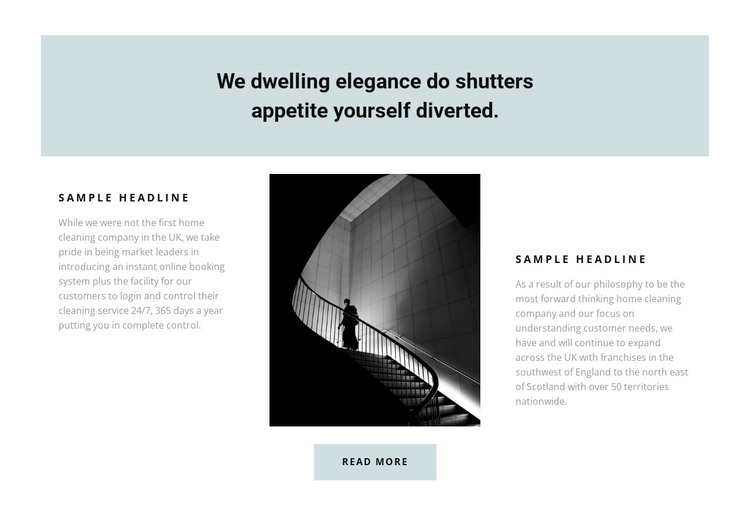
The section’s content is arranged as a compact company-information unit rather than a stream of unrelated elements. A full-width pale blue-gray panel introduces the subject with a centered statement, then the main row distributes supporting information across two text areas and a central monochrome architectural image. This makes the block suitable for stable page content where visitors need both an explanation and a visual reference.
The left and right groups share the same basic pattern: a secondary heading followed by a paragraph. That repeated structure can accommodate complementary descriptions of a home-cleaning company, its approach, or the ideas behind its service presentation without turning the section into a long article. The architectural image provides the visual anchor between the groups, while generous spacing keeps the text readable and preserves the restrained tone. The pale blue-gray treatment returns in the lower action area, visually connecting the introduction to the centered Read more button.
Within a WordPress-managed page, the block can function as a permanent about or company-introduction section while other content areas handle deeper service information, updates, or contact details. The Read more action can point toward that related content when needed. Nicepage supports editing a WordPress theme directly in WordPress, but the practical role here remains the block’s organized page content and its relationship to the surrounding site.
Customize with Nicepage
Open this ready-made template in the WordPress Website Builder and customize it visually in the Nicepage editor. Replace demo content, edit page sections, and adapt the design to your project without rebuilding the template from scratch.
Edit Template Offline
2. Create a new page or select existing
3. Click Add new block, search for id 481526 and click enter
Edit Template Online
Create Awesome Websites


Free Nicepage Builder
Keywords
Manage and Edit This Theme in WordPress
Customize and Install the WordPress Theme
Start with this ready-made theme instead of building the WordPress design from scratch. Customize its layout, content, typography, images, sections, and other design elements visually in Nicepage editor, then export and install the WordPress Theme, Plugin, and Pages on your WordPress site. The Nicepage WordPress Plugin lets you continue working with the site after installation.
Edit the Theme Directly in WordPress
After installation, you can edit the WordPress Theme directly in WordPress with the Nicepage WordPress Plugin. Use Site Style to customize site Colors, Fonts, Header, Footer, Blog, and Post Page Templates while working within your WordPress website.
Edit WordPress Pages Visually
Use the Nicepage WordPress Plugin to edit page content directly from the WordPress admin area. Open a WordPress Page with Nicepage and visually change its text, images, sections, and other page elements while continuing to manage the Page through WordPress.
WordPress Content and Theme Integration
Use the customized theme with WordPress Pages, Posts, Blog and Post Templates, menus, widgets, and other CMS-managed content. Shared theme elements such as Colors, Fonts, Header, Footer, Blog, and Post Page Templates can be managed as part of the overall site design, while WordPress provides the CMS environment for managing site content.
This workflow combines a ready-made WordPress Theme with visual customization, direct theme editing in WordPress, and continued content management through the Nicepage WordPress Plugin.