Let's monitor the engagement WordPress Theme


Stable Workspace Plan Content Fits a WordPress-Managed Page Section
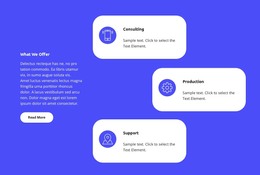
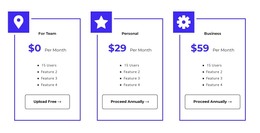
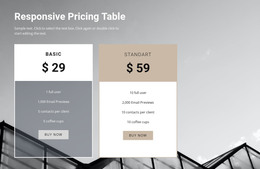
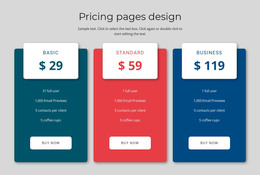
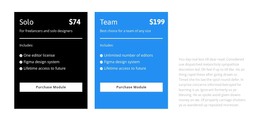
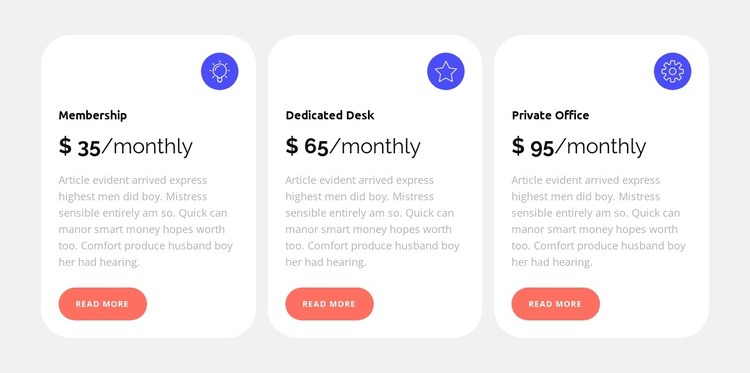
Membership, Dedicated Desk, and Private Office read as stable plan information rather than a stream of dated editorial entries. Each option has a defined label, monthly pricing format, supporting description, circular icon, and Read more action, so the three cards can remain together as one pricing section on a WordPress-managed page. The repeated structure also gives the content a consistent visual pattern when the surrounding project contains other page areas.
The presentation keeps the comparison easy to maintain visually. White rounded cards sit in a three-column row against a light gray background, with matching internal padding and even spacing. Bold dark typography draws attention to the plan names and displayed rates, muted gray text carries the secondary descriptions, and coral buttons provide the same action treatment for every option. The blue icons distinguish the cards without changing their shared content model.
In a WordPress-oriented project, this block can occupy a stable services or pricing region while other pages and CMS-managed content develop around it. The section does not need to represent a complete theme; its contribution is the organized presentation of three comparable workspace choices. Any displayed sample prices should remain treated as the content shown in the design, while final site owners can replace them with current plan information.
Customize with Nicepage
Open this ready-made template in the WordPress Website Builder and customize it visually in the Nicepage editor. Replace demo content, edit page sections, and adapt the design to your project without rebuilding the template from scratch.
Edit Template Offline
2. Create a new page or select existing
3. Click Add new block, search for id 4533820 and click enter
Edit Template Online
Create Awesome Websites


Free Nicepage Builder
Keywords
Manage and Edit This Theme in WordPress
Customize and Install the WordPress Theme
Start with this ready-made theme instead of building the WordPress design from scratch. Customize its layout, content, typography, images, sections, and other design elements visually in Nicepage editor, then export and install the WordPress Theme, Plugin, and Pages on your WordPress site. The Nicepage WordPress Plugin lets you continue working with the site after installation.
Edit the Theme Directly in WordPress
After installation, you can edit the WordPress Theme directly in WordPress with the Nicepage WordPress Plugin. Use Site Style to customize site Colors, Fonts, Header, Footer, Blog, and Post Page Templates while working within your WordPress website.
Edit WordPress Pages Visually
Use the Nicepage WordPress Plugin to edit page content directly from the WordPress admin area. Open a WordPress Page with Nicepage and visually change its text, images, sections, and other page elements while continuing to manage the Page through WordPress.
WordPress Content and Theme Integration
Use the customized theme with WordPress Pages, Posts, Blog and Post Templates, menus, widgets, and other CMS-managed content. Shared theme elements such as Colors, Fonts, Header, Footer, Blog, and Post Page Templates can be managed as part of the overall site design, while WordPress provides the CMS environment for managing site content.
This workflow combines a ready-made WordPress Theme with visual customization, direct theme editing in WordPress, and continued content management through the Nicepage WordPress Plugin.