We design great brands WordPress Theme



Edit Template Offline
2. Create new page and search for id 4269943
Edit Template Online
Create Awesome Websites


Free Nicepage Builder
Keywords
Capability, team, and studio content form a coherent WordPress theme base
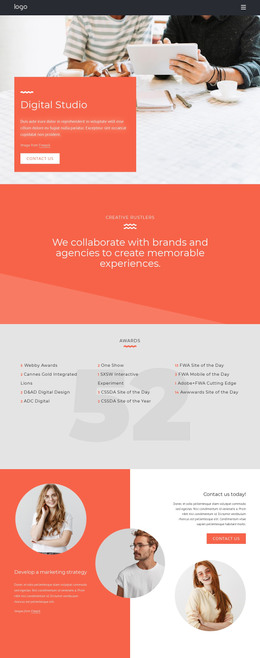
The page separates its content into areas that can translate naturally into a WordPress-managed design. Four numbered capability cards provide a repeated content pattern for explaining the studio’s work, while the opening hero establishes the permanent About Us context with a portrait, introduction, and Read more action. This combination gives page-oriented content a clear visual relationship instead of presenting the theme as only a collection of decorative sections.
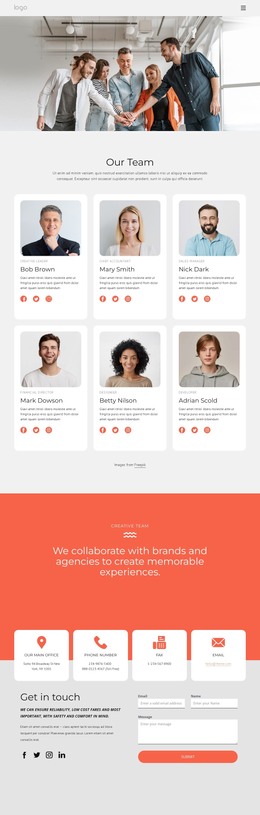
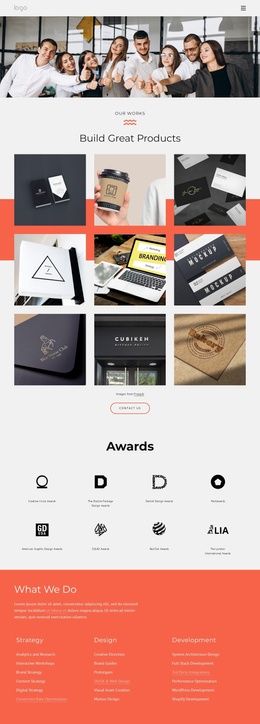
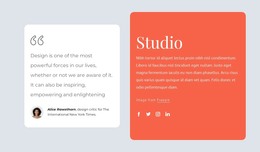
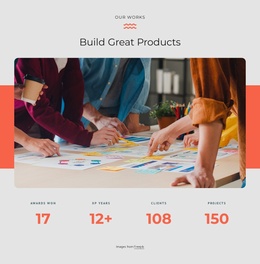
The team block and work section add different kinds of content emphasis. Overlapping circular portraits place people beside the “Our Team” message, while the large work image and four displayed metrics shift attention toward completed studio activity and measurable-looking presentation. The quote card credited to Alice Rawsthorn, the studio description, and the Facebook, Twitter, Instagram, and LinkedIn links then create an editorial and communication layer that can sit alongside the main page content.
The phone, location, and opening-hours cards provide a practical contact region near the end of the design. In a WordPress project, these permanent page areas could remain visually consistent while additional editorial or project content is developed around them; the template analysis does not establish a blog or post section, so none is assumed here. Its strength as a theme lies in the way capability, people, work, commentary, and contact information already occupy distinct, reusable visual roles.
Customize with Nicepage
Open this ready-made template in the WordPress Website Builder and customize it visually in the Nicepage editor. Replace demo content, edit page sections, and adapt the design to your project without rebuilding the template from scratch.
Manage and Edit This Theme in WordPress
Customize and Install the WordPress Theme
Start with this ready-made theme instead of building the WordPress design from scratch. Customize its layout, content, typography, images, sections, and other design elements visually in Nicepage editor, then export and install the WordPress Theme, Plugin, and Pages on your WordPress site. The Nicepage WordPress Plugin lets you continue working with the site after installation.
Edit the Theme Directly in WordPress
After installation, you can edit the WordPress Theme directly in WordPress with the Nicepage WordPress Plugin. Use Site Style to customize site Colors, Fonts, Header, Footer, Blog, and Post Page Templates while working within your WordPress website.
Edit WordPress Pages Visually
Use the Nicepage WordPress Plugin to edit page content directly from the WordPress admin area. Open a WordPress Page with Nicepage and visually change its text, images, sections, and other page elements while continuing to manage the Page through WordPress.
WordPress Content and Theme Integration
Use the customized theme with WordPress Pages, Posts, Blog and Post Templates, menus, widgets, and other CMS-managed content. Shared theme elements such as Colors, Fonts, Header, Footer, Blog, and Post Page Templates can be managed as part of the overall site design, while WordPress provides the CMS environment for managing site content.
This workflow combines a ready-made WordPress Theme with visual customization, direct theme editing in WordPress, and continued content management through the Nicepage WordPress Plugin.