Headline and shape WordPress Theme


A Focused Collaboration Message for WordPress Page Content
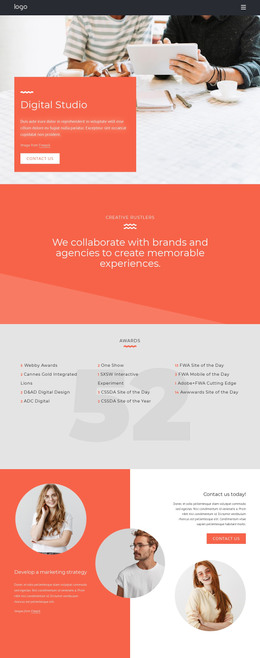
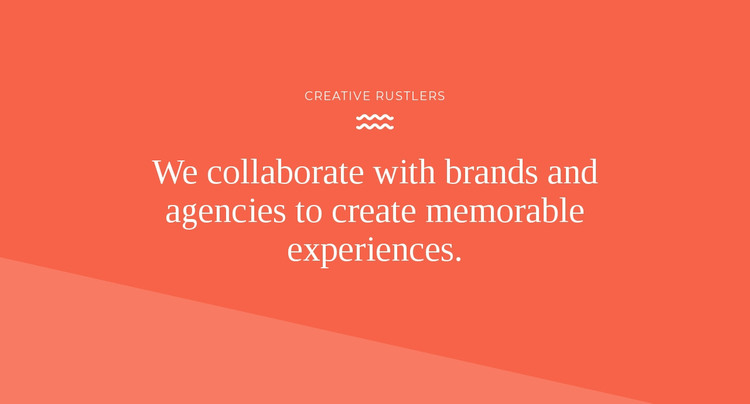
The “Creative Rustlers” label and the large collaboration heading form stable, page-oriented content rather than a collection of frequently changing items. Their centered vertical arrangement gives the section one clear reading path: a short identifier first, a decorative wave icon as a visual pause, and the longer statement as the main point. White serif-style typography maintains contrast against the coral-red background, while the lighter diagonal band adds separation along the lower edge without introducing another content area.
Within a WordPress-managed page, this block can serve as a permanent introductory section for a creative services or agency presentation. The wording establishes a relationship with brands and agencies, while the restrained structure leaves room for other page content to explain services, show work, or provide contact details elsewhere. The block itself remains focused on the opening message; it does not need to carry the broader publishing, navigation, or content-management responsibilities of the surrounding site.
The visual pattern also gives editors a consistent section to retain when the surrounding page evolves. The coral field, centered white type, wave icon, and diagonal lower shape can preserve the introduction’s identity while the text or supporting media is refined for the project. This makes the block useful as a recognizable page-content region inside a WordPress theme context, with its message and presentation kept distinct from the wider site framework.
Customize with Nicepage
Open this ready-made template in the WordPress Website Builder and customize it visually in the Nicepage editor. Replace demo content, edit page sections, and adapt the design to your project without rebuilding the template from scratch.
Edit Template Offline
2. Create a new page or select existing
3. Click Add new block, search for id 495977 and click enter
Edit Template Online
Create Awesome Websites


Free Nicepage Builder
Keywords
Manage and Edit This Theme in WordPress
Customize and Install the WordPress Theme
Start with this ready-made theme instead of building the WordPress design from scratch. Customize its layout, content, typography, images, sections, and other design elements visually in Nicepage editor, then export and install the WordPress Theme, Plugin, and Pages on your WordPress site. The Nicepage WordPress Plugin lets you continue working with the site after installation.
Edit the Theme Directly in WordPress
After installation, you can edit the WordPress Theme directly in WordPress with the Nicepage WordPress Plugin. Use Site Style to customize site Colors, Fonts, Header, Footer, Blog, and Post Page Templates while working within your WordPress website.
Edit WordPress Pages Visually
Use the Nicepage WordPress Plugin to edit page content directly from the WordPress admin area. Open a WordPress Page with Nicepage and visually change its text, images, sections, and other page elements while continuing to manage the Page through WordPress.
WordPress Content and Theme Integration
Use the customized theme with WordPress Pages, Posts, Blog and Post Templates, menus, widgets, and other CMS-managed content. Shared theme elements such as Colors, Fonts, Header, Footer, Blog, and Post Page Templates can be managed as part of the overall site design, while WordPress provides the CMS environment for managing site content.
This workflow combines a ready-made WordPress Theme with visual customization, direct theme editing in WordPress, and continued content management through the Nicepage WordPress Plugin.