Five new destinations WordPress Theme


A Four-Part Capability List for WordPress Page Content
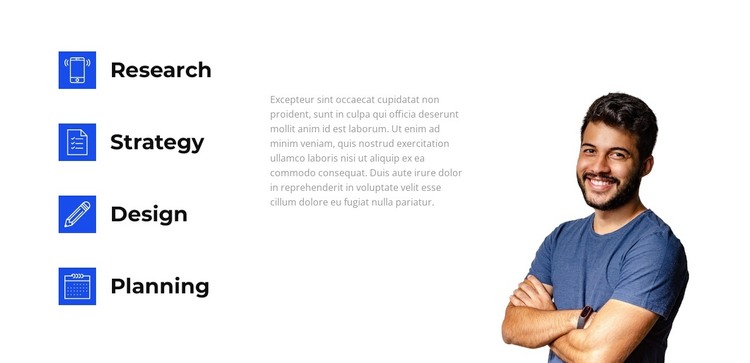
The left side of the block reads as stable page content: four named capabilities—Research, Strategy, Design, and Planning—are separated into individual items and reinforced by matching blue square icons. This repeated treatment gives each label equal importance while allowing the group to communicate a progression or range of business process activities. The generous vertical spacing prevents the titles from merging into one dense text area.
In the same section, a supporting paragraph occupies the center and a smiling male portrait sits on the right. The paragraph is rendered in light gray, so it adds explanation without competing with the darker capability labels. The portrait supplies a human focal point and is cropped at the lower edge, helping the image remain visually contained within the section. These relationships make the block more than a simple list: information, explanation, and imagery each have a defined position.
For a WordPress-managed page, the arrangement can serve as a permanent capabilities or process area around which other content is organized. The broader site can handle additional pages and publishing needs separately, while this section keeps the four named areas visually consistent. It functions as page content within the wider theme context, not as a standalone WordPress Theme.
Customize with Nicepage
Open this ready-made template in the WordPress Website Builder and customize it visually in the Nicepage editor. Replace demo content, edit page sections, and adapt the design to your project without rebuilding the template from scratch.
Edit Template Offline
2. Create a new page or select existing
3. Click Add new block, search for id 2470837 and click enter
Edit Template Online
Create Awesome Websites


Free Nicepage Builder
Keywords
Manage and Edit This Theme in WordPress
Customize and Install the WordPress Theme
Start with this ready-made theme instead of building the WordPress design from scratch. Customize its layout, content, typography, images, sections, and other design elements visually in Nicepage editor, then export and install the WordPress Theme, Plugin, and Pages on your WordPress site. The Nicepage WordPress Plugin lets you continue working with the site after installation.
Edit the Theme Directly in WordPress
After installation, you can edit the WordPress Theme directly in WordPress with the Nicepage WordPress Plugin. Use Site Style to customize site Colors, Fonts, Header, Footer, Blog, and Post Page Templates while working within your WordPress website.
Edit WordPress Pages Visually
Use the Nicepage WordPress Plugin to edit page content directly from the WordPress admin area. Open a WordPress Page with Nicepage and visually change its text, images, sections, and other page elements while continuing to manage the Page through WordPress.
WordPress Content and Theme Integration
Use the customized theme with WordPress Pages, Posts, Blog and Post Templates, menus, widgets, and other CMS-managed content. Shared theme elements such as Colors, Fonts, Header, Footer, Blog, and Post Page Templates can be managed as part of the overall site design, while WordPress provides the CMS environment for managing site content.
This workflow combines a ready-made WordPress Theme with visual customization, direct theme editing in WordPress, and continued content management through the Nicepage WordPress Plugin.