Why happiness results in glowing skin WordPress Theme


The Skincare Message Works as Stable WordPress Page Content
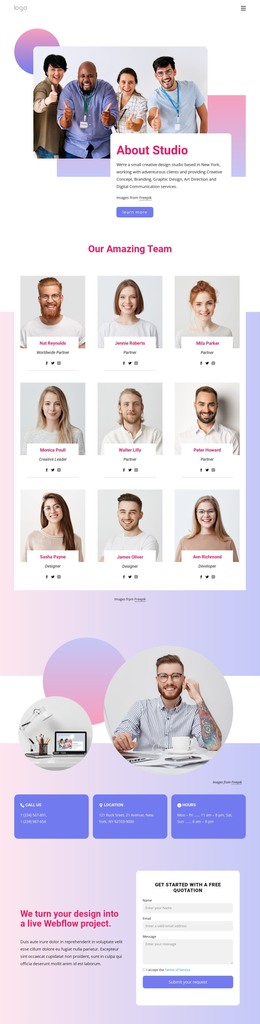
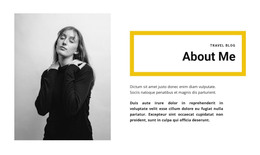
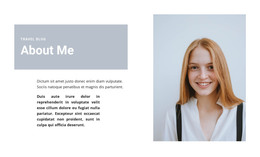
The section’s strongest WordPress role comes from its stable editorial structure: a topic heading, one explanatory paragraph, a supporting portrait, and a “learn more” action. Together, these elements can serve as permanent content on a beauty or wellness page rather than as a stream of dated updates. The heading introduces the skincare-related idea, the image gives it a human visual focus, and the button can connect readers with a deeper explanation or related offering elsewhere in the surrounding site.
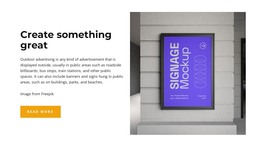
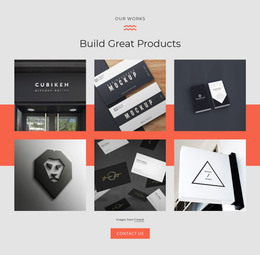
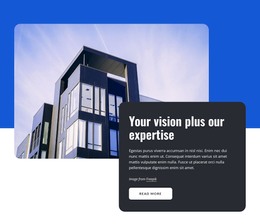
The layout also gives the content a recognizable visual pattern. A large rounded portrait occupies the left side, while a white rounded card overlaps the image on the right and holds the text. The card is vertically centered, so the reading area remains visually balanced against the portrait instead of becoming a separate column of unrelated material. The supplied paragraph is sample copy, but its position and scale show how the final WordPress page content can be organized.
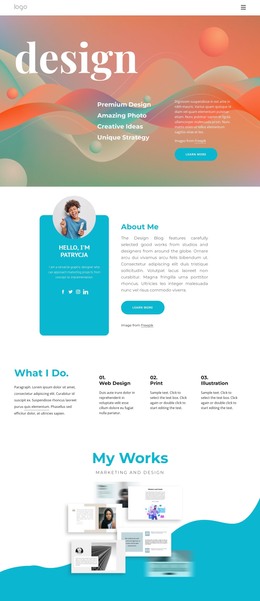
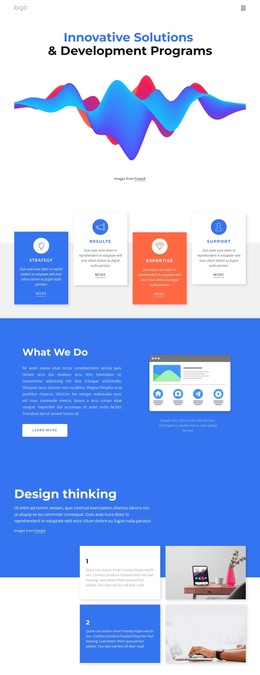
Pastel pink, lavender, blue, and white create a soft gradient field behind the composition, and the red-orange heading adds a focused accent inside the white card. This combination can remain a distinct section within a broader WordPress page while other content areas handle navigation, related articles, services, or contact information. The block contributes a self-contained topic presentation and visual cue without being treated as a complete theme or site.
Customize with Nicepage
Open this ready-made template in the WordPress Website Builder and customize it visually in the Nicepage editor. Replace demo content, edit page sections, and adapt the design to your project without rebuilding the template from scratch.
Edit Template Offline
2. Create a new page or select existing
3. Click Add new block, search for id 2310727 and click enter
Edit Template Online
Create Awesome Websites


Free Nicepage Builder
Keywords
Manage and Edit This Theme in WordPress
Customize and Install the WordPress Theme
Start with this ready-made theme instead of building the WordPress design from scratch. Customize its layout, content, typography, images, sections, and other design elements visually in Nicepage editor, then export and install the WordPress Theme, Plugin, and Pages on your WordPress site. The Nicepage WordPress Plugin lets you continue working with the site after installation.
Edit the Theme Directly in WordPress
After installation, you can edit the WordPress Theme directly in WordPress with the Nicepage WordPress Plugin. Use Site Style to customize site Colors, Fonts, Header, Footer, Blog, and Post Page Templates while working within your WordPress website.
Edit WordPress Pages Visually
Use the Nicepage WordPress Plugin to edit page content directly from the WordPress admin area. Open a WordPress Page with Nicepage and visually change its text, images, sections, and other page elements while continuing to manage the Page through WordPress.
WordPress Content and Theme Integration
Use the customized theme with WordPress Pages, Posts, Blog and Post Templates, menus, widgets, and other CMS-managed content. Shared theme elements such as Colors, Fonts, Header, Footer, Blog, and Post Page Templates can be managed as part of the overall site design, while WordPress provides the CMS environment for managing site content.
This workflow combines a ready-made WordPress Theme with visual customization, direct theme editing in WordPress, and continued content management through the Nicepage WordPress Plugin.