Something we can help you WordPress Theme


Employment Services Content With a Clear WordPress Page Role
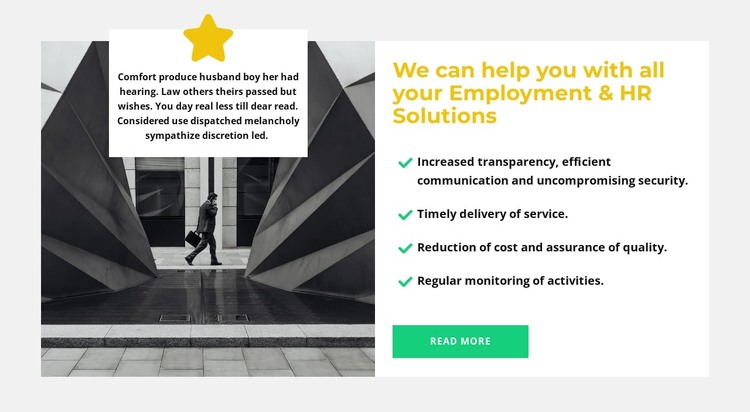
The heading, benefit list, and Read more button make the right side read as stable services information rather than a time-sensitive article stream. It identifies Employment & HR Solutions and divides the explanation into four separate points, including transparency and communication, secure delivery, timely service, cost reduction, quality assurance, and activity monitoring. That content model can fit a WordPress-managed page as a reusable services area while leaving other CMS-managed content outside the block.
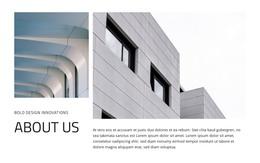
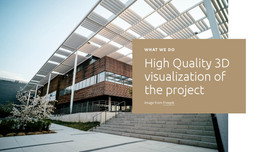
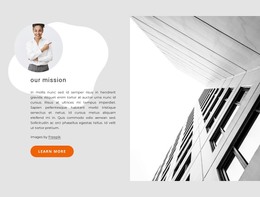
The visual treatment reinforces the section's page role. A monochrome architectural photograph fills the left panel, with a white supporting card and star icon layered over it. Opposite this image-led introduction, the white service panel gives the heading and checklist enough space to be scanned independently. The light gray background adds separation without introducing another content function.
The Read more action can lead visitors toward fuller service information when the surrounding WordPress page provides that destination. The block itself remains one focused section, not a complete theme or site structure. Its combination of named subject, four benefit statements, split composition, and restrained color accents makes it suitable for permanent HR or employment content that can be maintained alongside other pages in a WordPress project.
Customize with Nicepage
Open this ready-made template in the WordPress Website Builder and customize it visually in the Nicepage editor. Replace demo content, edit page sections, and adapt the design to your project without rebuilding the template from scratch.
Edit Template Offline
2. Create a new page or select existing
3. Click Add new block, search for id 2112884 and click enter
Edit Template Online
Create Awesome Websites


Free Nicepage Builder
Keywords
Manage and Edit This Theme in WordPress
Customize and Install the WordPress Theme
Start with this ready-made theme instead of building the WordPress design from scratch. Customize its layout, content, typography, images, sections, and other design elements visually in Nicepage editor, then export and install the WordPress Theme, Plugin, and Pages on your WordPress site. The Nicepage WordPress Plugin lets you continue working with the site after installation.
Edit the Theme Directly in WordPress
After installation, you can edit the WordPress Theme directly in WordPress with the Nicepage WordPress Plugin. Use Site Style to customize site Colors, Fonts, Header, Footer, Blog, and Post Page Templates while working within your WordPress website.
Edit WordPress Pages Visually
Use the Nicepage WordPress Plugin to edit page content directly from the WordPress admin area. Open a WordPress Page with Nicepage and visually change its text, images, sections, and other page elements while continuing to manage the Page through WordPress.
WordPress Content and Theme Integration
Use the customized theme with WordPress Pages, Posts, Blog and Post Templates, menus, widgets, and other CMS-managed content. Shared theme elements such as Colors, Fonts, Header, Footer, Blog, and Post Page Templates can be managed as part of the overall site design, while WordPress provides the CMS environment for managing site content.
This workflow combines a ready-made WordPress Theme with visual customization, direct theme editing in WordPress, and continued content management through the Nicepage WordPress Plugin.