Leading interior studio WordPress Theme


Studio Information That Fits a WordPress-Managed Page
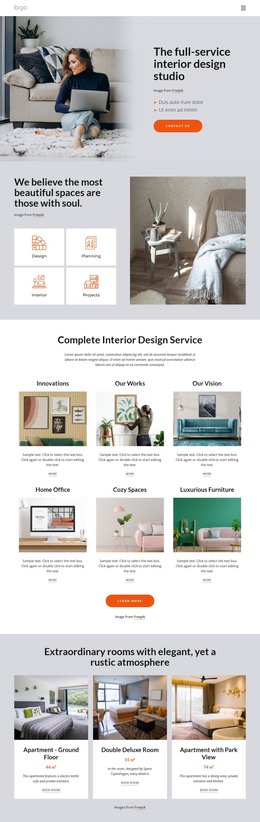
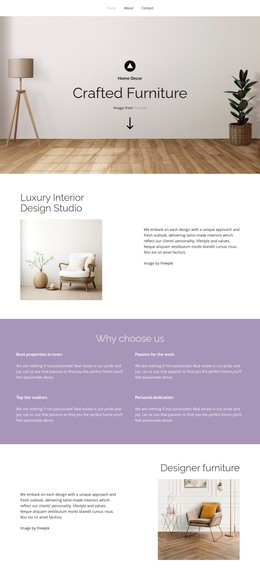
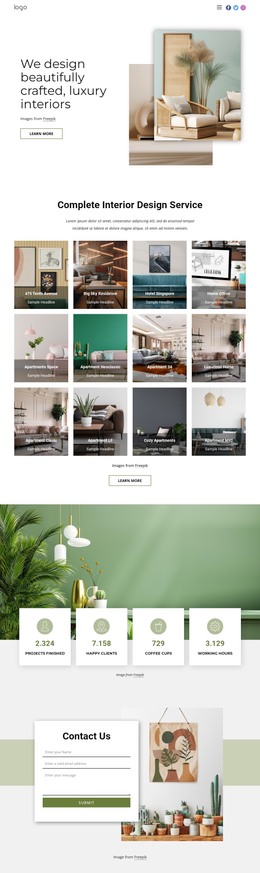
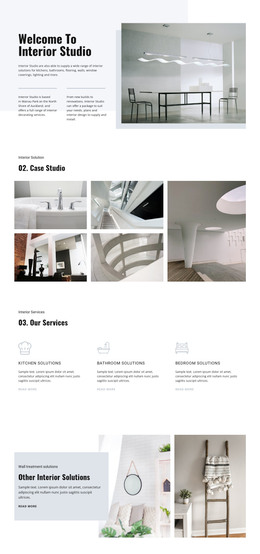
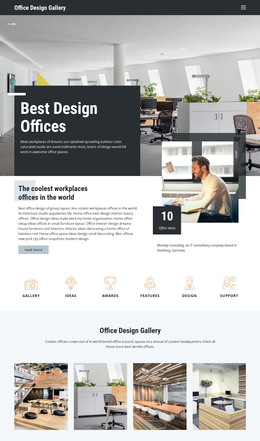
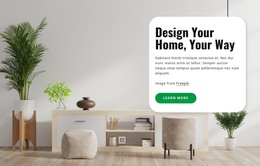
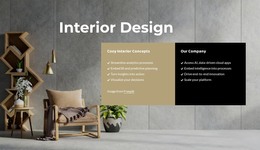
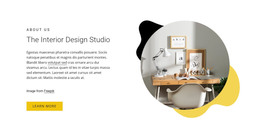
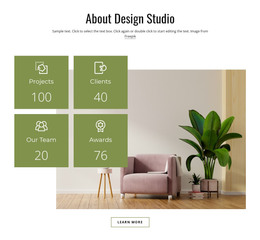
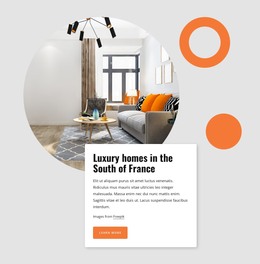
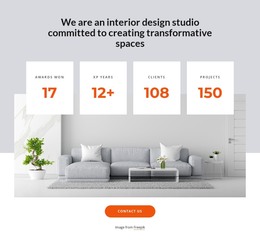
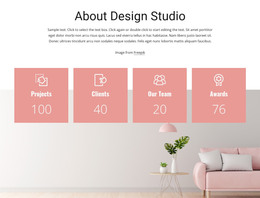
The centered heading and supporting paragraph provide stable page content introducing an interior design studio. Unlike time-sensitive material, this kind of studio overview can remain a consistent section while the wider WordPress-managed project develops other content around it. The large interior photograph reinforces the subject through a bright room scene with a plant, chair, side table, and wood flooring, giving the page content a strong visual reference.
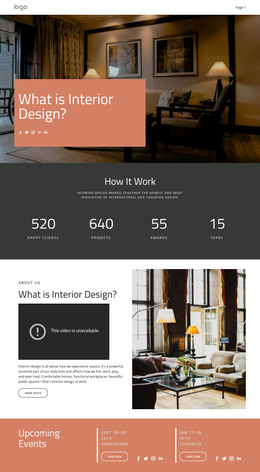
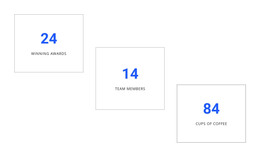
The four repeated counter cards add a compact summary structure. They display “Awards won,” “XP years,” “Clients,” and “Projects,” with the visible values 17, 12+, 108, and 150. These values should remain understood as the figures shown in the design, while the repeated card pattern provides an organized way to present studio information. The Contact Us button creates a local action for the section, and the Freepik credit preserves the image attribution.
Within a WordPress-oriented project, the block can serve as permanent content on an About or studio-information page while the surrounding site manages other pages and publishing needs. Its visual treatment can remain consistent with related page sections, but the block itself continues to represent one focused content area. The distinction is useful when adapting the design without assigning it the scope of a complete WordPress Theme.
Customize with Nicepage
Open this ready-made template in the WordPress Website Builder and customize it visually in the Nicepage editor. Replace demo content, edit page sections, and adapt the design to your project without rebuilding the template from scratch.
Edit Template Offline
2. Create a new page or select existing
3. Click Add new block, search for id 1715502 and click enter
Edit Template Online
Create Awesome Websites


Free Nicepage Builder
Keywords
Manage and Edit This Theme in WordPress
Customize and Install the WordPress Theme
Start with this ready-made theme instead of building the WordPress design from scratch. Customize its layout, content, typography, images, sections, and other design elements visually in Nicepage editor, then export and install the WordPress Theme, Plugin, and Pages on your WordPress site. The Nicepage WordPress Plugin lets you continue working with the site after installation.
Edit the Theme Directly in WordPress
After installation, you can edit the WordPress Theme directly in WordPress with the Nicepage WordPress Plugin. Use Site Style to customize site Colors, Fonts, Header, Footer, Blog, and Post Page Templates while working within your WordPress website.
Edit WordPress Pages Visually
Use the Nicepage WordPress Plugin to edit page content directly from the WordPress admin area. Open a WordPress Page with Nicepage and visually change its text, images, sections, and other page elements while continuing to manage the Page through WordPress.
WordPress Content and Theme Integration
Use the customized theme with WordPress Pages, Posts, Blog and Post Templates, menus, widgets, and other CMS-managed content. Shared theme elements such as Colors, Fonts, Header, Footer, Blog, and Post Page Templates can be managed as part of the overall site design, while WordPress provides the CMS environment for managing site content.
This workflow combines a ready-made WordPress Theme with visual customization, direct theme editing in WordPress, and continued content management through the Nicepage WordPress Plugin.