Creative counters design WordPress Theme


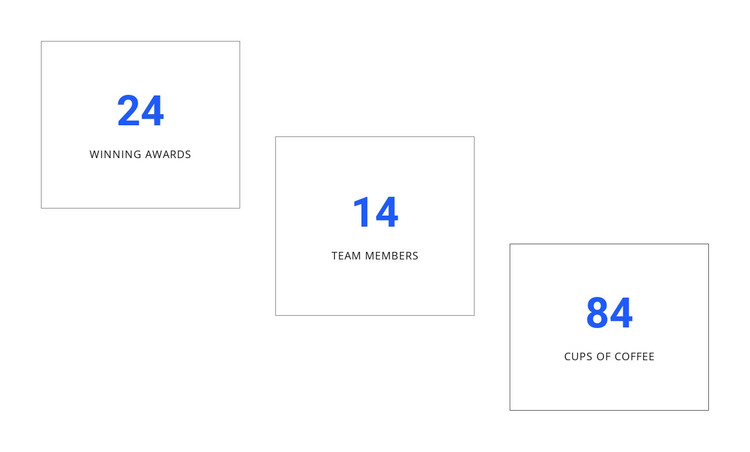
Three counter cards provide stable page content for a CMS-managed layout
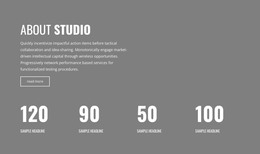
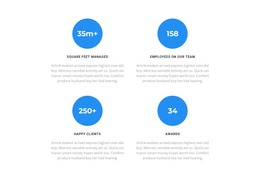
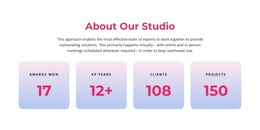
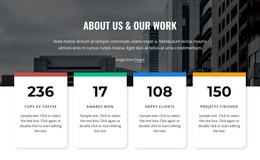
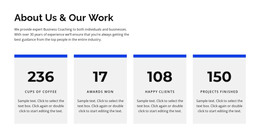
The counter cards read as stable, page-oriented content rather than as a stream of dated entries. Each outlined unit presents one numerical item through a large blue numeral and a short uppercase label, creating a compact section that can sit within a WordPress-managed page. The examples for winning awards, team members, and cups of coffee show how the block organizes metric labels around values, while the displayed figures remain sample content.
The horizontal row makes the three items function as one related content area, and the ascending vertical stagger gives the page section a recognizable visual shape. Thin gray borders separate the cards without adding heavy decoration, while the white background and generous whitespace keep the content readable. In a WordPress-oriented project, this block can hold stable metrics content alongside other page sections, with the wider site handling navigation and additional managed content around it. Its usefulness comes from the fixed relationship between the three cards and their labels, not from assuming a particular post, category, widget, or theme structure inside the block. The section can therefore remain visually consistent while the surrounding page evolves through the CMS.
Customize with Nicepage
Open this ready-made template in the WordPress Website Builder and customize it visually in the Nicepage editor. Replace demo content, edit page sections, and adapt the design to your project without rebuilding the template from scratch.
Edit Template Offline
2. Create a new page or select existing
3. Click Add new block, search for id 41917 and click enter
Edit Template Online
Create Awesome Websites


Free Nicepage Builder
Keywords
Manage and Edit This Theme in WordPress
Customize and Install the WordPress Theme
Start with this ready-made theme instead of building the WordPress design from scratch. Customize its layout, content, typography, images, sections, and other design elements visually in Nicepage editor, then export and install the WordPress Theme, Plugin, and Pages on your WordPress site. The Nicepage WordPress Plugin lets you continue working with the site after installation.
Edit the Theme Directly in WordPress
After installation, you can edit the WordPress Theme directly in WordPress with the Nicepage WordPress Plugin. Use Site Style to customize site Colors, Fonts, Header, Footer, Blog, and Post Page Templates while working within your WordPress website.
Edit WordPress Pages Visually
Use the Nicepage WordPress Plugin to edit page content directly from the WordPress admin area. Open a WordPress Page with Nicepage and visually change its text, images, sections, and other page elements while continuing to manage the Page through WordPress.
WordPress Content and Theme Integration
Use the customized theme with WordPress Pages, Posts, Blog and Post Templates, menus, widgets, and other CMS-managed content. Shared theme elements such as Colors, Fonts, Header, Footer, Blog, and Post Page Templates can be managed as part of the overall site design, while WordPress provides the CMS environment for managing site content.
This workflow combines a ready-made WordPress Theme with visual customization, direct theme editing in WordPress, and continued content management through the Nicepage WordPress Plugin.