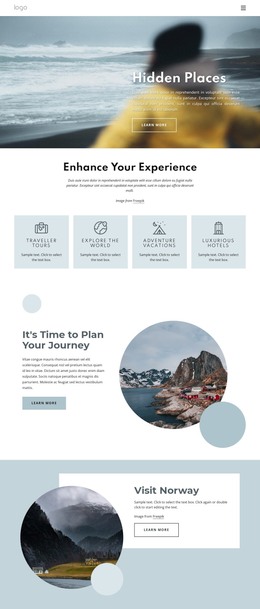
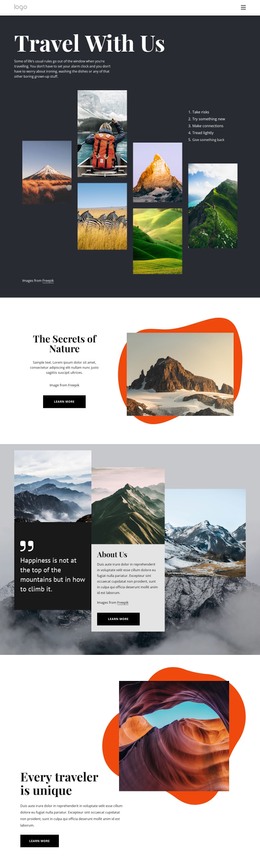
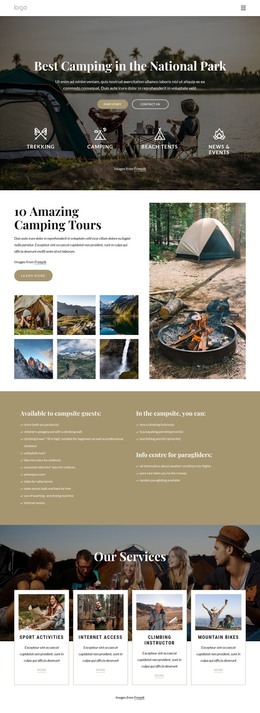
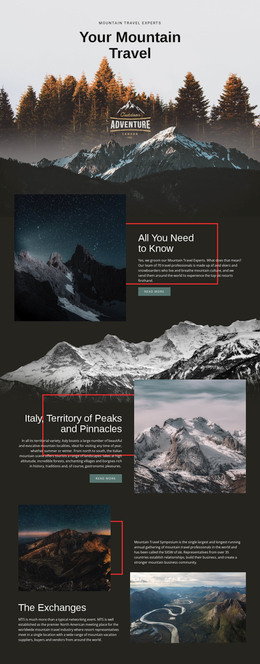
Adventure holidays for everyone WordPress Theme


Numbered Information Becomes Stable WordPress Page Content
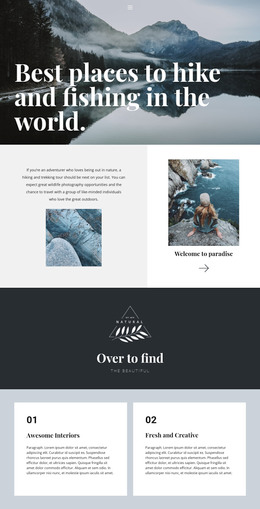
The two numbered panels give this block a useful role as permanent page content rather than a stream of time-sensitive entries. The left side introduces the first information unit through the circular portrait and pale 01 panel. The center then changes the visual emphasis: an orange 02 panel sits above a landscape photograph, making the second unit easy to distinguish while keeping it connected to the first. The right column holds a muted gray supporting paragraph, which can clarify the subject without competing with the numbered sequence.
For a WordPress-managed page, this arrangement can remain a reusable editorial or informational section while the surrounding project handles other content areas. Its three-column composition is already self-contained: the portrait supports the first panel, the landscape image reinforces the second, and the separate paragraph provides an adjacent explanation. Because the interaction is static, the section communicates through visible hierarchy rather than tabs, sliders, or expandable controls. The bold 01 and 02 labels help readers scan the order, while the white background and open spacing preserve separation between the content groups. The sample text can be replaced with final WordPress page copy without changing the block’s core structure or its role within a larger page.
Customize with Nicepage
Open this ready-made template in the WordPress Website Builder and customize it visually in the Nicepage editor. Replace demo content, edit page sections, and adapt the design to your project without rebuilding the template from scratch.
Edit Template Offline
2. Create a new page or select existing
3. Click Add new block, search for id 1092417 and click enter
Edit Template Online
Create Awesome Websites


Free Nicepage Builder
Keywords
Manage and Edit This Theme in WordPress
Customize and Install the WordPress Theme
Start with this ready-made theme instead of building the WordPress design from scratch. Customize its layout, content, typography, images, sections, and other design elements visually in Nicepage editor, then export and install the WordPress Theme, Plugin, and Pages on your WordPress site. The Nicepage WordPress Plugin lets you continue working with the site after installation.
Edit the Theme Directly in WordPress
After installation, you can edit the WordPress Theme directly in WordPress with the Nicepage WordPress Plugin. Use Site Style to customize site Colors, Fonts, Header, Footer, Blog, and Post Page Templates while working within your WordPress website.
Edit WordPress Pages Visually
Use the Nicepage WordPress Plugin to edit page content directly from the WordPress admin area. Open a WordPress Page with Nicepage and visually change its text, images, sections, and other page elements while continuing to manage the Page through WordPress.
WordPress Content and Theme Integration
Use the customized theme with WordPress Pages, Posts, Blog and Post Templates, menus, widgets, and other CMS-managed content. Shared theme elements such as Colors, Fonts, Header, Footer, Blog, and Post Page Templates can be managed as part of the overall site design, while WordPress provides the CMS environment for managing site content.
This workflow combines a ready-made WordPress Theme with visual customization, direct theme editing in WordPress, and continued content management through the Nicepage WordPress Plugin.