Two solutions to the situation WordPress Theme


Numbered Page Content with a Distinct Visual Counterpoint
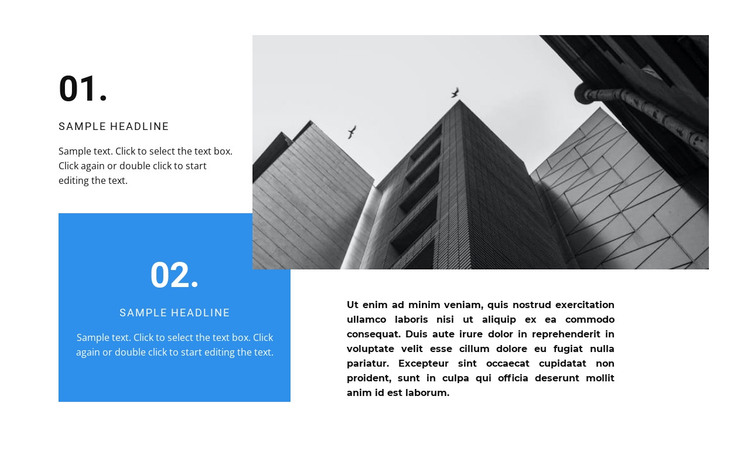
The left side of the block reads as stable page content because its two numbered panels divide information into clear, reusable units. The 01 and 02 sequence can organize two explanations, alternatives, or stages, while the blue background on the second panel creates a visual counterpoint to the first. Rather than presenting the text as one continuous paragraph, the layout gives each point its own bounded area and makes the order visible at a glance.
The right side supplies a different kind of content relationship. A black-and-white architectural photograph occupies the upper portion, followed by a supporting paragraph that can explain or qualify the visual reference. This image-over-text arrangement balances the stacked panels and creates an asymmetrical composition without adding interaction. The white field, black type, compact uppercase labels, oversized numbers, and rectangular shapes keep the section coherent while leaving the content areas easy to identify.
In a WordPress-oriented project, the block can serve as one reusable page-content region within a broader theme and site structure. It may suit a stable informational section where two points need emphasis beside an illustrative image, while other WordPress-managed areas handle the rest of the page. The block supplies its own internal order and visual treatment; the surrounding project determines how it is placed and what neighboring content accompanies it.
Customize with Nicepage
Open this ready-made template in the WordPress Website Builder and customize it visually in the Nicepage editor. Replace demo content, edit page sections, and adapt the design to your project without rebuilding the template from scratch.
Edit Template Offline
2. Create a new page or select existing
3. Click Add new block, search for id 1051347 and click enter
Edit Template Online
Create Awesome Websites


Free Nicepage Builder
Keywords
Manage and Edit This Theme in WordPress
Customize and Install the WordPress Theme
Start with this ready-made theme instead of building the WordPress design from scratch. Customize its layout, content, typography, images, sections, and other design elements visually in Nicepage editor, then export and install the WordPress Theme, Plugin, and Pages on your WordPress site. The Nicepage WordPress Plugin lets you continue working with the site after installation.
Edit the Theme Directly in WordPress
After installation, you can edit the WordPress Theme directly in WordPress with the Nicepage WordPress Plugin. Use Site Style to customize site Colors, Fonts, Header, Footer, Blog, and Post Page Templates while working within your WordPress website.
Edit WordPress Pages Visually
Use the Nicepage WordPress Plugin to edit page content directly from the WordPress admin area. Open a WordPress Page with Nicepage and visually change its text, images, sections, and other page elements while continuing to manage the Page through WordPress.
WordPress Content and Theme Integration
Use the customized theme with WordPress Pages, Posts, Blog and Post Templates, menus, widgets, and other CMS-managed content. Shared theme elements such as Colors, Fonts, Header, Footer, Blog, and Post Page Templates can be managed as part of the overall site design, while WordPress provides the CMS environment for managing site content.
This workflow combines a ready-made WordPress Theme with visual customization, direct theme editing in WordPress, and continued content management through the Nicepage WordPress Plugin.