Find your next favorite trail Template


Edit Template Offline
2. Create new page and search for id 255645
Edit Template Online
Create Awesome Websites


Free Nicepage Builder
Keywords
A Gallery-Led Choice for Hiking and Adventure Travel Stories
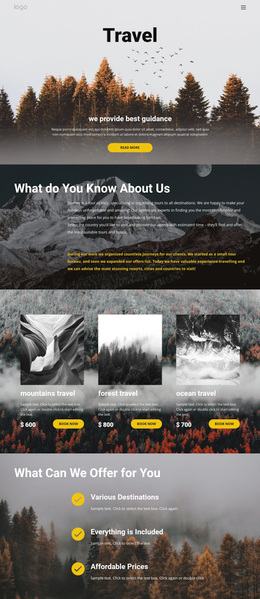
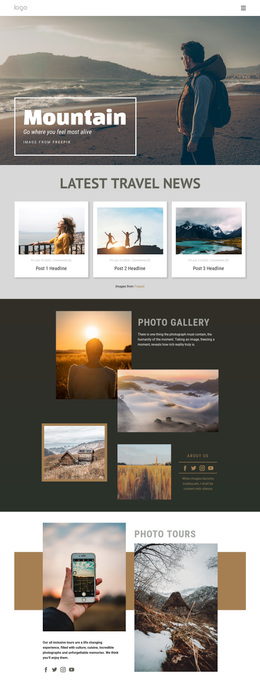
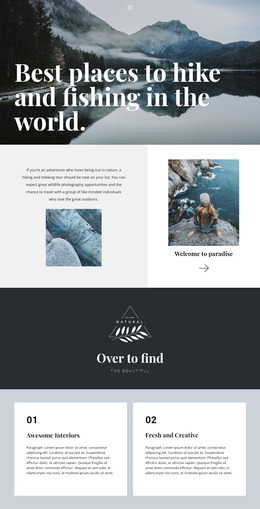
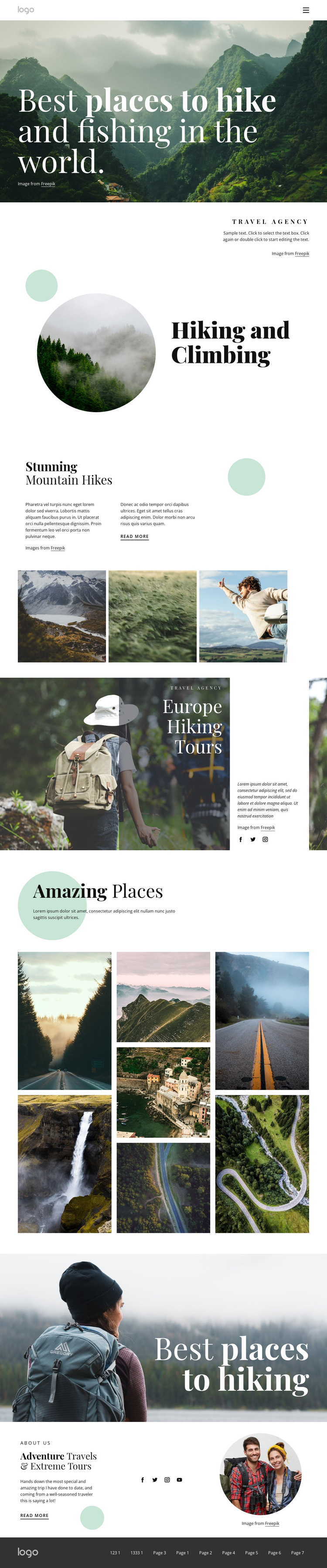
Large landscape photography carries much of the page's message, beginning with the opening mountain image and continuing through the three-image mountain gallery, Europe Hiking Tours feature, and seven-image Amazing Places mosaic. That emphasis makes the design a distinctive option for travel projects where visitors need to see the character of destinations before reading extensive explanatory copy. The visual story is not limited to one image: it moves from a broad mountain introduction to a focused activity, then to a smaller gallery and a wider collection of places.
The page also covers several useful content angles without losing its outdoor focus. Hiking and Climbing names a specific activity, Europe Hiking Tours gives the design a geographic direction, and Adventure Travels & Extreme Tours broadens the closing agency message. Circular images in the activity and closing sections soften the otherwise spacious editorial composition, while dark green, white, and muted neutral tones keep the natural photography central. Read more links and social areas provide supporting routes for continued exploration, but the design does not depend on an unverified booking form, price list, or testimonial system. It is therefore most suitable as a ready-made design choice for an agency, tour project, or destination presentation that wants imagery and section variety to lead the visitor through the subject.
Customize with Nicepage
Open this ready-made template in the Template Builder and customize it visually in the Nicepage editor. Replace demo content, edit page sections, and adapt the design to your project without rebuilding the template from scratch.
Start With a Ready-Made Template
Choose a Design for a New Page
Use a ready-made template as a starting point instead of creating every page from a blank canvas. When adding a new page in Nicepage, browse available designs, compare different layouts, and choose an option that already fits the general purpose and visual direction of your project.
Browse Different Page Designs
Explore Page Designs using search, thematic categories, Design Sets, and full-page previews. The collection includes layouts for different subjects and page purposes, making it easier to compare alternatives before selecting a design to customize.
Customize the Selected Template
After choosing a design, create the page and continue editing it visually in Nicepage. Replace the demo content, adjust images, typography, colors, sections, and other elements, and adapt the ready-made layout to your own content instead of rebuilding the design from the beginning.
Explore More Design Directions
If the first option does not match your project closely enough, return to the design collection and compare other templates before committing to a layout. This makes the template library useful not only for faster page creation, but also for exploring different visual approaches and finding a suitable starting point for a new project.
This workflow gives you access to a broad collection of ready-made designs that can be selected, compared, and customized according to the needs of each new page or project.