Expeditions and tours to active volcanoes Template



Edit Template Offline
2. Create new page and search for id 1644444
Edit Template Online
Create Awesome Websites


Free Nicepage Builder
Keywords
Volcano Imagery, Travel Themes, and Inquiry Content Create a Distinctive Choice
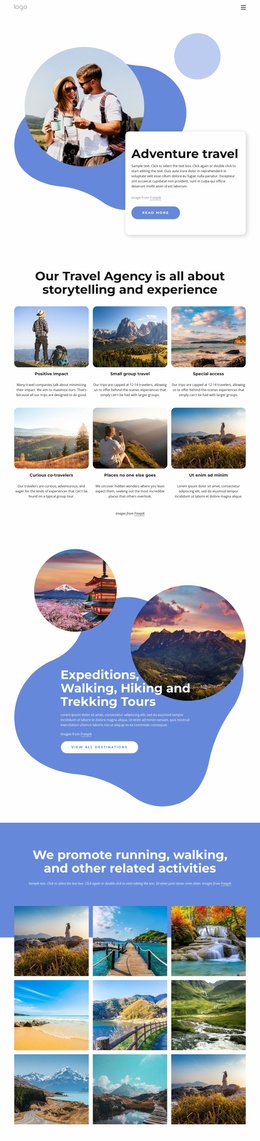
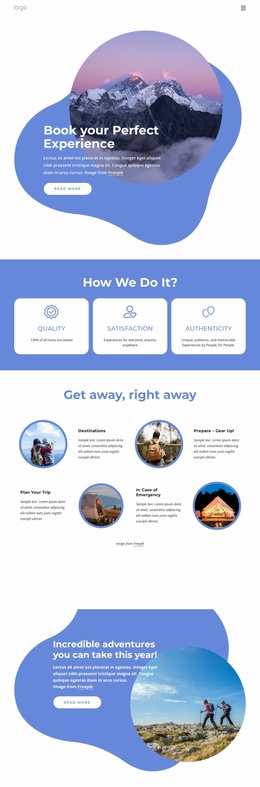
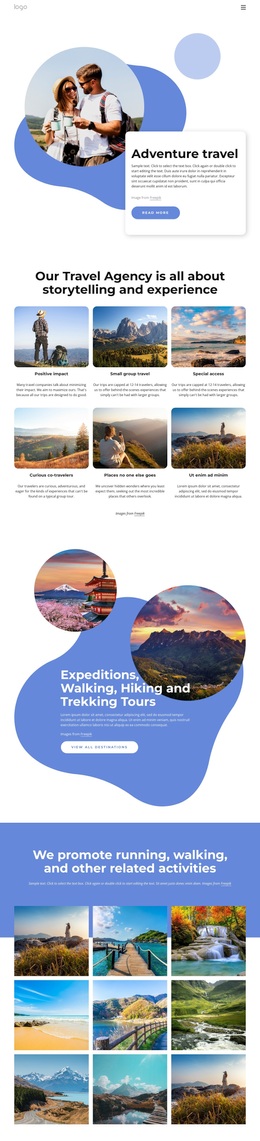
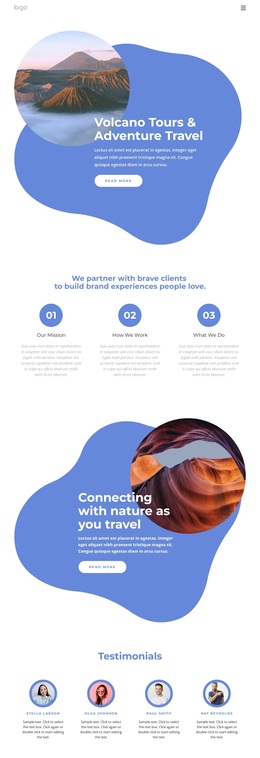
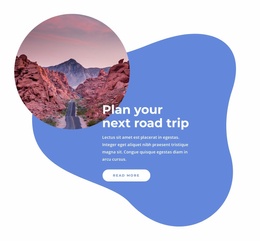
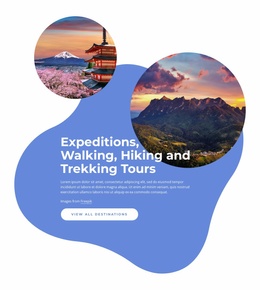
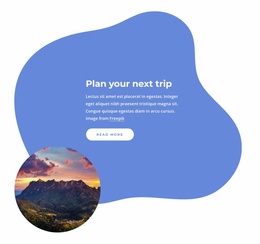
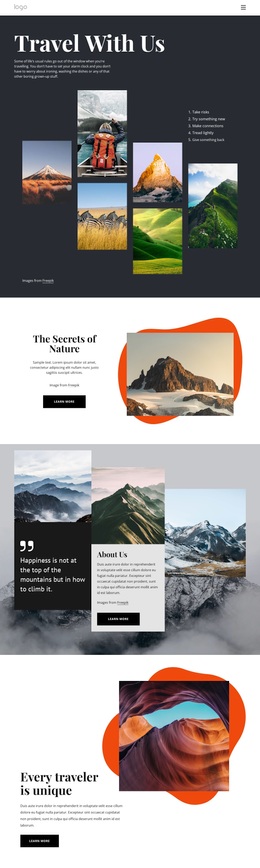
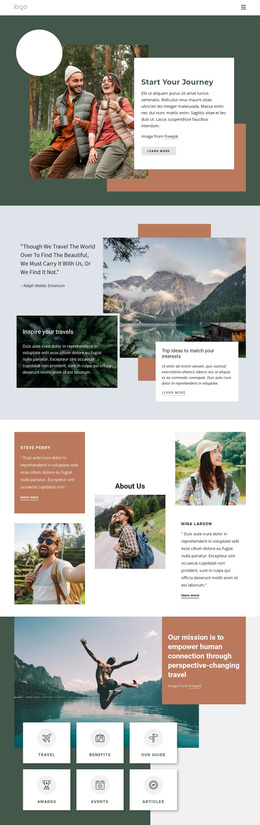
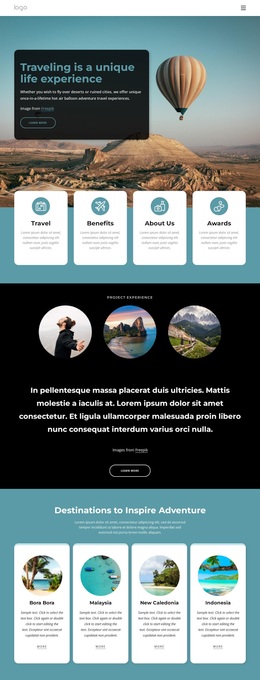
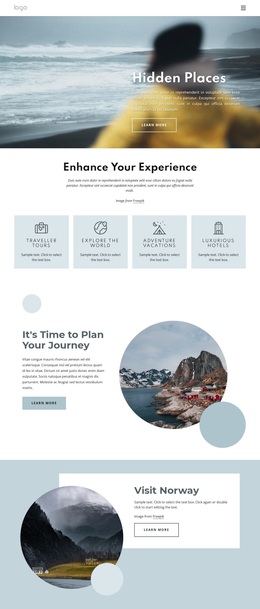
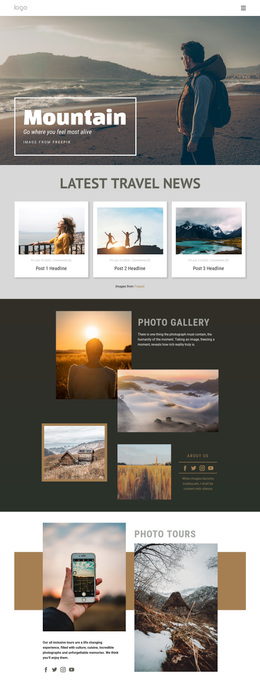
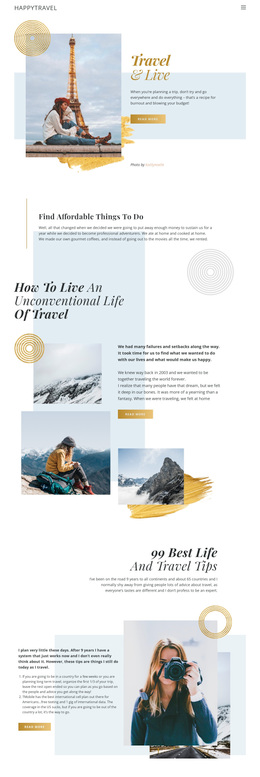
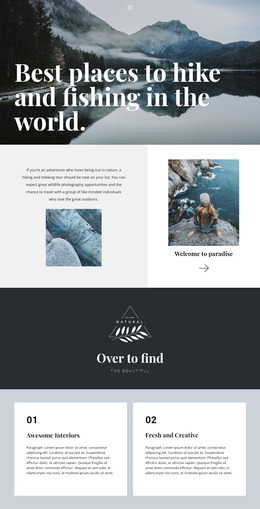
Volcanoes, mountains, lakes, coastal landscapes, and mountain roads give this design a clear visual subject from the first major section. The hero introduces Volcano Tours & Adventure Travel with a scenic circular photograph and an organic blue shape, while later image-led panels shift the emphasis toward connecting with nature and planning a road trip. That progression makes the template especially relevant to projects that need travel imagery to carry the message before visitors reach detailed explanations.
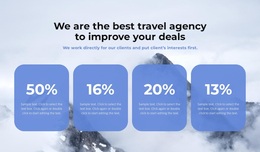
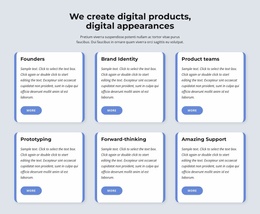
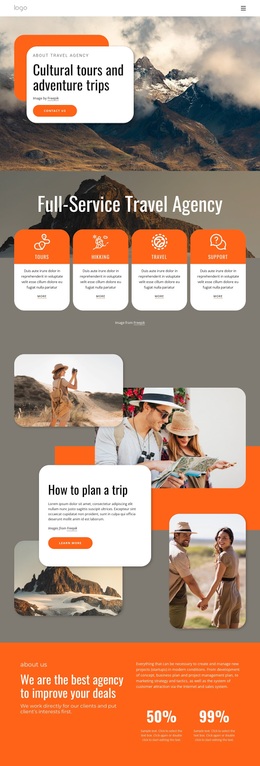
The page also covers more than one promotional angle. Three numbered cards separate Our Mission, How We Work, and What We Do, giving the agency presentation an organizational center between the scenic sections. Four testimonial profiles add a recognizable proof pattern, and four percentage cards create a contrasting metrics area over a travel landscape. Because these components serve different communication roles, the design can support an adventure brand that wants to combine inspiration, agency context, social proof, and supporting figures in one coherent presentation.
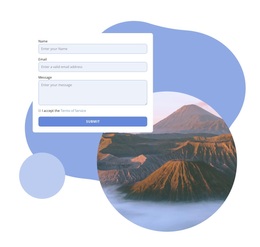
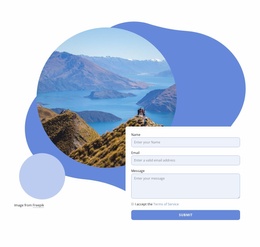
The final scenic contact area contains Name, Email, Message, terms acceptance, and Submit controls, so the visitor journey ends with a concrete inquiry opportunity rather than stopping at visual storytelling. Together with the Home, About Us, and Portfolio navigation, the blue-and-white palette, rounded cards, bold typography, and generous white space make this a useful design option for travel projects that want a nature-led identity with several content themes and a visible contact destination.
Customize with Nicepage
Open this ready-made template in the Template Builder and customize it visually in the Nicepage editor. Replace demo content, edit page sections, and adapt the design to your project without rebuilding the template from scratch.
Start With a Ready-Made Template
Choose a Design for a New Page
Use a ready-made template as a starting point instead of creating every page from a blank canvas. When adding a new page in Nicepage, browse available designs, compare different layouts, and choose an option that already fits the general purpose and visual direction of your project.
Browse Different Page Designs
Explore Page Designs using search, thematic categories, Design Sets, and full-page previews. The collection includes layouts for different subjects and page purposes, making it easier to compare alternatives before selecting a design to customize.
Customize the Selected Template
After choosing a design, create the page and continue editing it visually in Nicepage. Replace the demo content, adjust images, typography, colors, sections, and other elements, and adapt the ready-made layout to your own content instead of rebuilding the design from the beginning.
Explore More Design Directions
If the first option does not match your project closely enough, return to the design collection and compare other templates before committing to a layout. This makes the template library useful not only for faster page creation, but also for exploring different visual approaches and finding a suitable starting point for a new project.
This workflow gives you access to a broad collection of ready-made designs that can be selected, compared, and customized according to the needs of each new page or project.