Planning Your Travel Template


Edit Template Offline
2. Create new page and search for id 23416
Edit Template Online
Create Awesome Websites


Free Nicepage Builder
Keywords
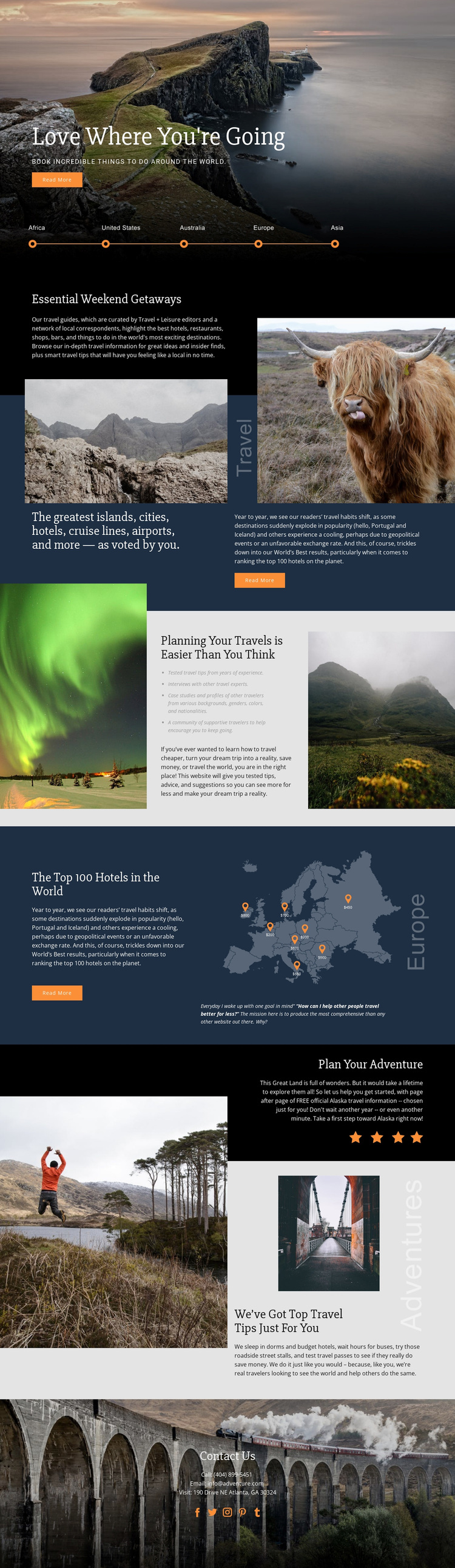
Destination Stories and a World Map Give This Travel Design Its Character
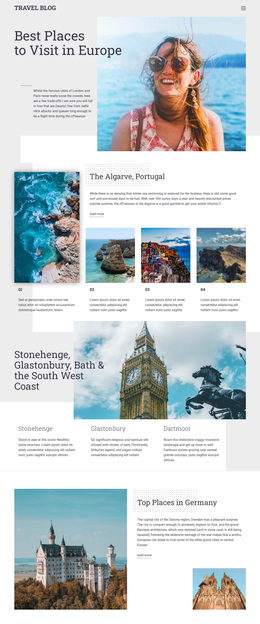
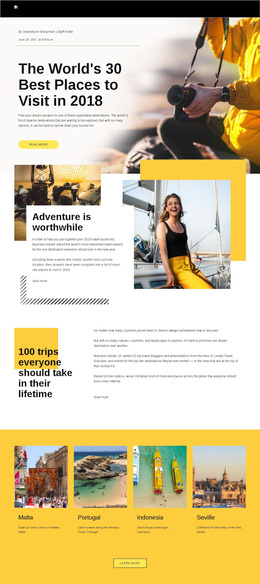
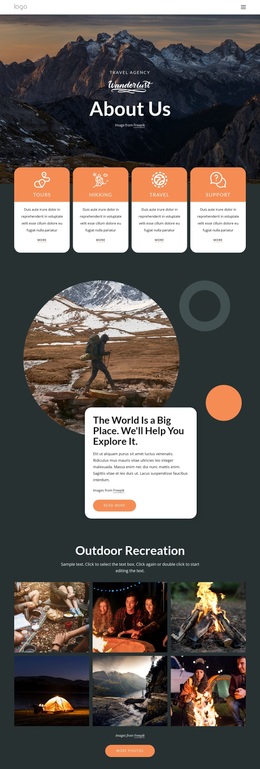
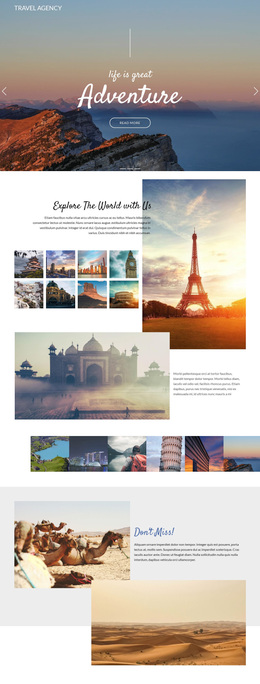
Scenic travel photography is the first reason this design stands out: the page uses large landscape images to establish an emotional setting before introducing detailed travel content. That visual approach continues through weekend getaway guidance, destination recommendations, and the practical tips section, making imagery a consistent carrier of place and atmosphere rather than a decorative addition.
The content coverage also distinguishes the design from a generic tourism homepage. It brings together reader-voted categories for islands, cities, hotels, cruise lines, and airports, then adds a dedicated feature about the top hotels in the world. The world map-style graphic and destination markers give the ranking content a geographic identity, while the planning section connects inspiration with advice, interviews, case-study references, and a community message.
The dark Plan Your Adventure panel creates a strong thematic pause before the page returns to travel experience and contact information. Portugal, Iceland, and Alaska provide recognizable destination references without limiting the layout to one location. For projects that need editorial storytelling, recommendations, and practical planning content in the same design, this is a useful option because its sections cover both discovery and guidance. The restrained palette, serif typography, asymmetry, and image-to-text contrast reinforce that travel-publishing position.
Customize with Nicepage
Open this ready-made template in the Template Builder and customize it visually in the Nicepage editor. Replace demo content, edit page sections, and adapt the design to your project without rebuilding the template from scratch.
Start With a Ready-Made Template
Choose a Design for a New Page
Use a ready-made template as a starting point instead of creating every page from a blank canvas. When adding a new page in Nicepage, browse available designs, compare different layouts, and choose an option that already fits the general purpose and visual direction of your project.
Browse Different Page Designs
Explore Page Designs using search, thematic categories, Design Sets, and full-page previews. The collection includes layouts for different subjects and page purposes, making it easier to compare alternatives before selecting a design to customize.
Customize the Selected Template
After choosing a design, create the page and continue editing it visually in Nicepage. Replace the demo content, adjust images, typography, colors, sections, and other elements, and adapt the ready-made layout to your own content instead of rebuilding the design from the beginning.
Explore More Design Directions
If the first option does not match your project closely enough, return to the design collection and compare other templates before committing to a layout. This makes the template library useful not only for faster page creation, but also for exploring different visual approaches and finding a suitable starting point for a new project.
This workflow gives you access to a broad collection of ready-made designs that can be selected, compared, and customized according to the needs of each new page or project.