Wellness practice for self-inquiry Template


Edit Template Offline
2. Create new page and search for id 61717
Edit Template Online
Create Awesome Websites


Free Nicepage Builder
Keywords
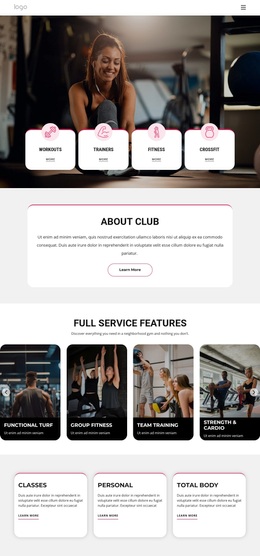
Four Activity Cards Anchor a Broad Fitness Starting Point
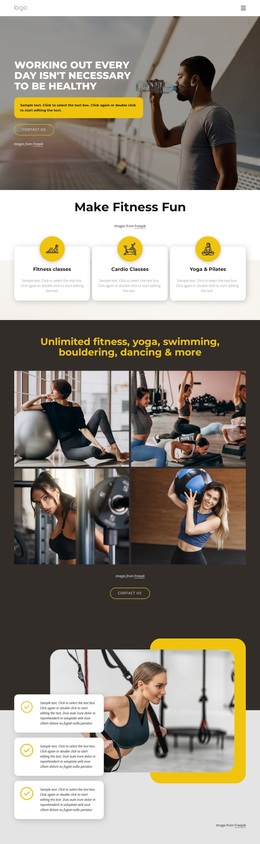
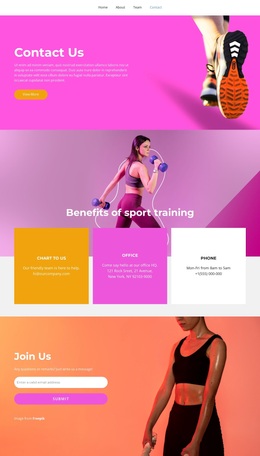
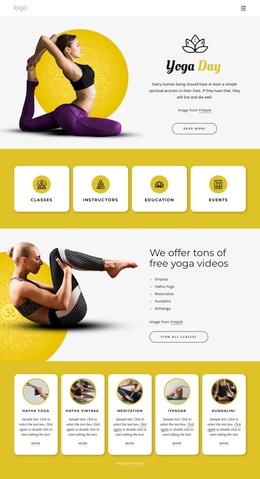
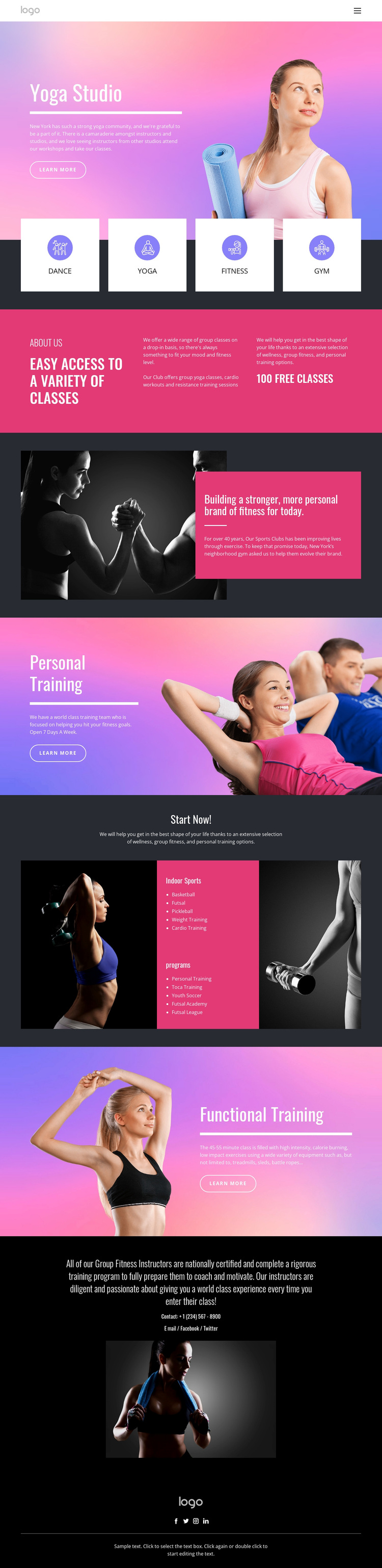
The four repeated cards for Dance, Yoga, Fitness, and Gym make the design easy to understand at a glance. They distinguish this option from a narrow studio page focused on one discipline, because the page presents several entry points before moving into more specific content. The bright pink, purple, and blue gradients reinforce that breadth visually, while black and white sections provide contrast for longer explanations and contact information.
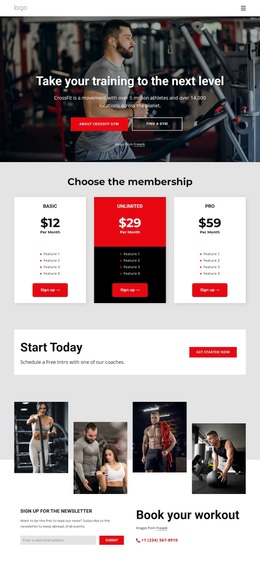
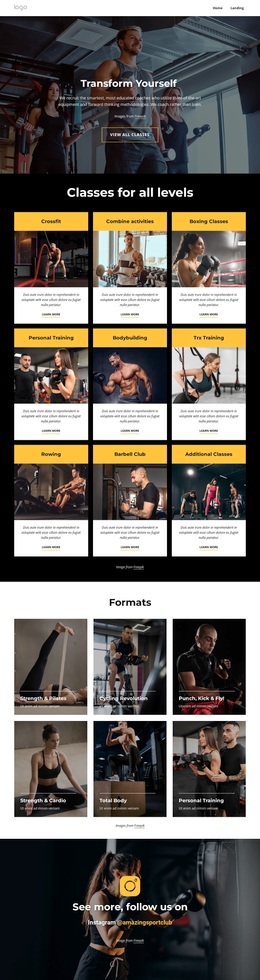
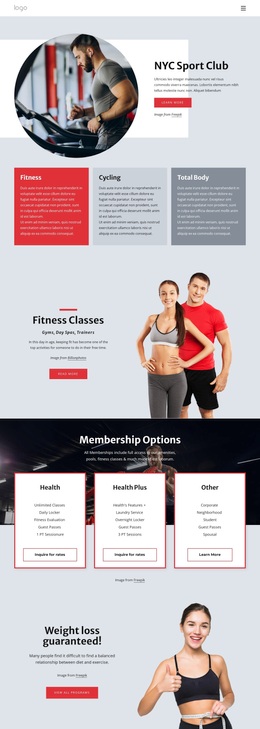
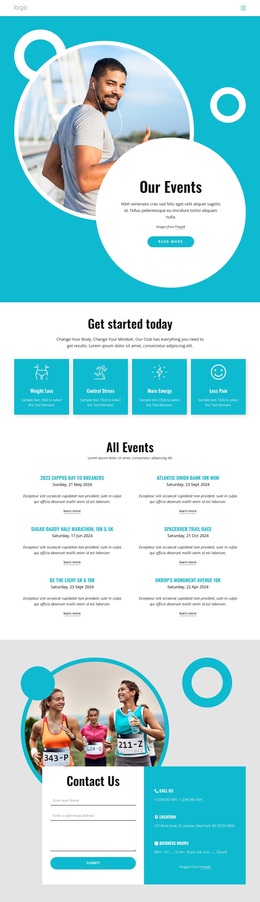
The design also covers several levels of fitness participation. The class-access band introduces variety, the club-story section explains a broader identity, and the Personal Training and Functional Training blocks address more focused goals. The Start Now area extends the content into indoor sports and named programs, including Basketball, Futsal, Pickleball, Weight Training, Cardio Training, Toca Training, Youth Soccer, Futsal Academy, and Futsal League. This combination makes the page a useful choice when a project needs to present both general activities and specialized options.
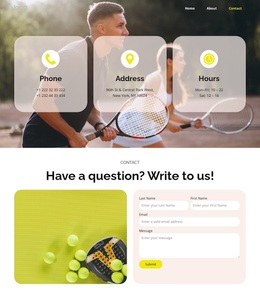
Large athletic photographs carry much of the visual emphasis, while rounded outlined buttons and repeated split layouts keep actions and explanations connected. The closing contact area and social footer add practical communication channels. Together, the varied activities, dedicated training sections, program coverage, and vivid visual system give this template a clear place among ready-made fitness and wellness design options.
Customize with Nicepage
Open this ready-made template in the Template Builder and customize it visually in the Nicepage editor. Replace demo content, edit page sections, and adapt the design to your project without rebuilding the template from scratch.
Start With a Ready-Made Template
Choose a Design for a New Page
Use a ready-made template as a starting point instead of creating every page from a blank canvas. When adding a new page in Nicepage, browse available designs, compare different layouts, and choose an option that already fits the general purpose and visual direction of your project.
Browse Different Page Designs
Explore Page Designs using search, thematic categories, Design Sets, and full-page previews. The collection includes layouts for different subjects and page purposes, making it easier to compare alternatives before selecting a design to customize.
Customize the Selected Template
After choosing a design, create the page and continue editing it visually in Nicepage. Replace the demo content, adjust images, typography, colors, sections, and other elements, and adapt the ready-made layout to your own content instead of rebuilding the design from the beginning.
Explore More Design Directions
If the first option does not match your project closely enough, return to the design collection and compare other templates before committing to a layout. This makes the template library useful not only for faster page creation, but also for exploring different visual approaches and finding a suitable starting point for a new project.
This workflow gives you access to a broad collection of ready-made designs that can be selected, compared, and customized according to the needs of each new page or project.