Book your workout Template



Edit Template Offline
2. Create new page and search for id 2405683
Edit Template Online
Create Awesome Websites


Free Nicepage Builder
Keywords
Class Variety and Community Content Make This Fitness Design Distinct
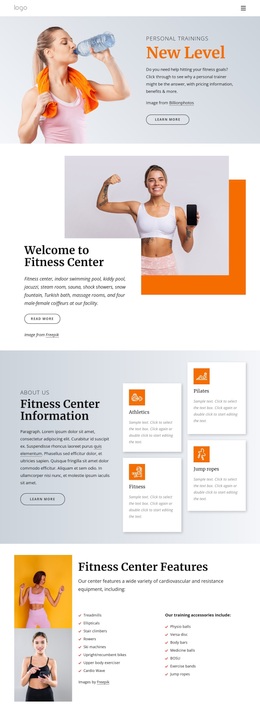
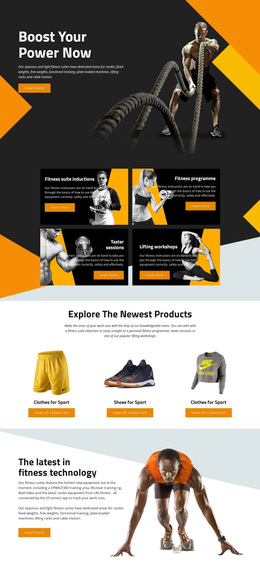
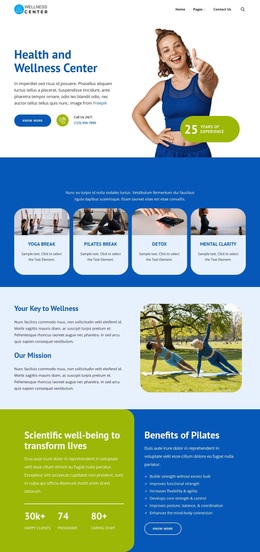
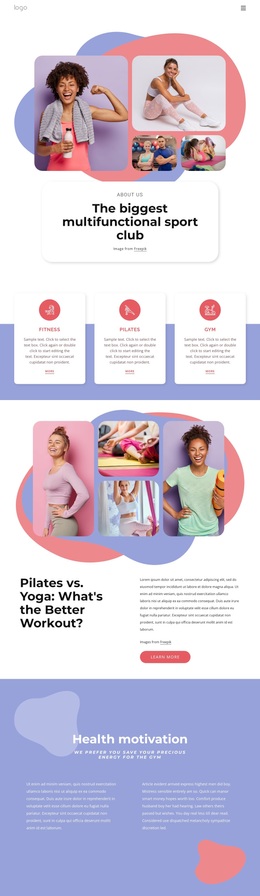
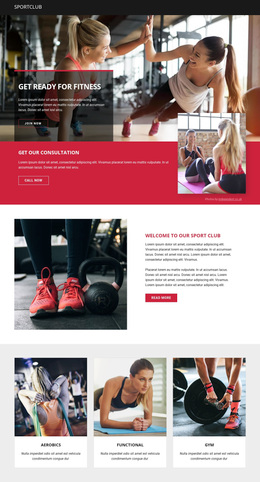
The design is worth considering when a fitness project needs to communicate variety without relying on dense blocks of text. Its first content group separates Fitness classes, Cardio Classes, and Yoga & Pilates into three rounded cards, giving visitors an immediate sense of different ways to participate. A four-image gallery then expands the message to include activities such as swimming, bouldering, and dancing, making visual range one of the template’s defining characteristics.
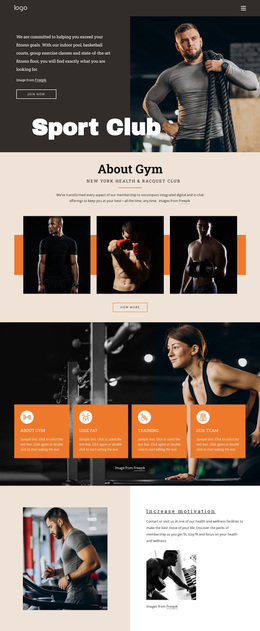
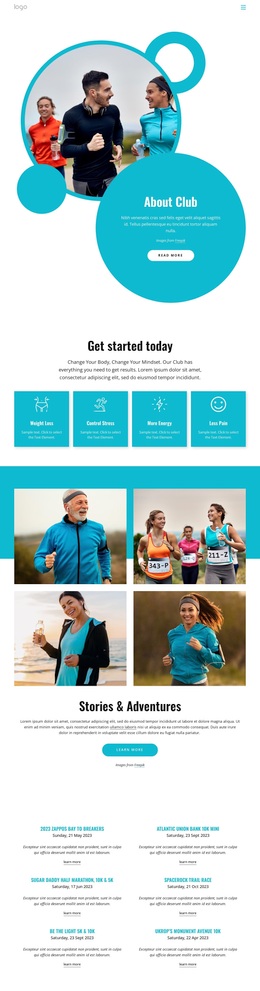
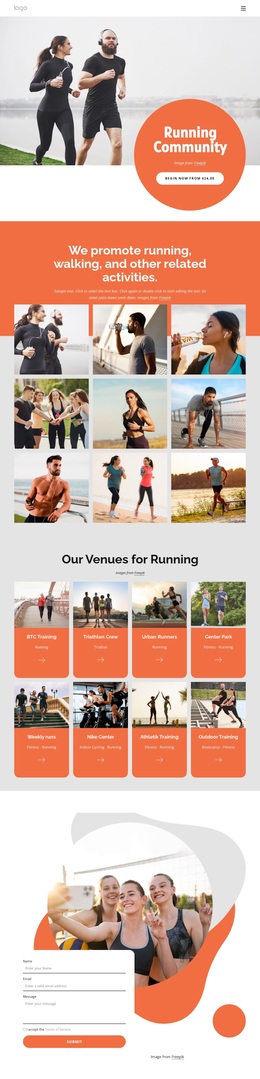
The page also combines individual and shared forms of activity. Personal Training and Group Classes appear alongside Combine activities, while the later Running Group section introduces a community focus through text and an asymmetrical image collage. That combination helps the layout support both people seeking individual instruction and visitors interested in group participation. The black-and-yellow palette, large lifestyle photography, circular accents, and spacious white areas reinforce the energetic subject without requiring a highly complex visual system.
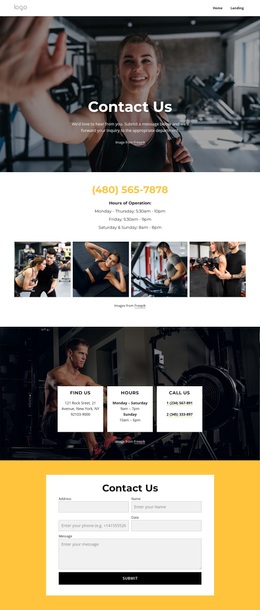
A second reason to choose this option is its coverage of the visitor’s next step. Contact buttons appear after the opening message, the activity gallery, and the daily-discovery section, while the final contact region adds a form and separate phone, location, and hours information. The result is a design option that combines activity discovery, service comparison, community imagery, and direct contact in one coherent fitness presentation.
Customize with Nicepage
Open this ready-made template in the Template Builder and customize it visually in the Nicepage editor. Replace demo content, edit page sections, and adapt the design to your project without rebuilding the template from scratch.
Start With a Ready-Made Template
Choose a Design for a New Page
Use a ready-made template as a starting point instead of creating every page from a blank canvas. When adding a new page in Nicepage, browse available designs, compare different layouts, and choose an option that already fits the general purpose and visual direction of your project.
Browse Different Page Designs
Explore Page Designs using search, thematic categories, Design Sets, and full-page previews. The collection includes layouts for different subjects and page purposes, making it easier to compare alternatives before selecting a design to customize.
Customize the Selected Template
After choosing a design, create the page and continue editing it visually in Nicepage. Replace the demo content, adjust images, typography, colors, sections, and other elements, and adapt the ready-made layout to your own content instead of rebuilding the design from the beginning.
Explore More Design Directions
If the first option does not match your project closely enough, return to the design collection and compare other templates before committing to a layout. This makes the template library useful not only for faster page creation, but also for exploring different visual approaches and finding a suitable starting point for a new project.
This workflow gives you access to a broad collection of ready-made designs that can be selected, compared, and customized according to the needs of each new page or project.