We are a full service travel agency Template


Edit Template Offline
2. Create new page and search for id 6000414
Edit Template Online
Create Awesome Websites


Free Nicepage Builder
Keywords
Six experience themes connect destination stories with outdoor action
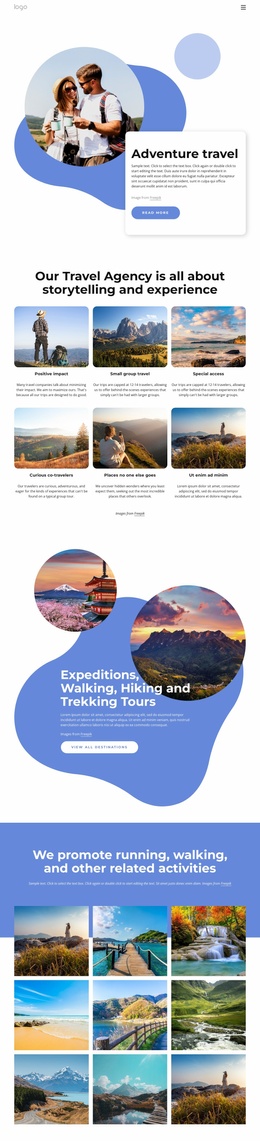
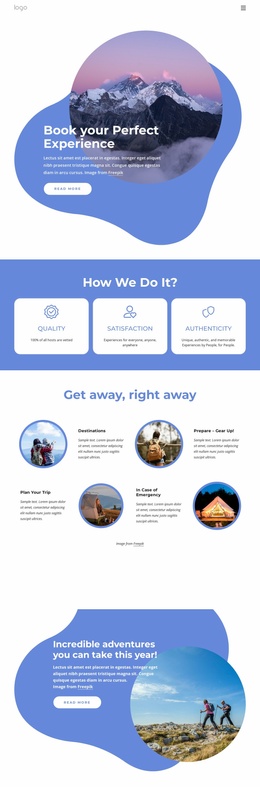
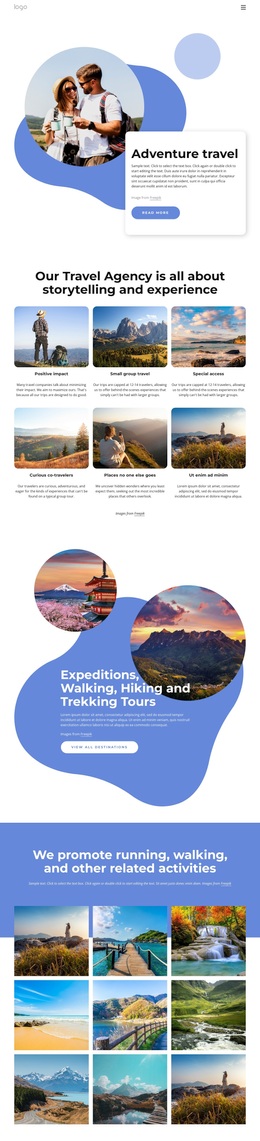
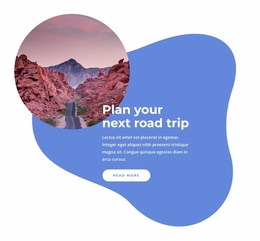
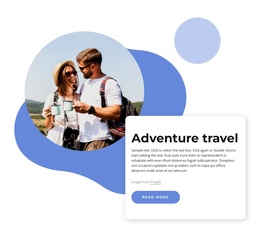
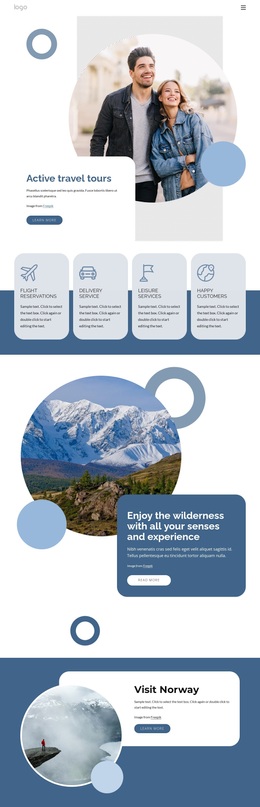
Circular travel imagery is the first distinctive signal in this design, but the page becomes more useful as a template choice because its content coverage extends beyond a single scenic introduction. The hero presents Adventure travel through a rounded white card, organic blue shapes, and a Read more button, establishing an editorial opening that can suit projects built around exploration rather than dense corporate explanation.
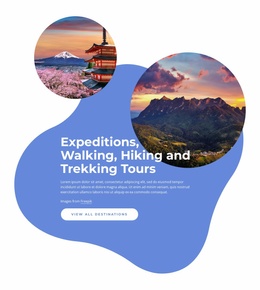
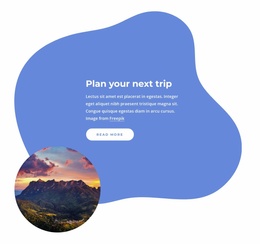
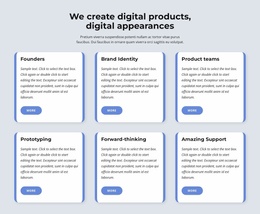
The six repeated feature cards give the design its clearest content distinction. Positive impact, small-group travel, special access, curious co-travelers, and places no one else goes are presented as experience themes, so the page can communicate how an agency approaches travel as well as where visitors may go. That structure separates this option from layouts focused only on service lists or destination names. The blue promotional section adds practical coverage by naming expeditions, walking, hiking, and trekking tours, then pairing them with a View all destinations action.
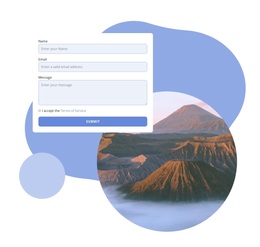
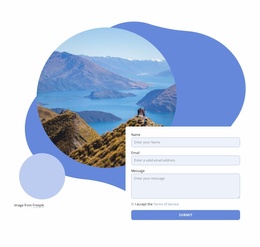
The nine-image gallery broadens the story again by showing running, walking, and related activities in a regular visual grid. It gives imagery a central role while retaining enough text-led structure to explain the agency’s point of view. Finally, the contact area places a travel image beside fields for a name, email, and message, completing the path from inspiration to inquiry. Together, these relationships make the design a suitable choice for adventure-travel projects that need experience themes, tour categories, visual storytelling, and a direct contact opportunity in one coordinated page.
Customize with Nicepage
Open this ready-made template in the Template Builder and customize it visually in the Nicepage editor. Replace demo content, edit page sections, and adapt the design to your project without rebuilding the template from scratch.
Start With a Ready-Made Template
Choose a Design for a New Page
Use a ready-made template as a starting point instead of creating every page from a blank canvas. When adding a new page in Nicepage, browse available designs, compare different layouts, and choose an option that already fits the general purpose and visual direction of your project.
Browse Different Page Designs
Explore Page Designs using search, thematic categories, Design Sets, and full-page previews. The collection includes layouts for different subjects and page purposes, making it easier to compare alternatives before selecting a design to customize.
Customize the Selected Template
After choosing a design, create the page and continue editing it visually in Nicepage. Replace the demo content, adjust images, typography, colors, sections, and other elements, and adapt the ready-made layout to your own content instead of rebuilding the design from the beginning.
Explore More Design Directions
If the first option does not match your project closely enough, return to the design collection and compare other templates before committing to a layout. This makes the template library useful not only for faster page creation, but also for exploring different visual approaches and finding a suitable starting point for a new project.
This workflow gives you access to a broad collection of ready-made designs that can be selected, compared, and customized according to the needs of each new page or project.