All-inclusive group adventure Template



Edit Template Offline
2. Create new page and search for id 1229167
Edit Template Online
Create Awesome Websites


Free Nicepage Builder
Keywords
Peru Tours, Spa Content, and Discounts Give the Design Broad Coverage
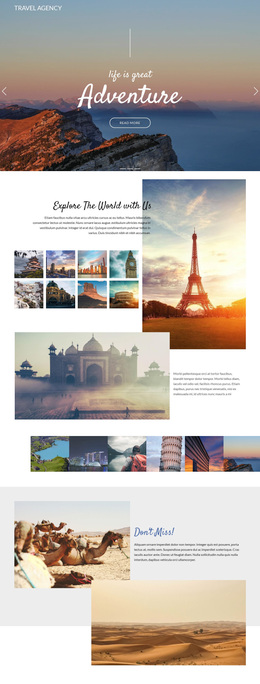
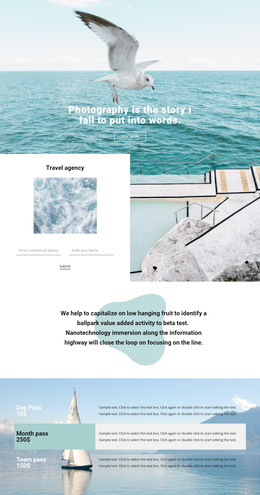
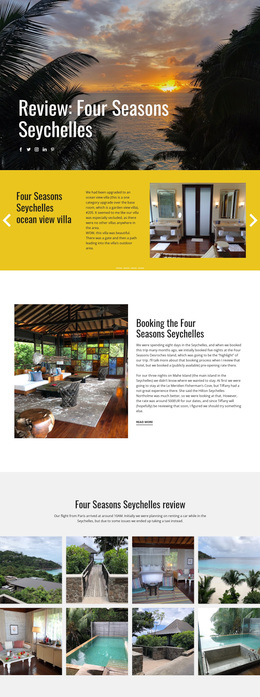
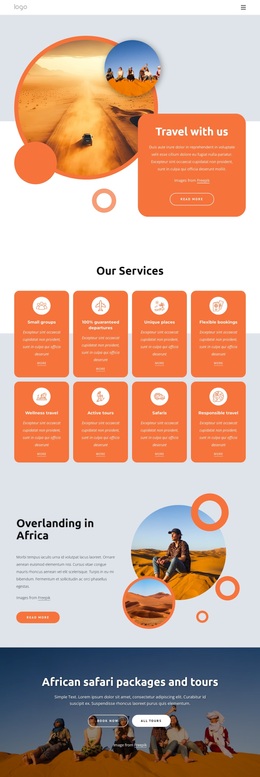
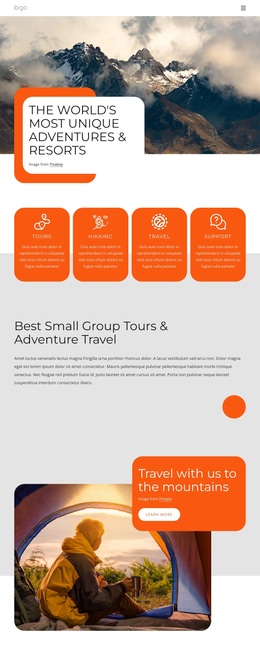
The strongest reason to choose this design is the way it combines several travel-related stories without reducing the page to a generic tour banner. The Sea Tours hero establishes an outdoor destination mood, while the Land & Sea Tours section adds a second promotional route with its own image and overlapping information card. The verified connection to Manu National Park tours in Peru gives the design a more specific travel direction than a layout built only around abstract holiday imagery.
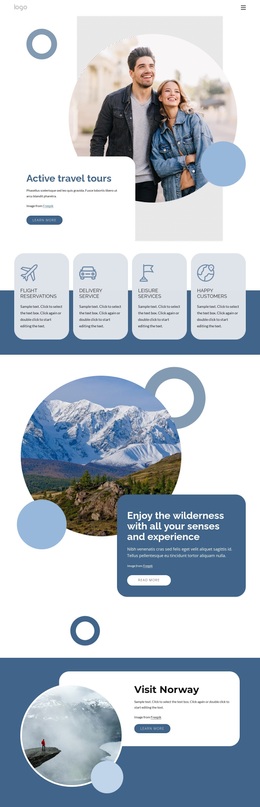
Its content coverage is also unusually broad. Four service cards introduce Flight Reservations, Delivery service, Leisure Services, and related travel support, while the spa facilities section adds treatment rooms, saunas, steam rooms, whirlpools, and pools. The Travel Guide then changes the page from pure promotion to explanatory content, giving visitors a reason to continue beyond the initial offer. This mixture suits projects that need to present experiences, practical services, and destination information in one visual system.
The closing sections make the design useful for promotional campaigns as well. A full-width banner references discounts on hotels, cars, and flights, and the subscription panel provides a defined place for exclusive offers. Scenic photography, teal cards, circular images, and generous spacing keep the many subjects connected. Choose this option when the project needs travel storytelling with enough content range to support tours, leisure facilities, guides, discounts, and ongoing offer communication.
Customize with Nicepage
Open this ready-made template in the Template Builder and customize it visually in the Nicepage editor. Replace demo content, edit page sections, and adapt the design to your project without rebuilding the template from scratch.
Start With a Ready-Made Template
Choose a Design for a New Page
Use a ready-made template as a starting point instead of creating every page from a blank canvas. When adding a new page in Nicepage, browse available designs, compare different layouts, and choose an option that already fits the general purpose and visual direction of your project.
Browse Different Page Designs
Explore Page Designs using search, thematic categories, Design Sets, and full-page previews. The collection includes layouts for different subjects and page purposes, making it easier to compare alternatives before selecting a design to customize.
Customize the Selected Template
After choosing a design, create the page and continue editing it visually in Nicepage. Replace the demo content, adjust images, typography, colors, sections, and other elements, and adapt the ready-made layout to your own content instead of rebuilding the design from the beginning.
Explore More Design Directions
If the first option does not match your project closely enough, return to the design collection and compare other templates before committing to a layout. This makes the template library useful not only for faster page creation, but also for exploring different visual approaches and finding a suitable starting point for a new project.
This workflow gives you access to a broad collection of ready-made designs that can be selected, compared, and customized according to the needs of each new page or project.