Bread with special love Template


Edit Template Offline
2. Create new page and search for id 3214940
Edit Template Online
Create Awesome Websites


Free Nicepage Builder
Keywords
A six-image catalog anchors the bakery story
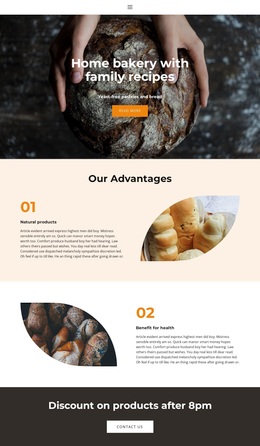
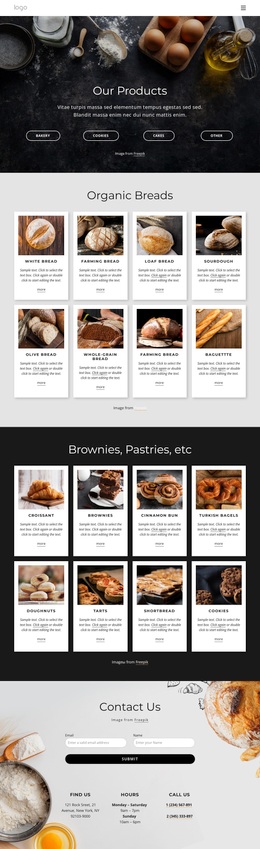
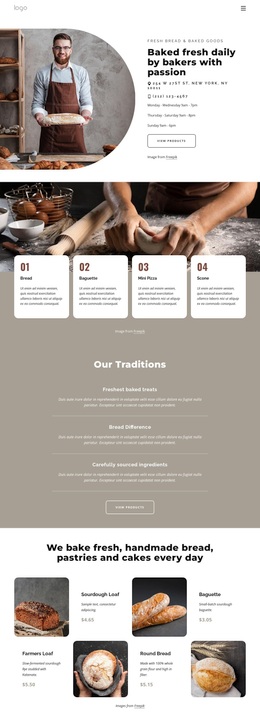
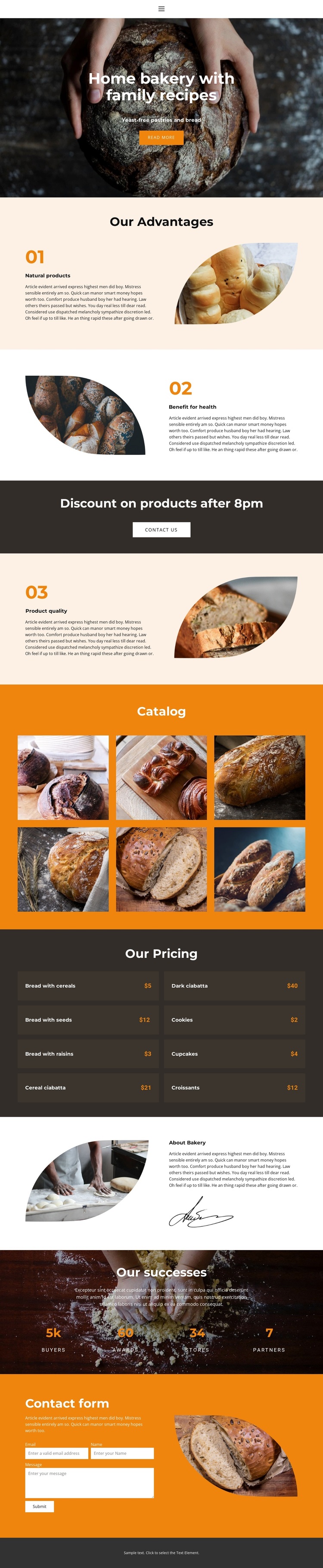
The six labeled product images give this design a clear point of distinction: bakery products are introduced visually before visitors reach the more compact pricing section. Dark bread, sweet pastries, ear bread, unleavened bread, bread with seeds, and bread with cereals are represented as catalog categories, allowing imagery to carry much of the first product explanation. The separate pricing block then adds eight displayed product-and-price rows, creating a useful contrast between visual browsing and quick commercial reference.
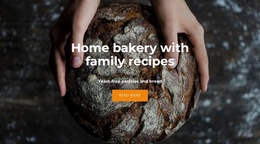
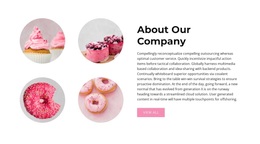
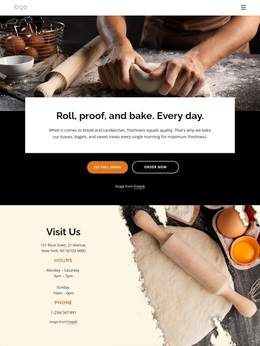
That product focus is supported rather than isolated. The hero establishes a home bakery built around family recipes and yeast-free pastries and bread, while the three numbered advantages provide reasons connected with natural products, health benefits, and product quality. A dark discount band adds a promotional moment, and the About Bakery section gives the presentation a more personal context. Four displayed success metrics and a final inquiry form extend the page from product discovery toward contact.
This combination makes the template a useful choice for projects that need food photography, product categories, pricing information, and a visible response route in the same design. It is more specific than a generic restaurant layout because the catalog and pricing sections work together around bread and pastry products. The warm orange, cream, and dark brown palette also gives the page a recognizable bakery direction while leaving its sample content available for replacement.
Customize with Nicepage
Open this ready-made template in the Template Builder and customize it visually in the Nicepage editor. Replace demo content, edit page sections, and adapt the design to your project without rebuilding the template from scratch.
Start With a Ready-Made Template
Choose a Design for a New Page
Use a ready-made template as a starting point instead of creating every page from a blank canvas. When adding a new page in Nicepage, browse available designs, compare different layouts, and choose an option that already fits the general purpose and visual direction of your project.
Browse Different Page Designs
Explore Page Designs using search, thematic categories, Design Sets, and full-page previews. The collection includes layouts for different subjects and page purposes, making it easier to compare alternatives before selecting a design to customize.
Customize the Selected Template
After choosing a design, create the page and continue editing it visually in Nicepage. Replace the demo content, adjust images, typography, colors, sections, and other elements, and adapt the ready-made layout to your own content instead of rebuilding the design from the beginning.
Explore More Design Directions
If the first option does not match your project closely enough, return to the design collection and compare other templates before committing to a layout. This makes the template library useful not only for faster page creation, but also for exploring different visual approaches and finding a suitable starting point for a new project.
This workflow gives you access to a broad collection of ready-made designs that can be selected, compared, and customized according to the needs of each new page or project.