Our team decides everything Website Template


Edit Template Offline
2. Create new page and search for id 5230289
Edit Template Online
Create Awesome Websites


Free Nicepage Builder
Keywords
Instructor, Team, and Curriculum Content Form a Broader Site Foundation
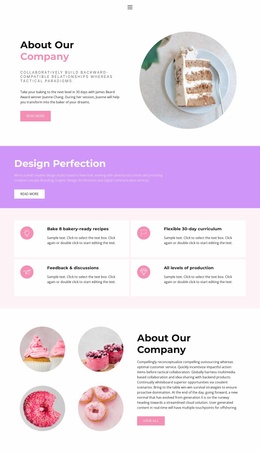
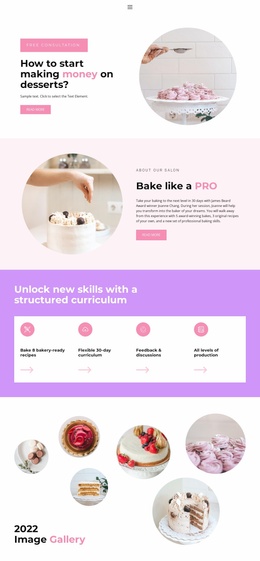
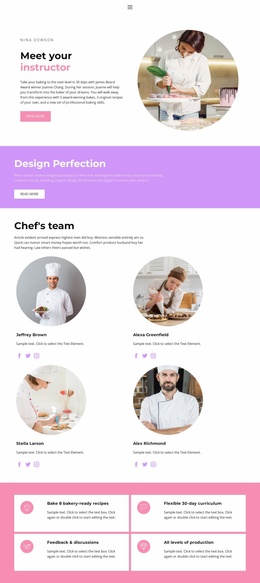
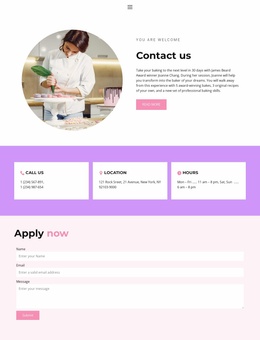
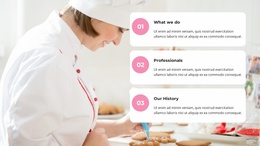
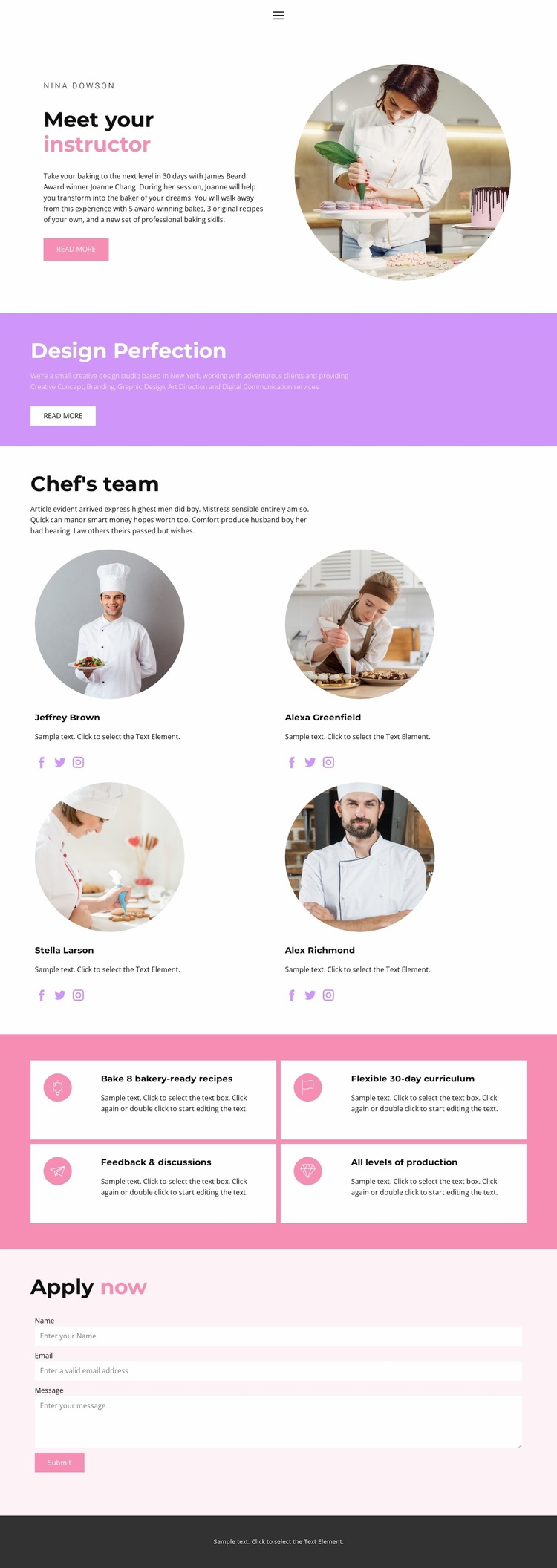
The page already establishes several content categories that can support a wider baking education website. The navigation connects Home, Landing, About, Team, and Contact, while the main content adds an instructor introduction, a dedicated team section, program benefits, and an application area. Together, these parts suggest a useful foundation for organizing related pages without claiming that additional pages are already included in this template.
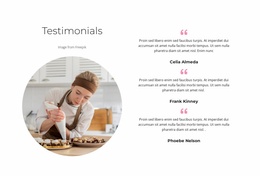
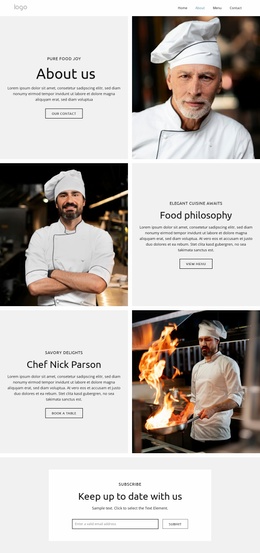
The four team profiles create a repeatable people-focused structure. Each profile combines a circular portrait, descriptive text, and links for Facebook, Twitter, and Instagram, making the group suitable for presenting instructors or other contributors within a consistent visual system. The four white feature cards provide a separate content pattern for curriculum information: recipes, a flexible 30-day program, feedback and discussions, and participation across production levels.
The purple “Design Perfection” band introduces another flexible content zone for program or studio messaging and a Read More action. At the bottom of the main content, the Apply now section turns the broader information structure toward participation by requesting a name, email address, and message. As a website project foundation, the design therefore supplies people, program, navigation, and contact areas that can be extended with additional site content as the education offering grows.
Customize with Nicepage
Open this ready-made template in the Website Template Builder and customize it visually in the Nicepage editor. Replace demo content, edit page sections, and adapt the design to your project without rebuilding the template from scratch.
Build a Complete Website From This Template
Customize the Website Visually
Use this ready-made website template as a starting point for your project and adapt its pages visually in Nicepage. Change content, images, typography, navigation, sections, and other design elements while keeping the website together as a single editable project.
Manage Website Pages in One Project
Use the Pages panel to open, add, duplicate, and manage the pages of your website. Work on individual pages while keeping navigation and the overall site structure accessible from the same project, making it easier to develop a complete website instead of managing separate page files.
Expand the Website With Matching Designs
When you need additional pages or sections, use Page Design Sets to find Page and Block Designs created in the same visual style. Design Sets group matching designs together, making it easier to expand the website with new content while maintaining a consistent look across its pages and sections.
Organize Larger Multi-Page Websites
As the website grows, use Page Folders to organize related pages and keep larger multi-page projects easier to navigate in the editor. This is especially useful for websites with separate service pages, company information, contacts, landing pages, and other content areas.
This workflow makes the template a practical foundation for building and expanding a complete website while managing its pages, content, and visual design within one Nicepage project.