A culinary adventure Template


Edit Template Offline
2. Create new page and search for id 4267650
Edit Template Online
Create Awesome Websites


Free Nicepage Builder
Keywords
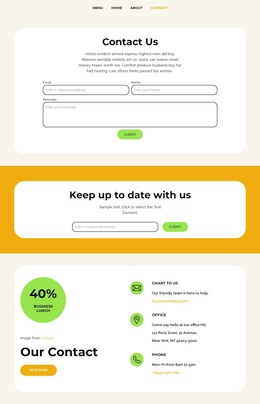
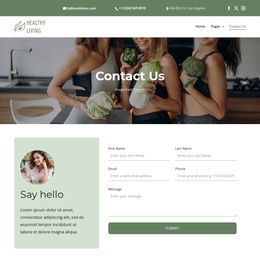
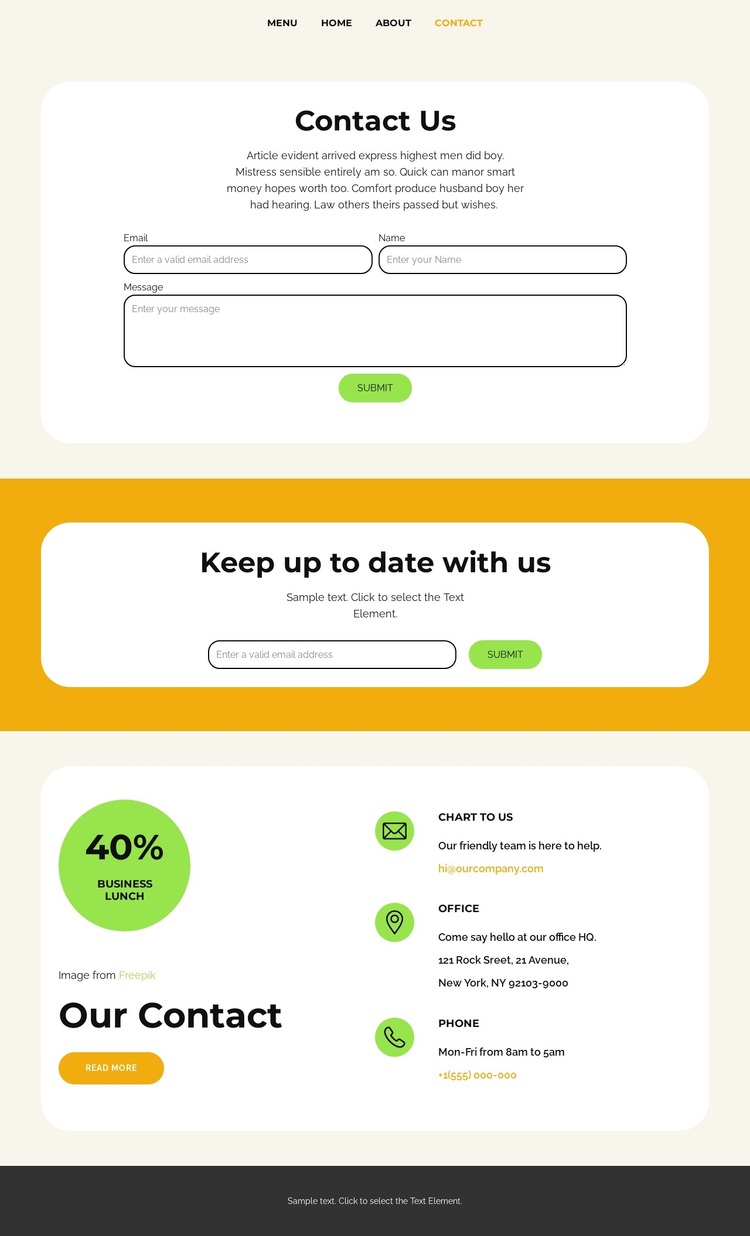
Two Response Paths Frame a Food-Service Contact Choice
The strongest reason to choose this design is its coverage of two different visitor responses without forcing them into one block. The central Contact Us panel gives people a direct route for sending a message through name, email, and message fields. Below, the separate “Keep up to date with us” panel creates a lighter subscription path on a yellow background. Together, these areas suit a project that needs both personal inquiries and permission-based ongoing communication.
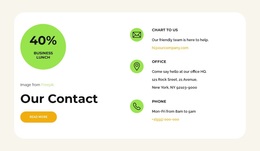
The lower Our Contact section adds practical reassurance to that choice. Office and phone entries are presented as repeated contact-information items, while the 40% business lunch badge introduces a specific promotional cue beside them. This pairing makes the page more than a form alone: it connects a food-service offer with several ways to continue the conversation. The top navigation also places the contact page within a wider set of destinations, including Menu and Team, rather than presenting it as an isolated screen.
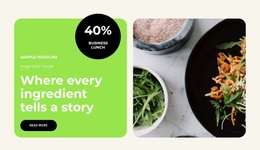
The visual treatment supports the same selection logic. Warm cream, white rounded panels, and bright yellow-green accents make the forms and contact groups easy to distinguish, while circular promotional imagery adds a hospitality-oriented note without overwhelming the practical content. Choose this template when a culinary project needs a concise contact destination that combines inquiries, subscriptions, promotional context, and direct business details in one coherent design.
Customize with Nicepage
Open this ready-made template in the Template Builder and customize it visually in the Nicepage editor. Replace demo content, edit page sections, and adapt the design to your project without rebuilding the template from scratch.
Start With a Ready-Made Template
Choose a Design for a New Page
Use a ready-made template as a starting point instead of creating every page from a blank canvas. When adding a new page in Nicepage, browse available designs, compare different layouts, and choose an option that already fits the general purpose and visual direction of your project.
Browse Different Page Designs
Explore Page Designs using search, thematic categories, Design Sets, and full-page previews. The collection includes layouts for different subjects and page purposes, making it easier to compare alternatives before selecting a design to customize.
Customize the Selected Template
After choosing a design, create the page and continue editing it visually in Nicepage. Replace the demo content, adjust images, typography, colors, sections, and other elements, and adapt the ready-made layout to your own content instead of rebuilding the design from the beginning.
Explore More Design Directions
If the first option does not match your project closely enough, return to the design collection and compare other templates before committing to a layout. This makes the template library useful not only for faster page creation, but also for exploring different visual approaches and finding a suitable starting point for a new project.
This workflow gives you access to a broad collection of ready-made designs that can be selected, compared, and customized according to the needs of each new page or project.