Please contact us Template


Edit Template Offline
2. Create new page and search for id 6456624
Edit Template Online
Create Awesome Websites


Free Nicepage Builder
Keywords
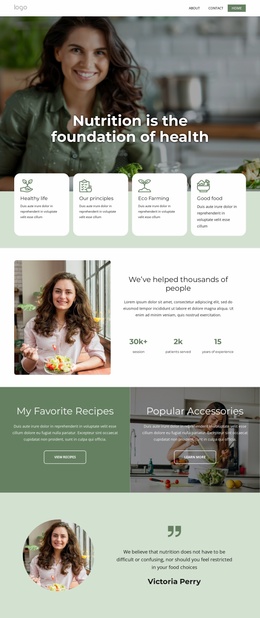
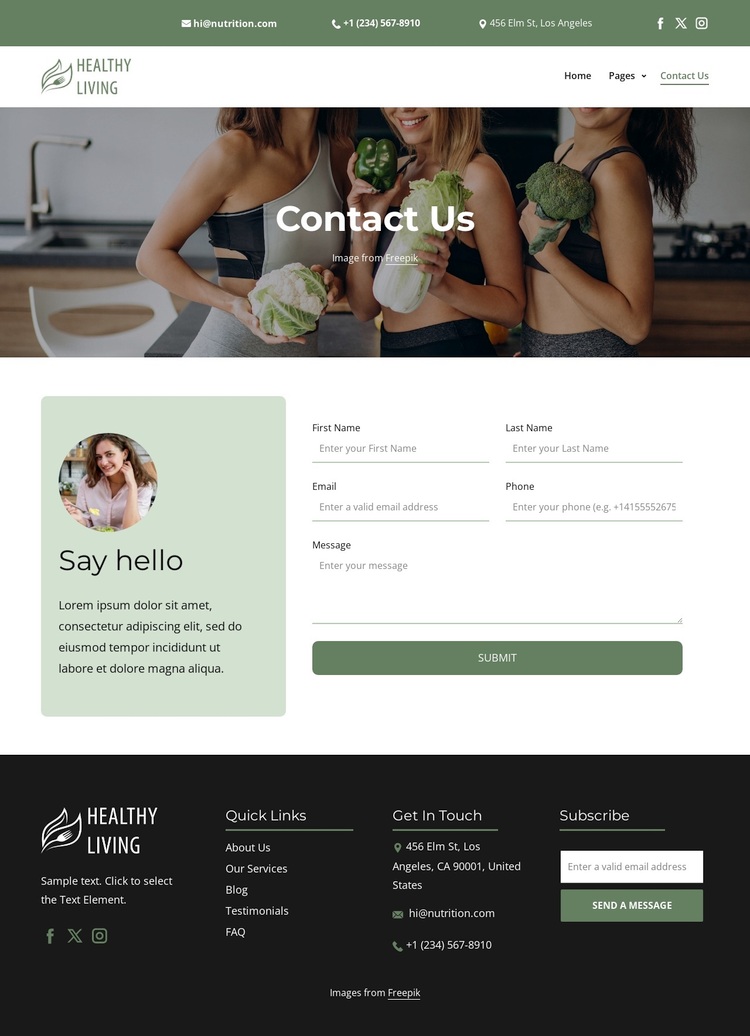
A lifestyle hero connects detailed contact content with follow-up
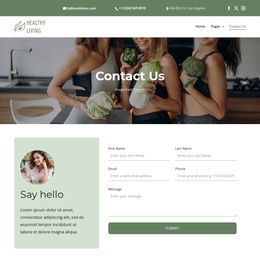
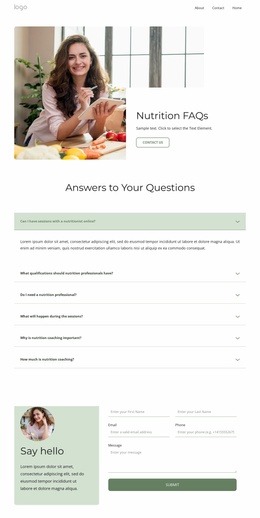
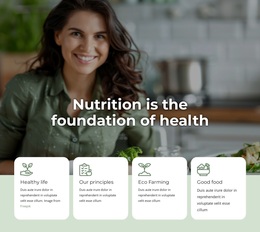
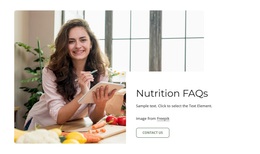
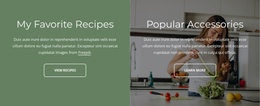
The strongest reason to choose this design is the way it concentrates contact content without reducing the page to a plain form. A large lifestyle image carries the opening visual message, while the green, white, and black palette and bold sans-serif typography give the page a recognizable direction. The two stacked header bars add practical contact information, social links, branding, and navigation before the visitor reaches the central interaction.
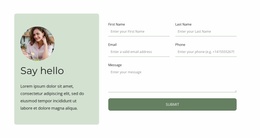
The Say hello section supplies more than a generic invitation. Its introductory image and detailed form create a clear communication moment, with first name, last name, email, phone, and message inputs supporting a fuller inquiry. That makes the layout suitable for projects where visitors may need to explain a question rather than select a simple option. The footer broadens the content coverage through Quick Links, Get In Touch details, branding, social links, and a separate Subscribe form.
Together, these relationships distinguish the design from contact layouts that rely only on a hero and one short form. It combines visual context, direct contact channels, detailed inquiry fields, and a secondary subscription opportunity in a compact page. The result is a useful starting option when a nutrition- or wellness-oriented project needs contact information to feel like part of a broader visual presentation rather than an isolated utility screen.
Customize with Nicepage
Open this ready-made template in the Template Builder and customize it visually in the Nicepage editor. Replace demo content, edit page sections, and adapt the design to your project without rebuilding the template from scratch.
Start With a Ready-Made Template
Choose a Design for a New Page
Use a ready-made template as a starting point instead of creating every page from a blank canvas. When adding a new page in Nicepage, browse available designs, compare different layouts, and choose an option that already fits the general purpose and visual direction of your project.
Browse Different Page Designs
Explore Page Designs using search, thematic categories, Design Sets, and full-page previews. The collection includes layouts for different subjects and page purposes, making it easier to compare alternatives before selecting a design to customize.
Customize the Selected Template
After choosing a design, create the page and continue editing it visually in Nicepage. Replace the demo content, adjust images, typography, colors, sections, and other elements, and adapt the ready-made layout to your own content instead of rebuilding the design from the beginning.
Explore More Design Directions
If the first option does not match your project closely enough, return to the design collection and compare other templates before committing to a layout. This makes the template library useful not only for faster page creation, but also for exploring different visual approaches and finding a suitable starting point for a new project.
This workflow gives you access to a broad collection of ready-made designs that can be selected, compared, and customized according to the needs of each new page or project.