Organic bread menu Template


Edit Template Offline
2. Create new page and search for id 3284325
Edit Template Online
Create Awesome Websites


Free Nicepage Builder
Keywords
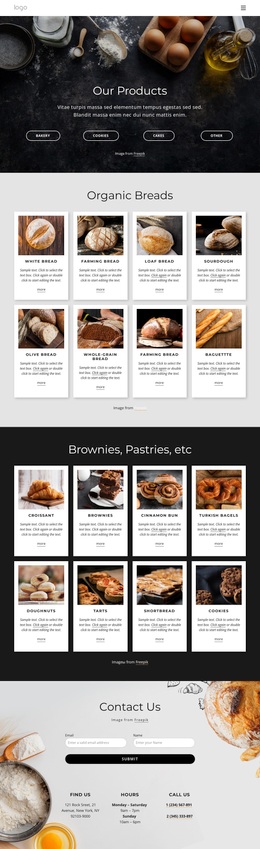
Four Categories and Sixteen Cards Put Product Variety First
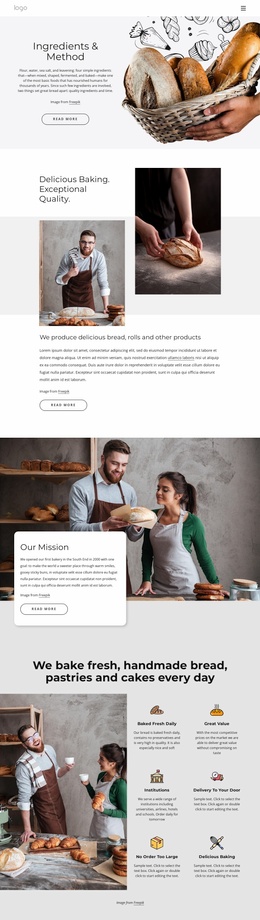
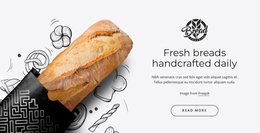
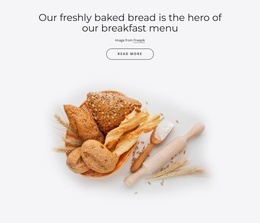
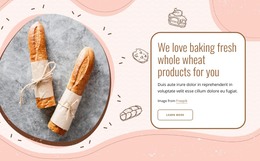
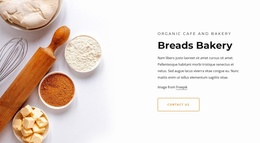
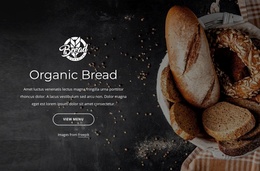
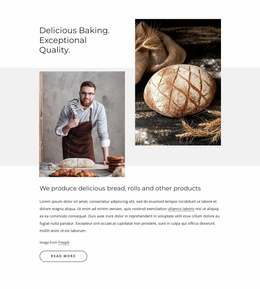
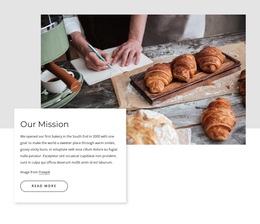
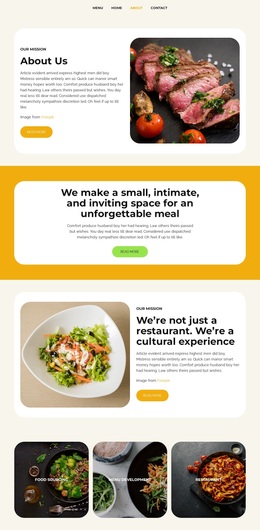
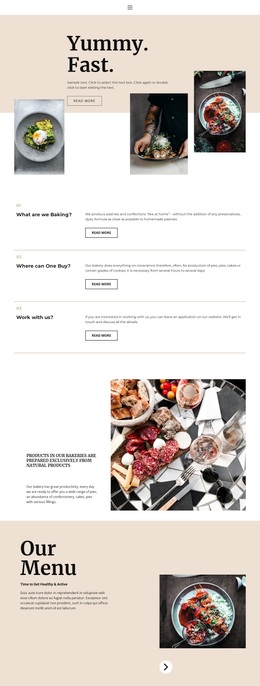
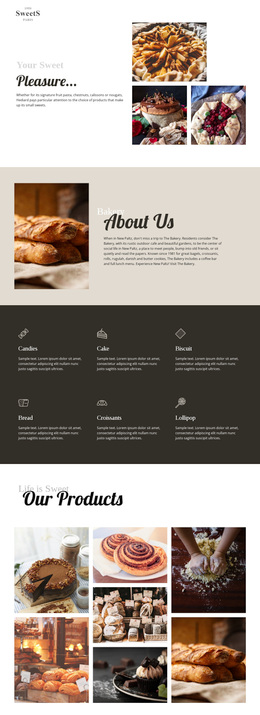
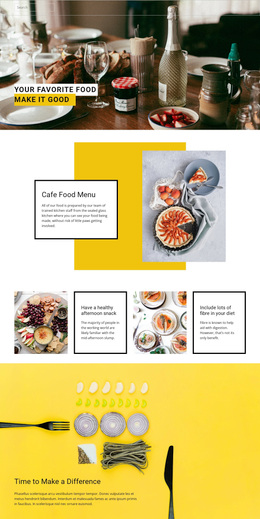
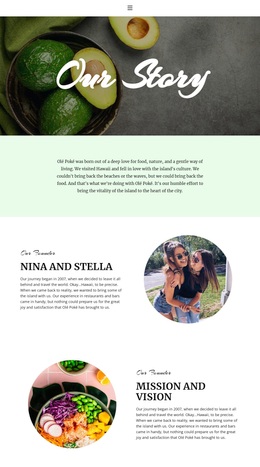
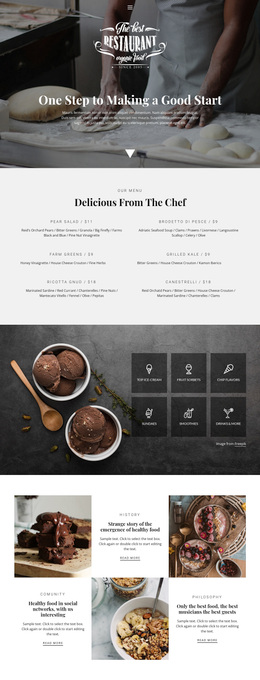
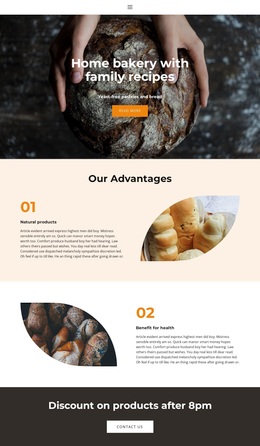
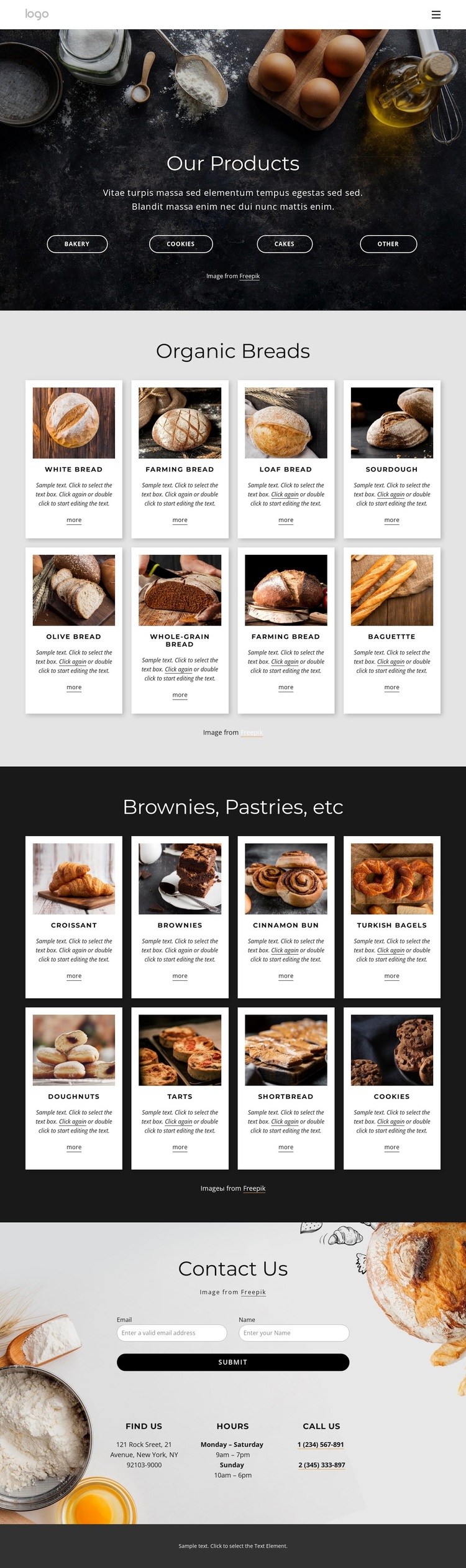
Bakery product imagery carries the main message of this design, beginning with the Our Products introduction and its four category labels: Bakery, Cookies, Cakes, and Other. That opening gives the page a broad product direction before the catalog becomes more specific. Organic Breads then presents eight bread cards, while Brownies, Pastries, etc follows with eight pastry and dessert cards. The repeated image, name, description, and More-link pattern makes the range easy to compare without reducing the page to a single product type.
The design is worth choosing when a bakery needs visual storytelling and content coverage in the same presentation. Food photography creates an immediate atmosphere, while the separate product groups provide enough structure for customers to browse different baked-goods categories. The dark charcoal and cream palette keeps the page grounded, and rounded outlined buttons add a restrained interaction cue rather than competing with the images.
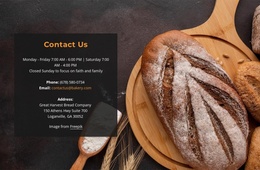
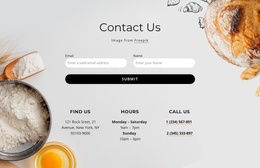
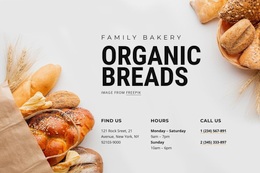
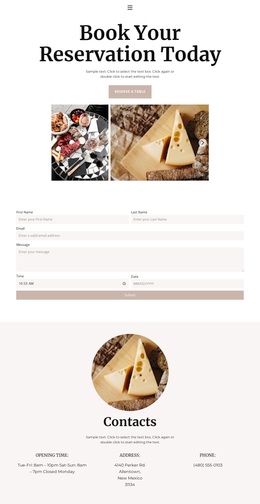
The final Contact Us region broadens the template beyond a gallery-only presentation. A form with name and email fields sits beside Find Us, Hours, Call Us, and telephone information, creating a practical route for questions after product exploration. Together, the visual mood, sixteen catalog cards, category introduction, and direct contact area make this a useful option for projects that need a bakery menu to communicate variety before inviting an inquiry.
Customize with Nicepage
Open this ready-made template in the Template Builder and customize it visually in the Nicepage editor. Replace demo content, edit page sections, and adapt the design to your project without rebuilding the template from scratch.
Start With a Ready-Made Template
Choose a Design for a New Page
Use a ready-made template as a starting point instead of creating every page from a blank canvas. When adding a new page in Nicepage, browse available designs, compare different layouts, and choose an option that already fits the general purpose and visual direction of your project.
Browse Different Page Designs
Explore Page Designs using search, thematic categories, Design Sets, and full-page previews. The collection includes layouts for different subjects and page purposes, making it easier to compare alternatives before selecting a design to customize.
Customize the Selected Template
After choosing a design, create the page and continue editing it visually in Nicepage. Replace the demo content, adjust images, typography, colors, sections, and other elements, and adapt the ready-made layout to your own content instead of rebuilding the design from the beginning.
Explore More Design Directions
If the first option does not match your project closely enough, return to the design collection and compare other templates before committing to a layout. This makes the template library useful not only for faster page creation, but also for exploring different visual approaches and finding a suitable starting point for a new project.
This workflow gives you access to a broad collection of ready-made designs that can be selected, compared, and customized according to the needs of each new page or project.

Design Set (24)
-

-
-
-
-
-
-
-
-
-
-
-
-
-
-
-
Free Website Builder SoftwareDownload
-
-
-
-