Bakery products Template



Edit Template Offline
2. Create new page and search for id 3264384
Edit Template Online
Create Awesome Websites


Free Nicepage Builder
Keywords
Bread categories, product cards, and bakery storytelling distinguish this choice
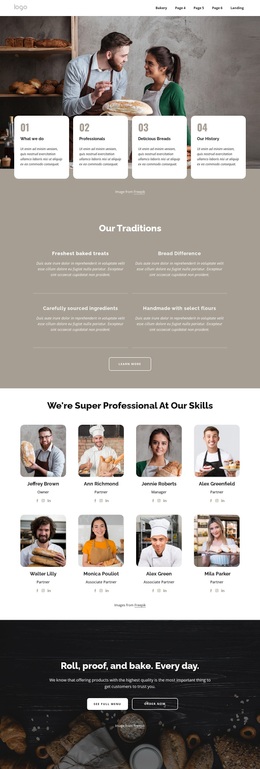
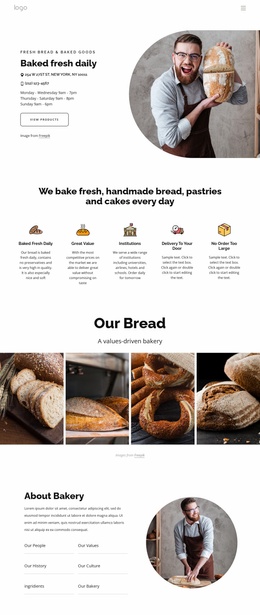
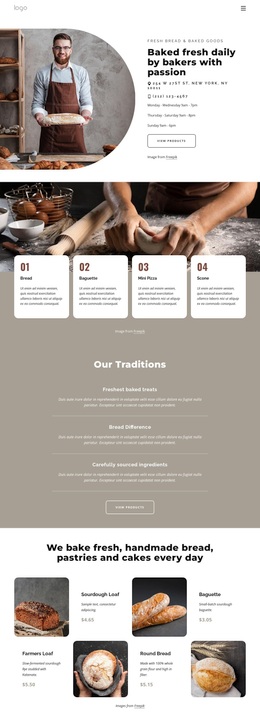
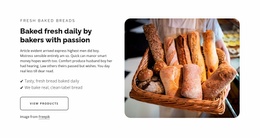
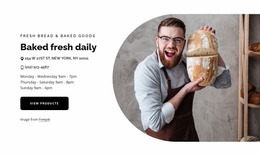
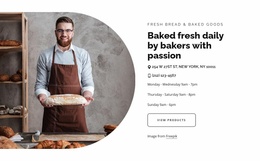
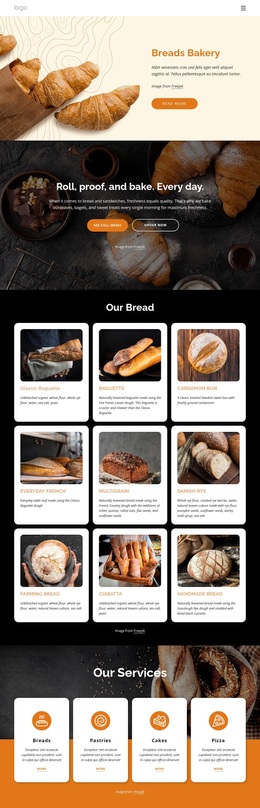
Close-up bakery photography carries much of the page’s character, but the design is not limited to an image-led introduction. The split hero combines a baker image with a direct daily-fresh message and two product-oriented actions, immediately showing that the page is intended to connect visual appetite with practical browsing. Four numbered offering cards add a compact overview of bread, baguette, mini pizza, and scone choices, giving the layout more variety than a single product grid.
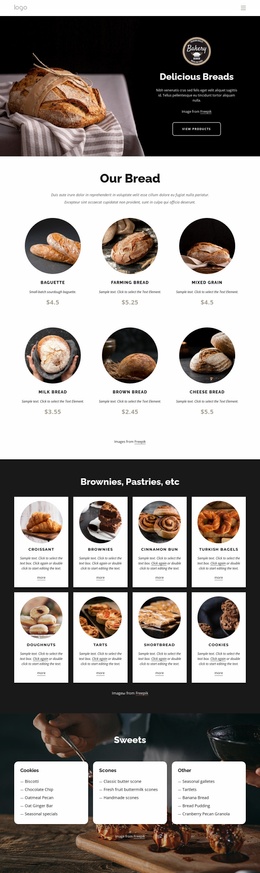
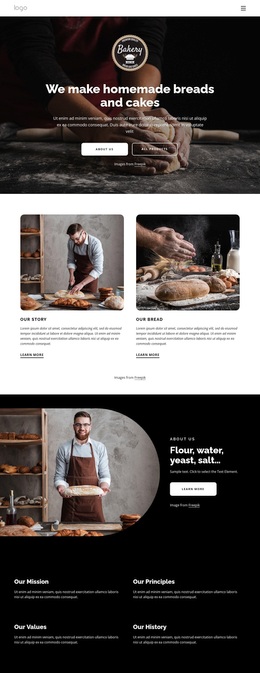
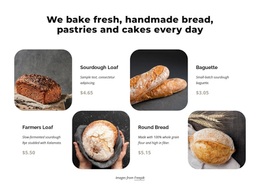
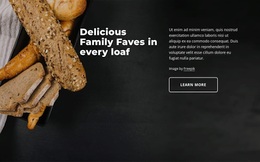
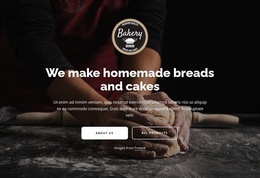
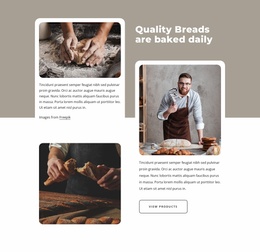
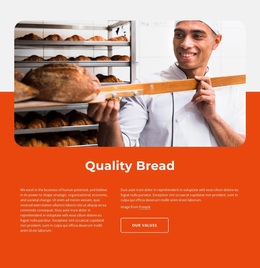
The strongest distinguishing feature is the balance between product coverage and bakery narrative. “Our Traditions” creates space for statements about fresh treats, bread quality, and carefully sourced ingredients, then the “Our Bread” area moves into six named products with imagery, displayed prices, and purchase controls. Later image-backed sections return to family-favorite loaves, daily baking, and baker imagery, so visitors encounter the products within a recognizable bakery story rather than as disconnected catalog entries.
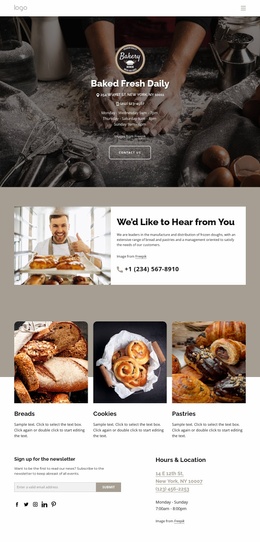
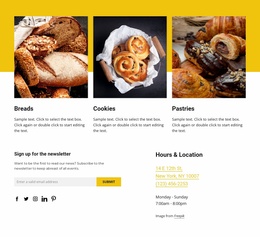
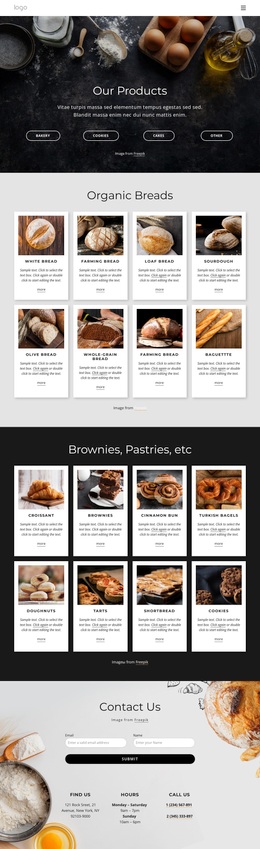
The lower page also covers practical and secondary content: breads, cookies, and pastries appear as category cards, hours and location information supports physical visits, and the footer includes newsletter signup, quick links, contact content, and social access. This combination makes the design a useful option for projects that need both a warm editorial presentation and enough structured content to support shopping or local bakery discovery.
Customize with Nicepage
Open this ready-made template in the Template Builder and customize it visually in the Nicepage editor. Replace demo content, edit page sections, and adapt the design to your project without rebuilding the template from scratch.
Start With a Ready-Made Template
Choose a Design for a New Page
Use a ready-made template as a starting point instead of creating every page from a blank canvas. When adding a new page in Nicepage, browse available designs, compare different layouts, and choose an option that already fits the general purpose and visual direction of your project.
Browse Different Page Designs
Explore Page Designs using search, thematic categories, Design Sets, and full-page previews. The collection includes layouts for different subjects and page purposes, making it easier to compare alternatives before selecting a design to customize.
Customize the Selected Template
After choosing a design, create the page and continue editing it visually in Nicepage. Replace the demo content, adjust images, typography, colors, sections, and other elements, and adapt the ready-made layout to your own content instead of rebuilding the design from the beginning.
Explore More Design Directions
If the first option does not match your project closely enough, return to the design collection and compare other templates before committing to a layout. This makes the template library useful not only for faster page creation, but also for exploring different visual approaches and finding a suitable starting point for a new project.
This workflow gives you access to a broad collection of ready-made designs that can be selected, compared, and customized according to the needs of each new page or project.

Design Set (22)
-

-
-
-
-
-
-
-
-
-
-
-
-
-
Free Website Builder SoftwareDownload
-
-