The biggest multifunctional sport club Joomla Template



Edit Template Offline
2. Create new page and search for id 1709505
Edit Template Online
Create Awesome Websites


Free Nicepage Builder
Keywords
Membership, Classes, and Contact Content Form Structured Club Regions
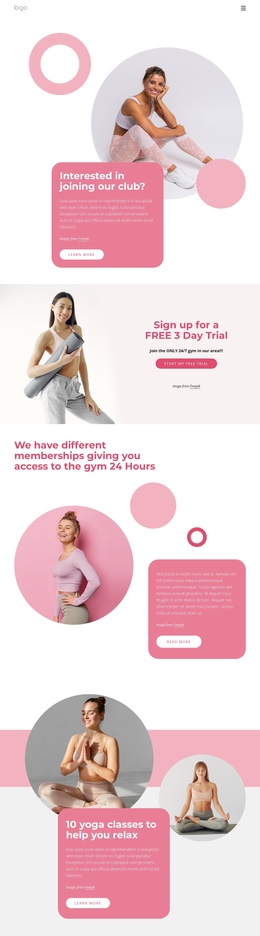
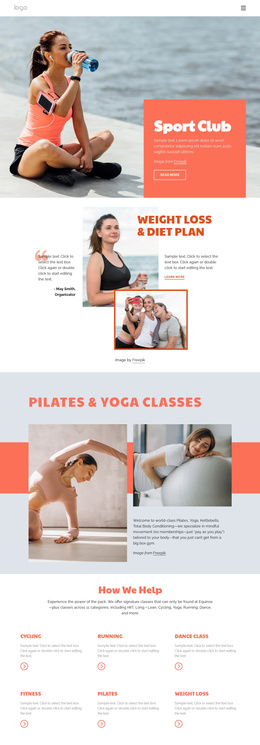
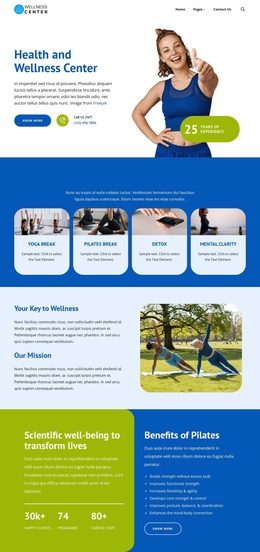
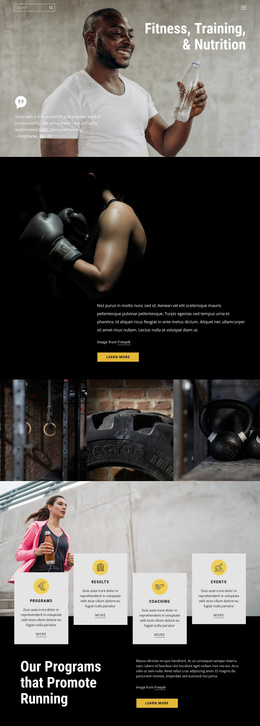
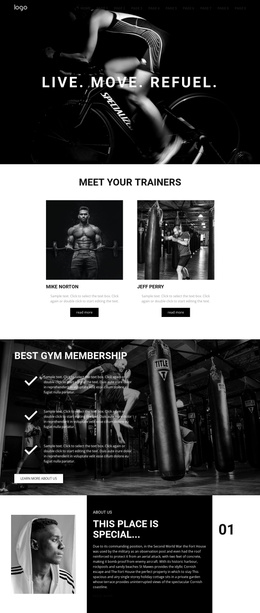
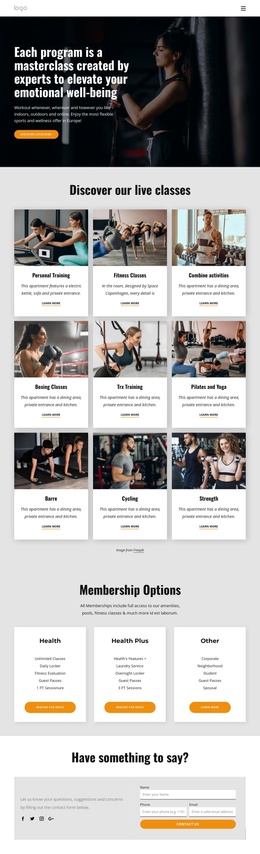
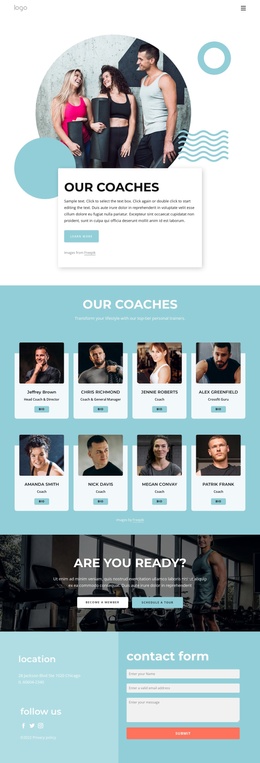
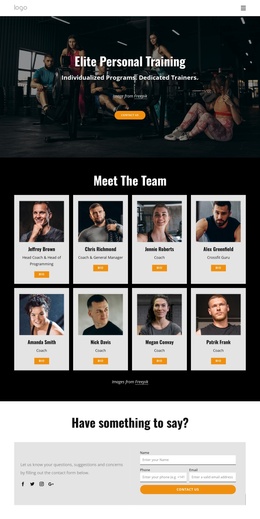
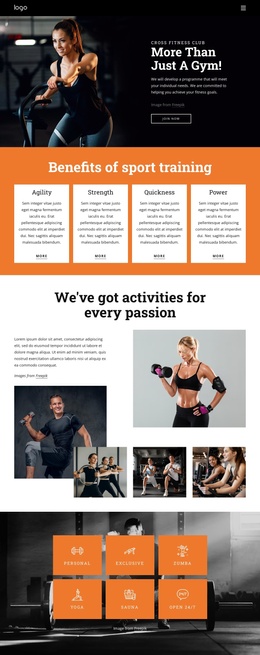
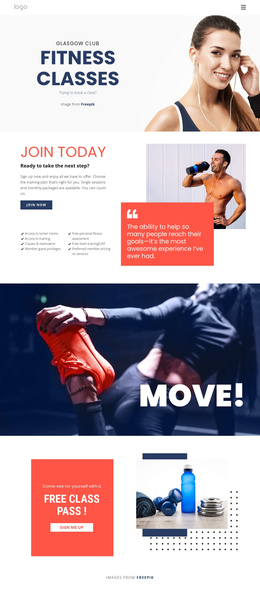
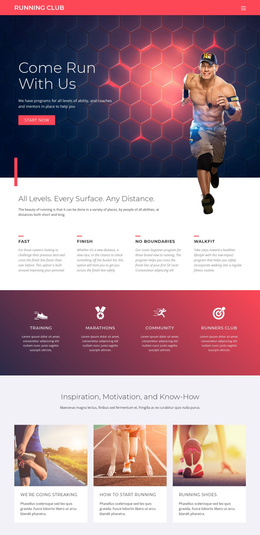
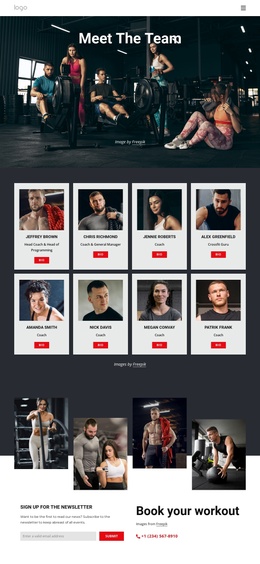
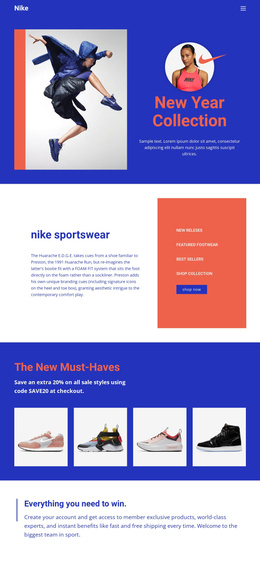
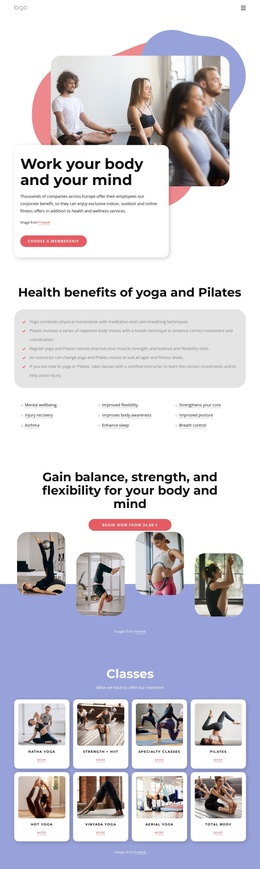
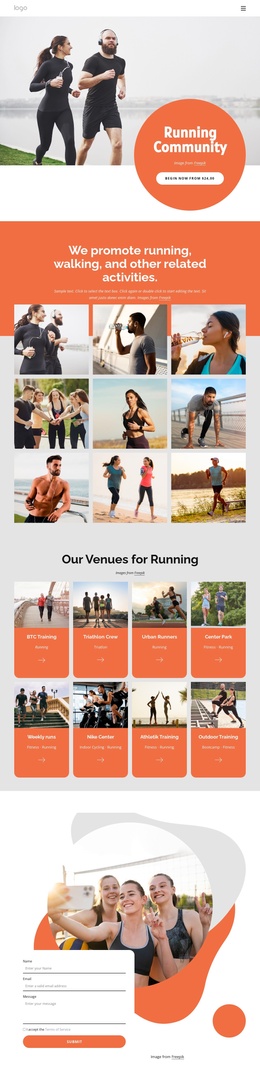
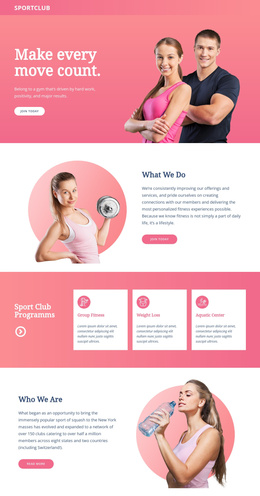
The service-oriented sections divide the page into recognizable content areas that suit a structured CMS presentation. The free three-day trial can stand as an introductory offer, while the membership section provides the broader access message about the gym being available for 24 hours. The ten yoga classes, personal training explanation, and pregnancy training feature then give the club separate informational regions rather than forcing every offering into one undifferentiated block.
That separation is useful when the design is adapted for a Joomla site because recurring club information can remain visually coordinated while the content is organized into meaningful areas. The repeated Learn More actions mark places where visitors can be directed toward more detailed information, and the closing newsletter form provides a separate contact-oriented region after the service content. The mobile navigation component also indicates that the page has a defined route through its sections, even though the analysis does not verify specific Joomla menu or article structures. The pink promotional cards and circular images can continue to identify related content while the dark footer provides a shared closing region. The result is a design that gives a CMS project clear subject groupings: membership access, trial enrollment, class information, specialized training, and ongoing newsletter communication.
Customize with Nicepage
Open this ready-made template in the Joomla Page Builder and customize it visually in the Nicepage editor. Replace demo content, edit page sections, and adapt the design to your project without rebuilding the template from scratch.
Work With This Template in Joomla
Customize and Install the Joomla Template
Start with this ready-made template instead of building the Joomla design from scratch. Customize its layout, content, typography, images, sections, and other design elements visually in the Nicepage application, then export and install the Joomla Template, Nicepage Extension, and supported content on your Joomla website.
Edit the Template Directly in Joomla
After installation, you can edit the Joomla Template directly in Joomla with the Nicepage Joomla Extension. Customize the Header, Footer, Colors, Fonts, typography, and Page Templates from the Joomla workflow while keeping the site design connected with your CMS content.
Edit Joomla Articles Visually
Use the Nicepage Joomla Extension to open and edit Joomla Articles visually from the Joomla Administrator. Change text, images, sections, layouts, and other page content in the Nicepage editor while continuing to manage the Articles through Joomla.
Joomla Content and Template Integration
Use the customized template together with Joomla Articles, module Positions, menus, forms, Blog Pages, and other supported CMS elements. With the Nicepage Extension used as the Site Style Source, shared design settings can be applied across Joomla Articles while Joomla continues to provide the CMS environment for managing site content.
This workflow combines a ready-made Joomla Template with visual customization, direct template editing in Joomla, and continued content management through the Nicepage Joomla Extension.