Unlimited fitness, yoga, wellness Joomla Template


Edit Template Offline
2. Create new page and search for id 6138230
Edit Template Online
Create Awesome Websites


Free Nicepage Builder
Keywords
Eight Coaching Profiles Form Structured Joomla Content Areas
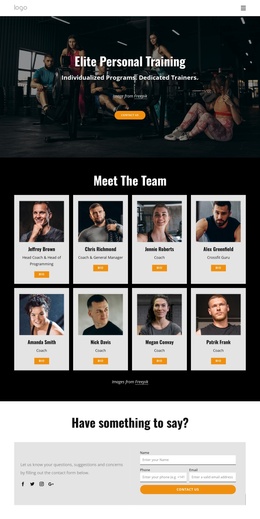
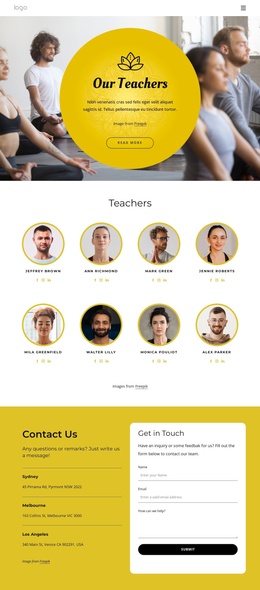
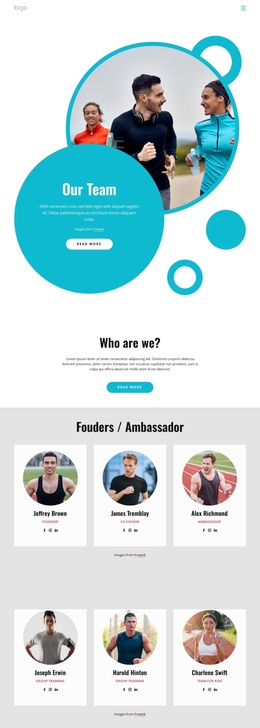
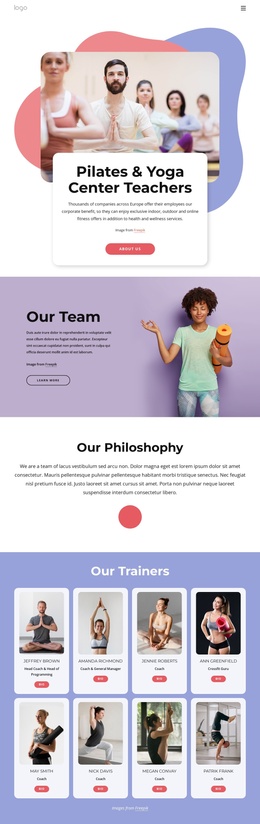
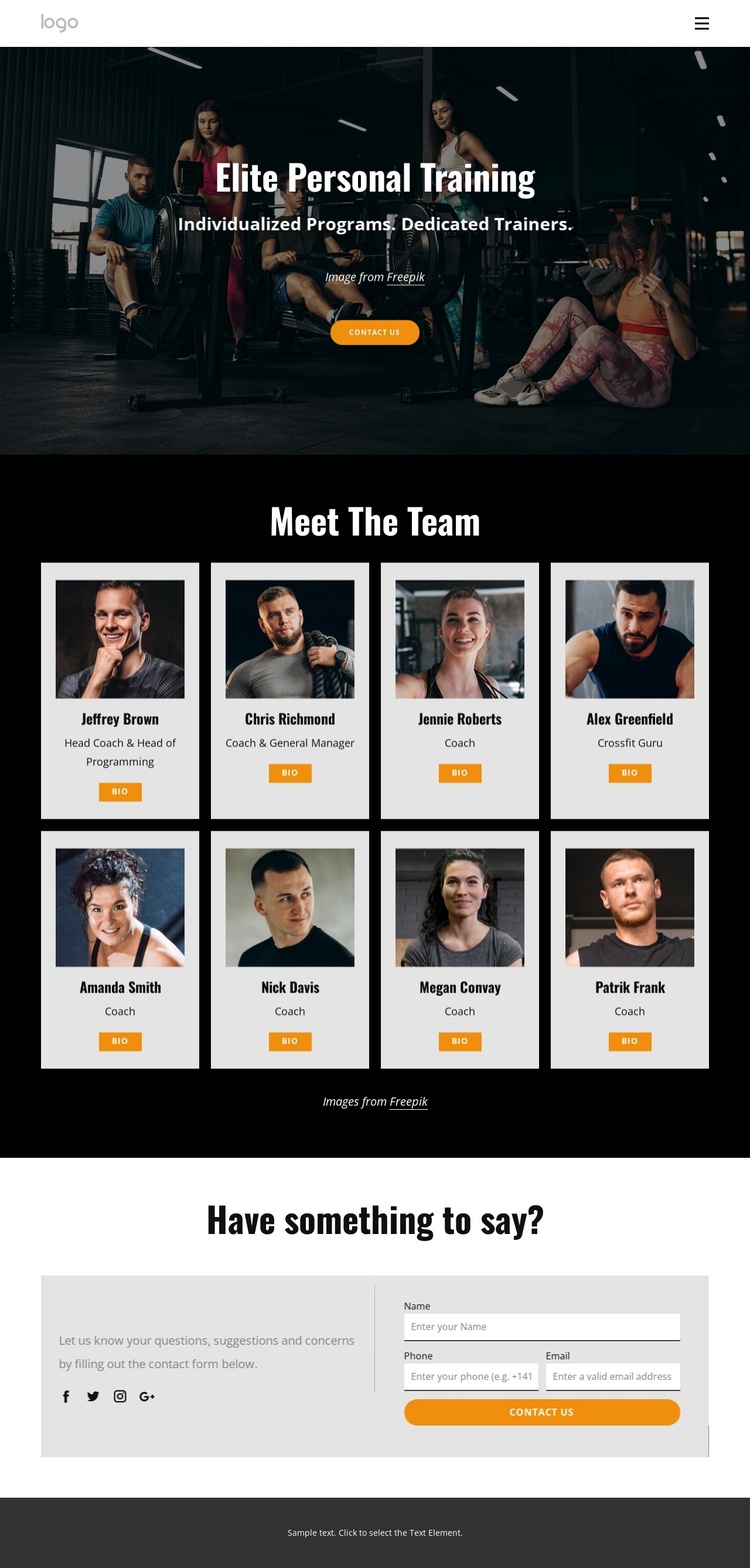
The eight repeated team profiles give this design a clear set of informational content areas rather than a single undifferentiated staff image. Each card combines a portrait, role label, and Bio action, so coaching information can be understood as a series of related records within the broader fitness presentation. The labels for roles such as Head Coach & Head of Programming, Coach & General Manager, and Crossfit Guru further distinguish the types of expertise represented without turning demo names into claims about a real organization.
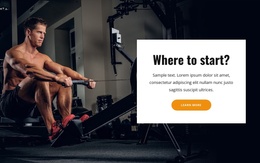
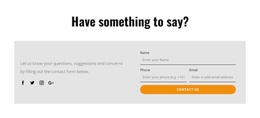
The compact header provides shared navigation for Home, About Club, and Our Programs, while the hero establishes the elite personal training context before visitors reach the directory. At the other end of the page, the contact section groups explanatory copy, Facebook, Twitter, Instagram, and Google links beside a form with name, phone, and email inputs. That combination creates recognizable regions for navigation, team information, social presence, and inquiries—useful relationships for a Joomla-managed fitness site.
The black-and-white base with orange buttons also gives these content regions a consistent visual frame. In a Joomla project, the design can therefore organize recurring staff information and contact-oriented site areas without losing the visual distinction between the introduction, profile directory, and inquiry section.
Customize with Nicepage
Open this ready-made template in the Joomla Page Builder and customize it visually in the Nicepage editor. Replace demo content, edit page sections, and adapt the design to your project without rebuilding the template from scratch.
Work With This Template in Joomla
Customize and Install the Joomla Template
Start with this ready-made template instead of building the Joomla design from scratch. Customize its layout, content, typography, images, sections, and other design elements visually in the Nicepage application, then export and install the Joomla Template, Nicepage Extension, and supported content on your Joomla website.
Edit the Template Directly in Joomla
After installation, you can edit the Joomla Template directly in Joomla with the Nicepage Joomla Extension. Customize the Header, Footer, Colors, Fonts, typography, and Page Templates from the Joomla workflow while keeping the site design connected with your CMS content.
Edit Joomla Articles Visually
Use the Nicepage Joomla Extension to open and edit Joomla Articles visually from the Joomla Administrator. Change text, images, sections, layouts, and other page content in the Nicepage editor while continuing to manage the Articles through Joomla.
Joomla Content and Template Integration
Use the customized template together with Joomla Articles, module Positions, menus, forms, Blog Pages, and other supported CMS elements. With the Nicepage Extension used as the Site Style Source, shared design settings can be applied across Joomla Articles while Joomla continues to provide the CMS environment for managing site content.
This workflow combines a ready-made Joomla Template with visual customization, direct template editing in Joomla, and continued content management through the Nicepage Joomla Extension.