Pilates vs yoga Joomla Template



Edit Template Offline
2. Create new page and search for id 140702
Edit Template Online
Create Awesome Websites


Free Nicepage Builder
Keywords
Class Regions and Contact Content Form a Structured Club Layout
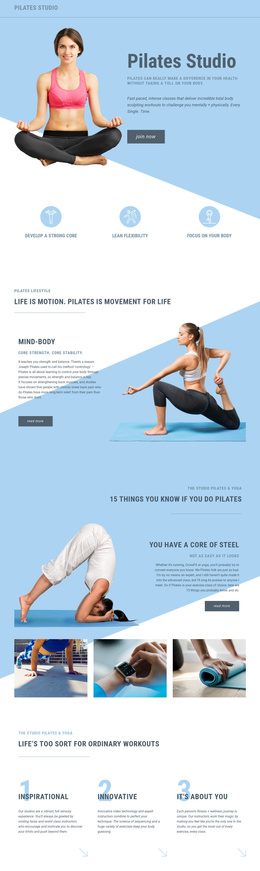
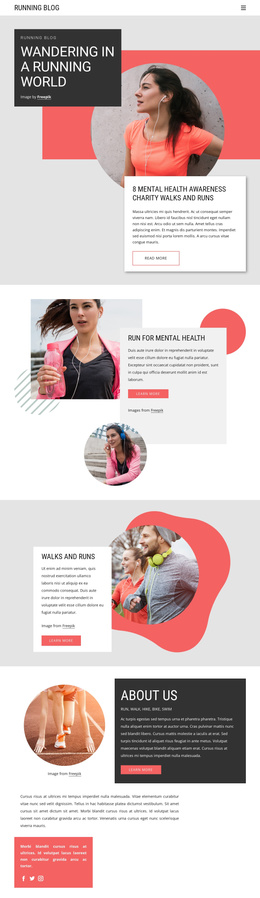
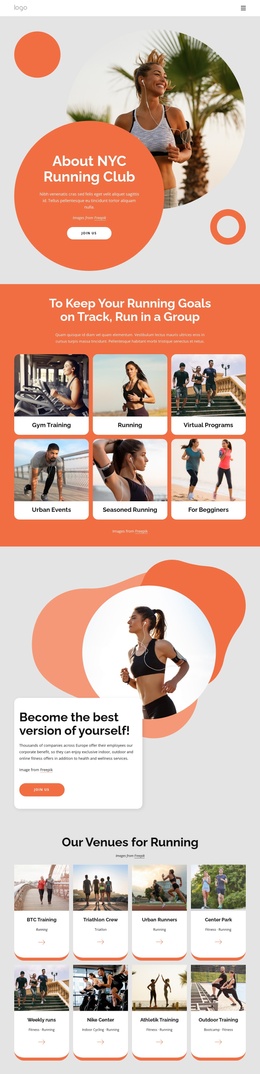
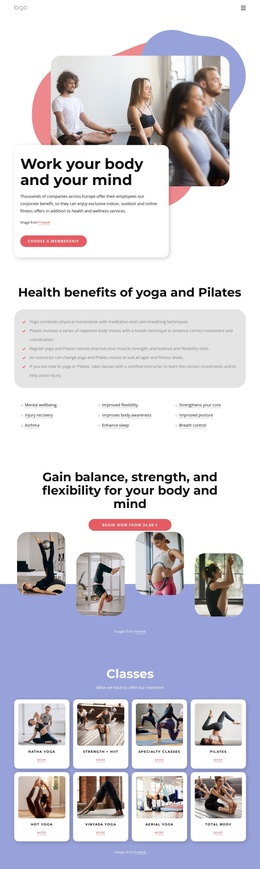
The six-item How We Help section gives the design a particularly clear content division. Cycling, Running, Dance Class, Fitness, Pilates, and Weight Loss appear as repeated fitness categories, while the separate Pilates and yoga section provides fuller introductory content with two large images and supporting copy. Together, these areas distinguish recurring activity information from a more focused class presentation.
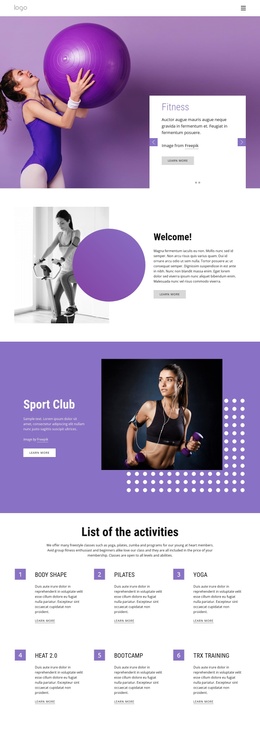
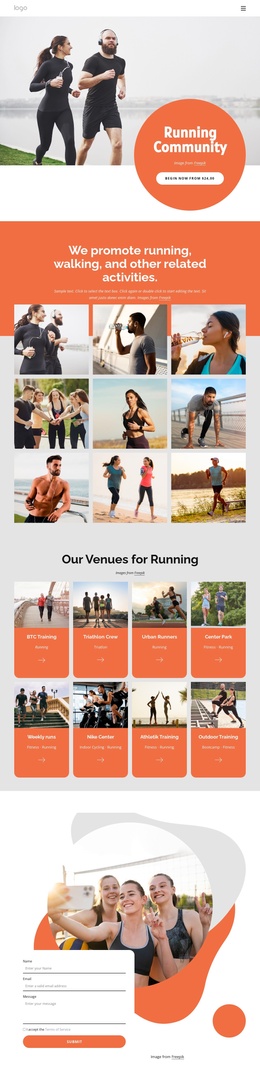
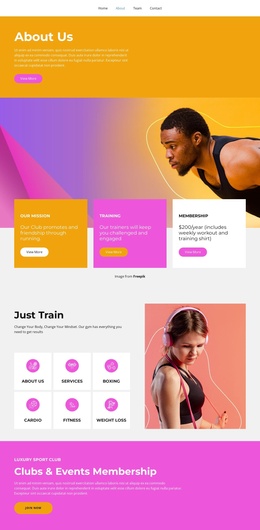
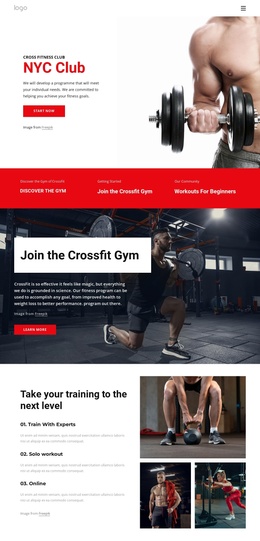
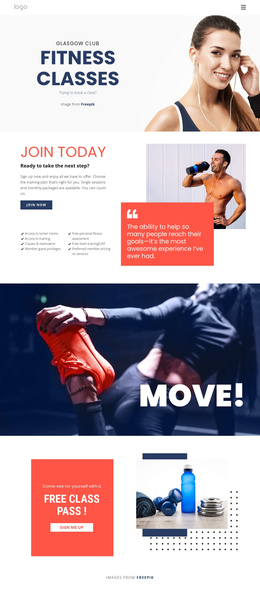
Other sections add complementary site regions. The Sport Club opening introduces the organization, and the Weight Loss & Diet Plan block combines program information with testimonial-style content and overlapping images. The About Club section supplies a portrait and explanatory copy, while the running guidance block connects an informational heading with a four-image gallery. These regions could be maintained as coordinated club content areas rather than treated as one undifferentiated page.
The contact section is especially useful as a closing content region because it places social links beside a compact inquiry form and Submit action. Navigation can lead visitors from the club introduction toward classes, categories, guidance, and contact information while preserving the shared visual treatment. If the project uses Nicepage with Joomla, the Joomla Extension provides a product bridge for designing Articles, but the template itself should be understood through the verified content regions already present here.
Customize with Nicepage
Open this ready-made template in the Joomla Page Builder and customize it visually in the Nicepage editor. Replace demo content, edit page sections, and adapt the design to your project without rebuilding the template from scratch.
Work With This Template in Joomla
Customize and Install the Joomla Template
Start with this ready-made template instead of building the Joomla design from scratch. Customize its layout, content, typography, images, sections, and other design elements visually in the Nicepage application, then export and install the Joomla Template, Nicepage Extension, and supported content on your Joomla website.
Edit the Template Directly in Joomla
After installation, you can edit the Joomla Template directly in Joomla with the Nicepage Joomla Extension. Customize the Header, Footer, Colors, Fonts, typography, and Page Templates from the Joomla workflow while keeping the site design connected with your CMS content.
Edit Joomla Articles Visually
Use the Nicepage Joomla Extension to open and edit Joomla Articles visually from the Joomla Administrator. Change text, images, sections, layouts, and other page content in the Nicepage editor while continuing to manage the Articles through Joomla.
Joomla Content and Template Integration
Use the customized template together with Joomla Articles, module Positions, menus, forms, Blog Pages, and other supported CMS elements. With the Nicepage Extension used as the Site Style Source, shared design settings can be applied across Joomla Articles while Joomla continues to provide the CMS environment for managing site content.
This workflow combines a ready-made Joomla Template with visual customization, direct template editing in Joomla, and continued content management through the Nicepage Joomla Extension.