Running сlub Joomla Template


Edit Template Offline
2. Create new page and search for id 5777293
Edit Template Online
Create Awesome Websites


Free Nicepage Builder
Keywords
Activity Categories and Venue Regions Fit a Structured CMS Page
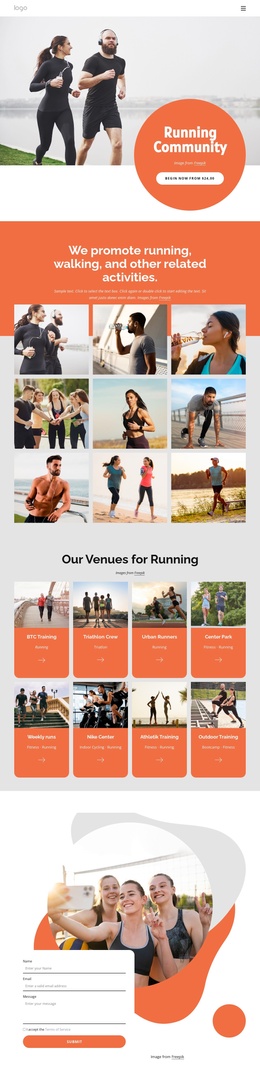
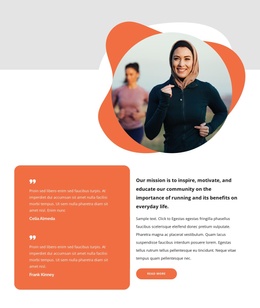
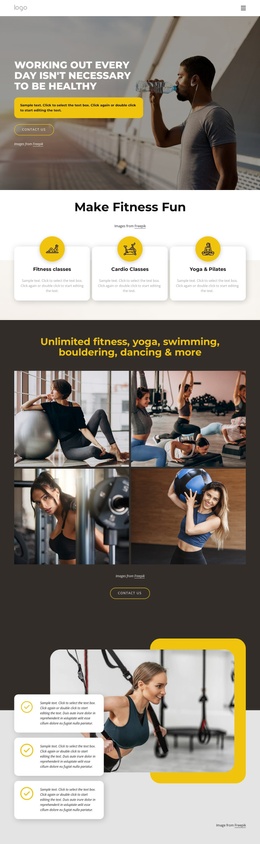
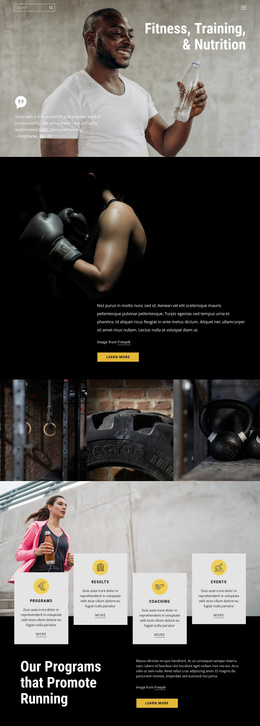
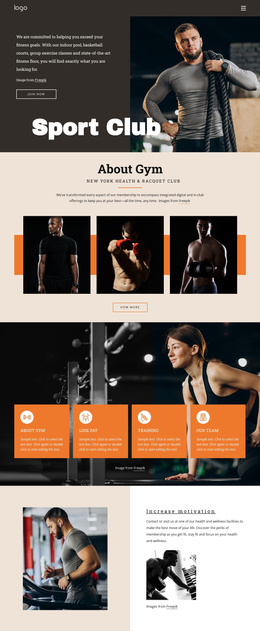
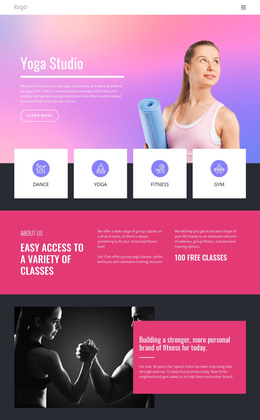
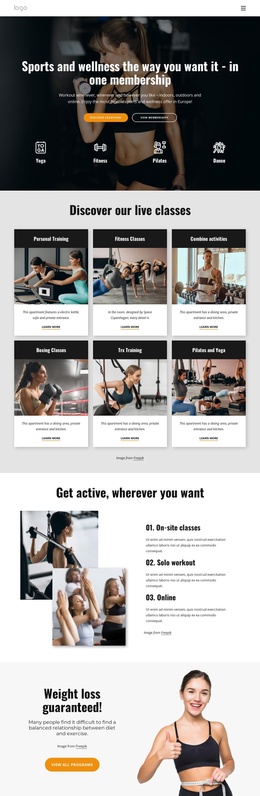
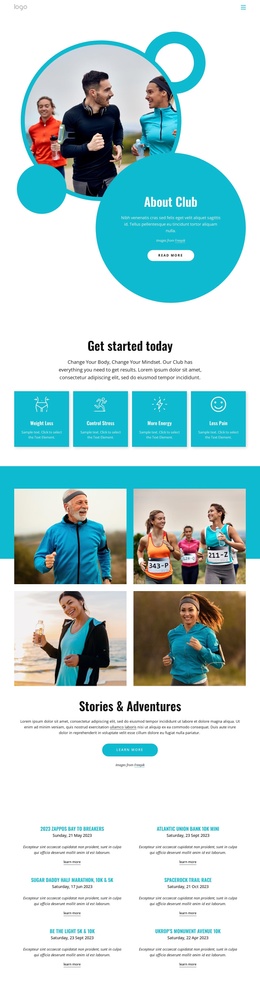
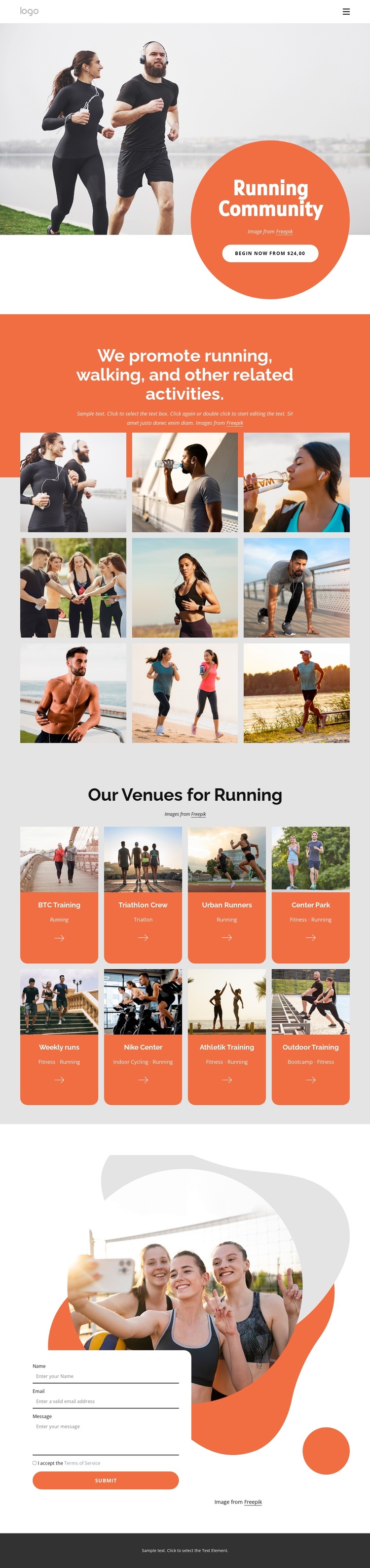
The activity introduction, nine-image gallery, and eight venue cards divide the design into content regions that can be understood and maintained separately in a Joomla-managed site. The hero establishes the shared community message, but the middle of the page carries the reusable information: running, walking, triathlon, fitness, indoor cycling, and bootcamp appear as related activity subjects rather than as one undifferentiated paragraph.
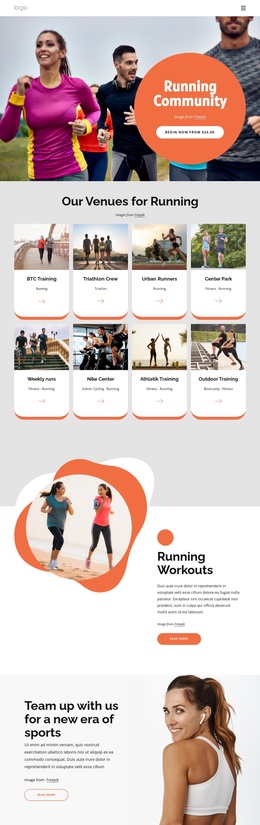
The venue area is especially suited to structured content interpretation because each of its eight cards follows a repeatable pattern. Names such as BTC Training, Triathlon Crew, Urban Runners, Center Park, and Outdoor Training are paired with images and activity labels. The cards can therefore represent recurring informational entries while remaining inside one coordinated visual region. The gallery serves a different role: it provides a visual showcase for the wider activity offering and separates image-led context from the more label-driven venue directory.
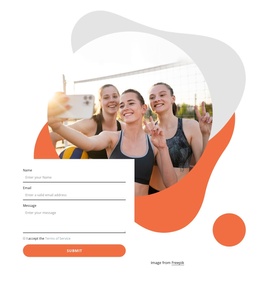
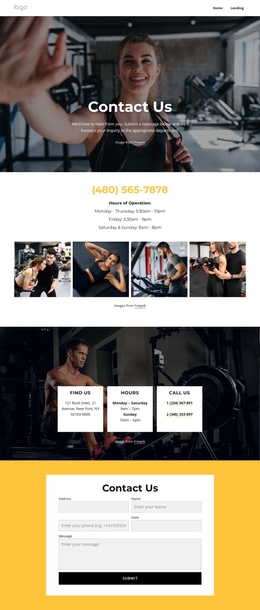
Navigation at the top gives the page a shared route between Home, About Club, and Landing areas, while the contact form creates a distinct communication region after visitors have reviewed the activities and venues. That separation helps a CMS-managed project keep navigation, descriptive content, repeated venue information, visual media, and inquiries conceptually organized. The design does not need to be treated as a generic Joomla shell; its suitability comes from the way the concrete running content is already divided into menus, showcase material, recurring cards, and a final contact area.
Customize with Nicepage
Open this ready-made template in the Joomla Page Builder and customize it visually in the Nicepage editor. Replace demo content, edit page sections, and adapt the design to your project without rebuilding the template from scratch.
Work With This Template in Joomla
Customize and Install the Joomla Template
Start with this ready-made template instead of building the Joomla design from scratch. Customize its layout, content, typography, images, sections, and other design elements visually in the Nicepage application, then export and install the Joomla Template, Nicepage Extension, and supported content on your Joomla website.
Edit the Template Directly in Joomla
After installation, you can edit the Joomla Template directly in Joomla with the Nicepage Joomla Extension. Customize the Header, Footer, Colors, Fonts, typography, and Page Templates from the Joomla workflow while keeping the site design connected with your CMS content.
Edit Joomla Articles Visually
Use the Nicepage Joomla Extension to open and edit Joomla Articles visually from the Joomla Administrator. Change text, images, sections, layouts, and other page content in the Nicepage editor while continuing to manage the Articles through Joomla.
Joomla Content and Template Integration
Use the customized template together with Joomla Articles, module Positions, menus, forms, Blog Pages, and other supported CMS elements. With the Nicepage Extension used as the Site Style Source, shared design settings can be applied across Joomla Articles while Joomla continues to provide the CMS environment for managing site content.
This workflow combines a ready-made Joomla Template with visual customization, direct template editing in Joomla, and continued content management through the Nicepage Joomla Extension.