Sport and wellness center Joomla Template



Edit Template Offline
2. Create new page and search for id 4927783
Edit Template Online
Create Awesome Websites


Free Nicepage Builder
Keywords
Service Areas and Gym Information Create Clear CMS Content Regions
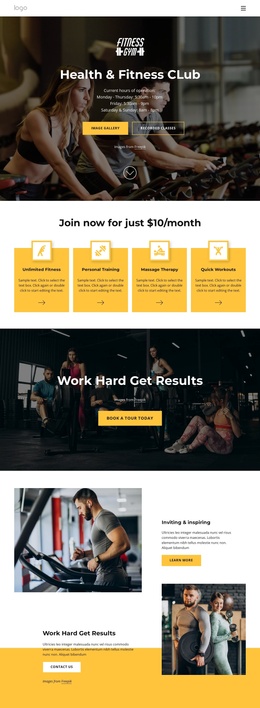
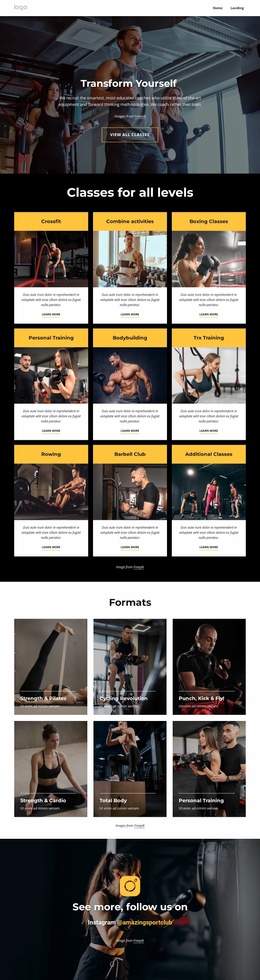
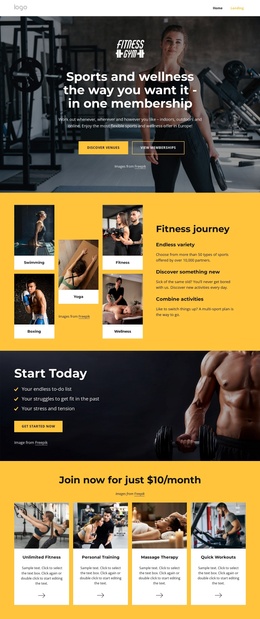
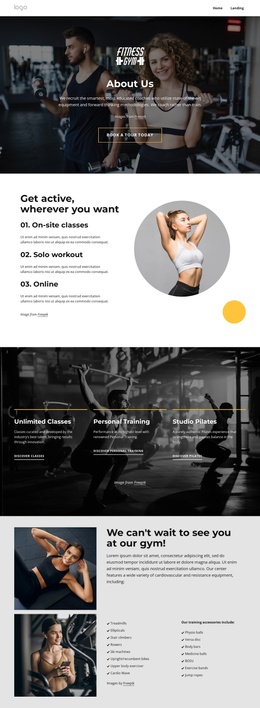
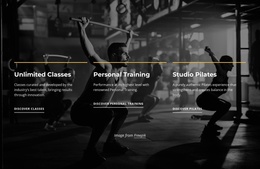
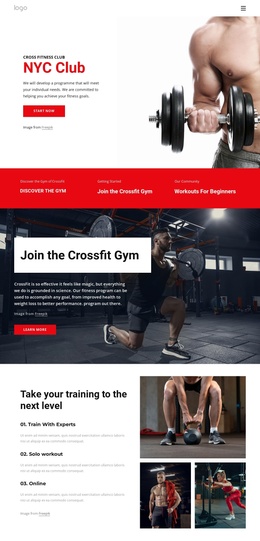
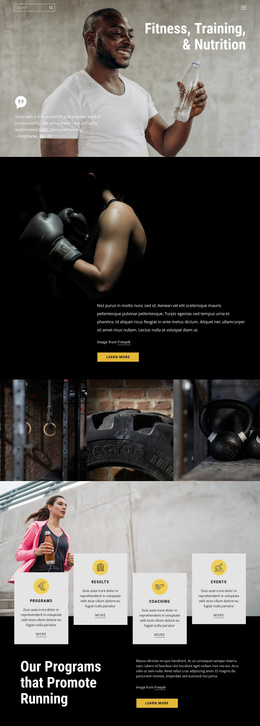
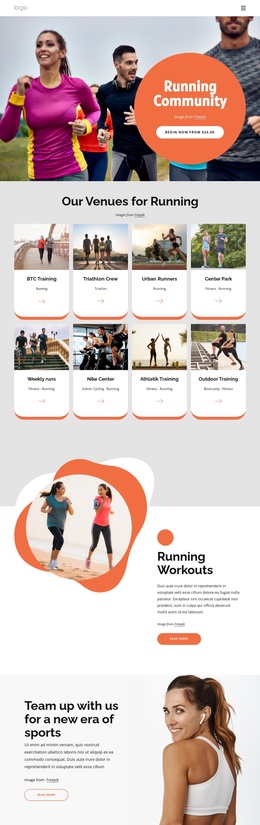
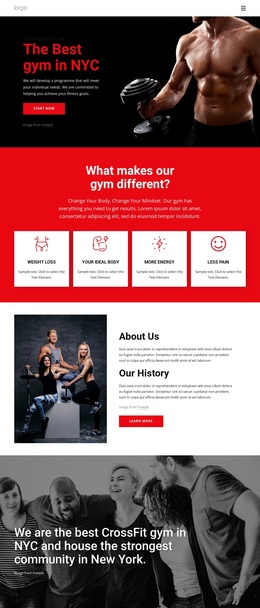
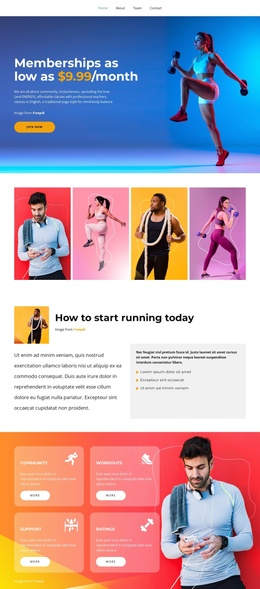
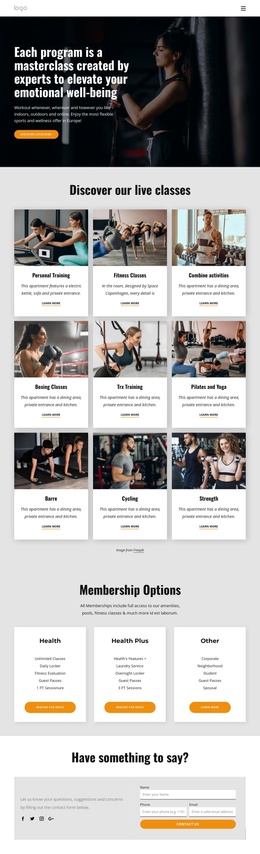
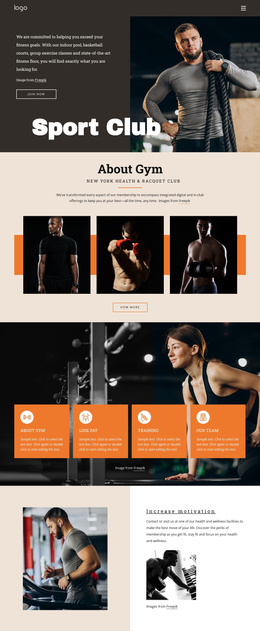
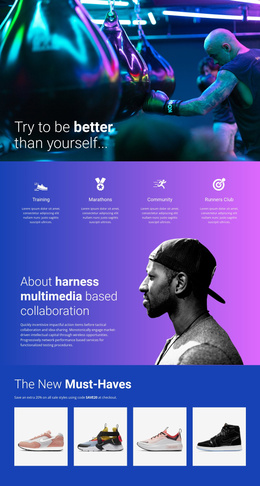
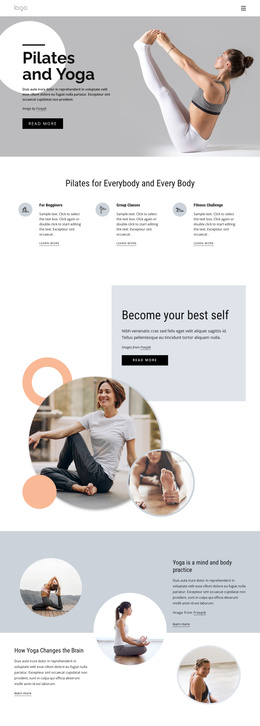
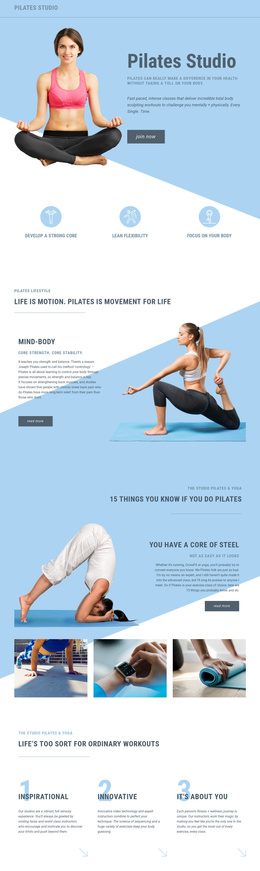
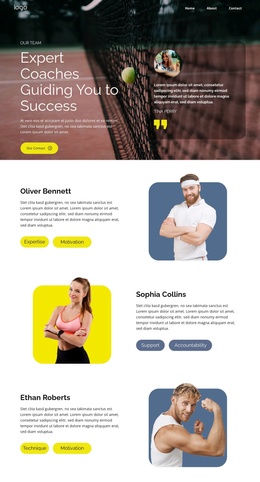
The three workout options give this design an immediately understandable set of content areas: visitors can compare on-site classes, solo workout access, and online participation before reaching the more specific service cards. That separation is useful for a Joomla-managed fitness site because broad program information and individual offerings can remain distinct while sharing the same visual direction. The service section then groups Unlimited Classes, Personal Training, and Studio Pilates into three recognizable presentation units.
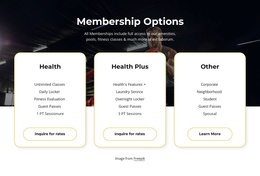
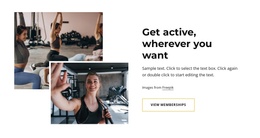
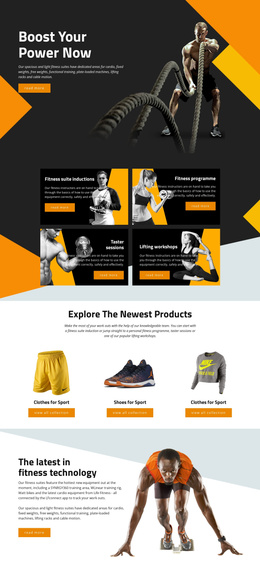
The facilities block contributes another structured region by separating cardiovascular equipment from training accessories. Its lists include treadmills, ellipticals, stair climbers, rowers, bikes, physio balls, medicine balls, BOSU equipment, exercise bands, and other training items. This makes the gym environment legible as organized information rather than relying only on photography. The membership section adds a focused promotional area, while the Instagram block provides a separate social destination.
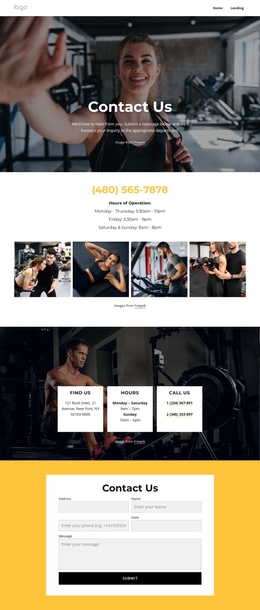
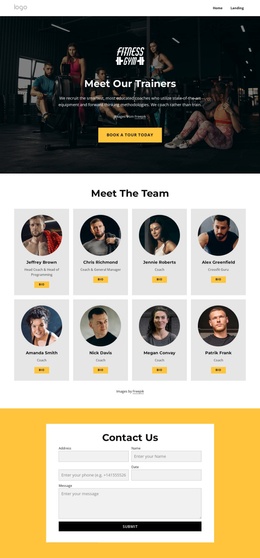
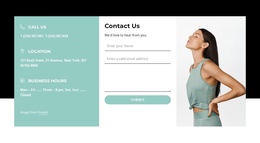
Navigation, mobile navigation, the shared footer, and the closing Contact Us section connect these areas into a usable site presentation. The form includes name, address, phone, date, and message inputs, giving the contact content a defined role. In Joomla, this combination can support organized service, facility, membership, and contact content without treating the sample names or promotional copy as verified business facts.
Customize with Nicepage
Open this ready-made template in the Joomla Page Builder and customize it visually in the Nicepage editor. Replace demo content, edit page sections, and adapt the design to your project without rebuilding the template from scratch.
Work With This Template in Joomla
Customize and Install the Joomla Template
Start with this ready-made template instead of building the Joomla design from scratch. Customize its layout, content, typography, images, sections, and other design elements visually in the Nicepage application, then export and install the Joomla Template, Nicepage Extension, and supported content on your Joomla website.
Edit the Template Directly in Joomla
After installation, you can edit the Joomla Template directly in Joomla with the Nicepage Joomla Extension. Customize the Header, Footer, Colors, Fonts, typography, and Page Templates from the Joomla workflow while keeping the site design connected with your CMS content.
Edit Joomla Articles Visually
Use the Nicepage Joomla Extension to open and edit Joomla Articles visually from the Joomla Administrator. Change text, images, sections, layouts, and other page content in the Nicepage editor while continuing to manage the Articles through Joomla.
Joomla Content and Template Integration
Use the customized template together with Joomla Articles, module Positions, menus, forms, Blog Pages, and other supported CMS elements. With the Nicepage Extension used as the Site Style Source, shared design settings can be applied across Joomla Articles while Joomla continues to provide the CMS environment for managing site content.
This workflow combines a ready-made Joomla Template with visual customization, direct template editing in Joomla, and continued content management through the Nicepage Joomla Extension.