Meet our trainers Joomla Template


Edit Template Offline
2. Create new page and search for id 4919015
Edit Template Online
Create Awesome Websites


Free Nicepage Builder
Keywords
Trainer Roles and Contact Regions Form a Manageable Joomla Page
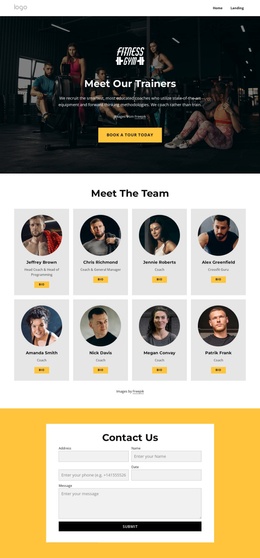
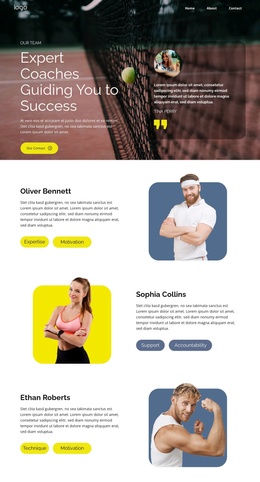
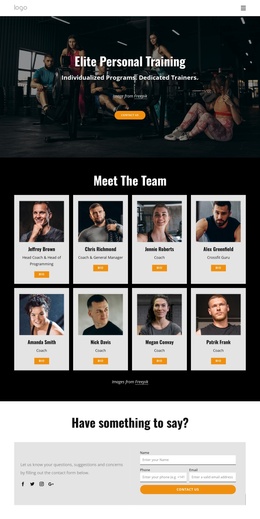
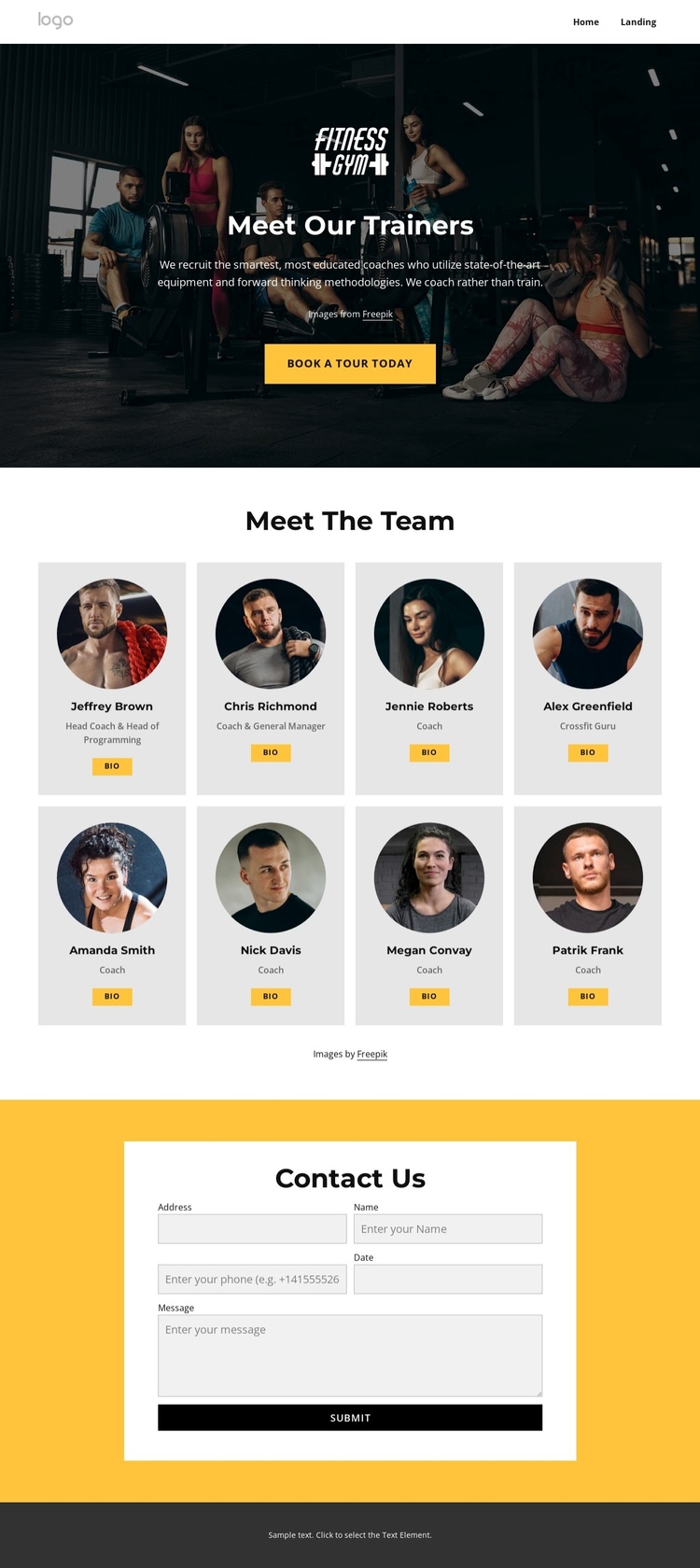
The navigation bar establishes a shared entry point before the page moves into its main fitness content. In the hero, the trainer introduction and Book A Tour Today button identify the page’s immediate subject and provide an early route toward an inquiry. The following team directory is particularly suited to structured content management because it repeats the same profile pattern eight times: circular image, name area, role label, and Bio button. This repetition creates a consistent region for maintaining several trainers without changing the visual relationship between entries.
The role labels add useful distinctions within that repeated structure. Head Coach, General Manager, Coach, and Crossfit Guru indicate different responsibilities while keeping every profile inside the same team presentation. A Joomla-managed interpretation can therefore treat the profiles as organized informational content connected by common navigation and page styling, rather than as unrelated image cards.
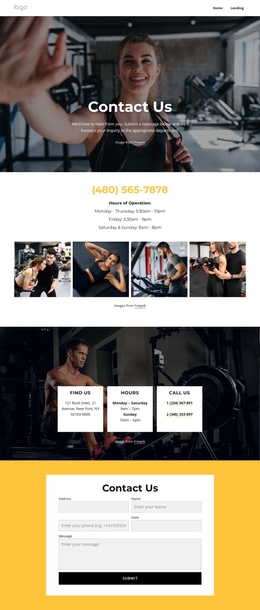
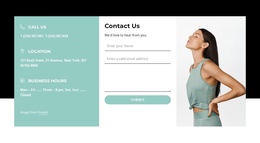
The closing contact region supplies a separate content and response area. Its yellow background, centered white panel, fields for name, email, phone, date, and message, and Submit button make the inquiry section easy to identify after the team content. Together with the dark footer, these regions create a clear page organization for a Joomla fitness site: navigation first, trainer information in the middle, and contact content at the end. The design can be adapted with the Joomla Extension when Joomla content needs to be edited within the site environment.
Customize with Nicepage
Open this ready-made template in the Joomla Page Builder and customize it visually in the Nicepage editor. Replace demo content, edit page sections, and adapt the design to your project without rebuilding the template from scratch.
Work With This Template in Joomla
Customize and Install the Joomla Template
Start with this ready-made template instead of building the Joomla design from scratch. Customize its layout, content, typography, images, sections, and other design elements visually in the Nicepage application, then export and install the Joomla Template, Nicepage Extension, and supported content on your Joomla website.
Edit the Template Directly in Joomla
After installation, you can edit the Joomla Template directly in Joomla with the Nicepage Joomla Extension. Customize the Header, Footer, Colors, Fonts, typography, and Page Templates from the Joomla workflow while keeping the site design connected with your CMS content.
Edit Joomla Articles Visually
Use the Nicepage Joomla Extension to open and edit Joomla Articles visually from the Joomla Administrator. Change text, images, sections, layouts, and other page content in the Nicepage editor while continuing to manage the Articles through Joomla.
Joomla Content and Template Integration
Use the customized template together with Joomla Articles, module Positions, menus, forms, Blog Pages, and other supported CMS elements. With the Nicepage Extension used as the Site Style Source, shared design settings can be applied across Joomla Articles while Joomla continues to provide the CMS environment for managing site content.
This workflow combines a ready-made Joomla Template with visual customization, direct template editing in Joomla, and continued content management through the Nicepage Joomla Extension.