Run in a group Joomla Template



Edit Template Offline
2. Create new page and search for id 5776168
Edit Template Online
Create Awesome Websites


Free Nicepage Builder
Keywords
Activity and Venue Cards Divide Club Information Clearly
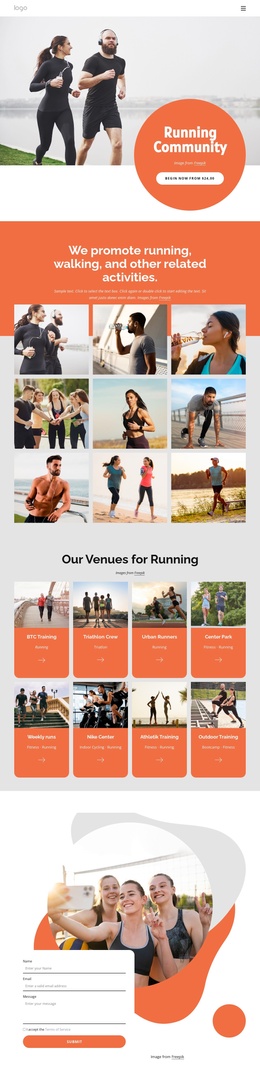
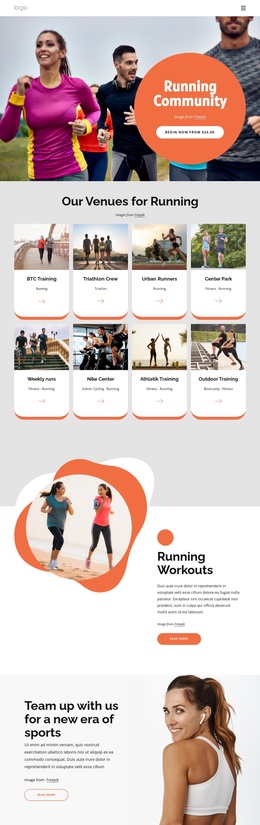
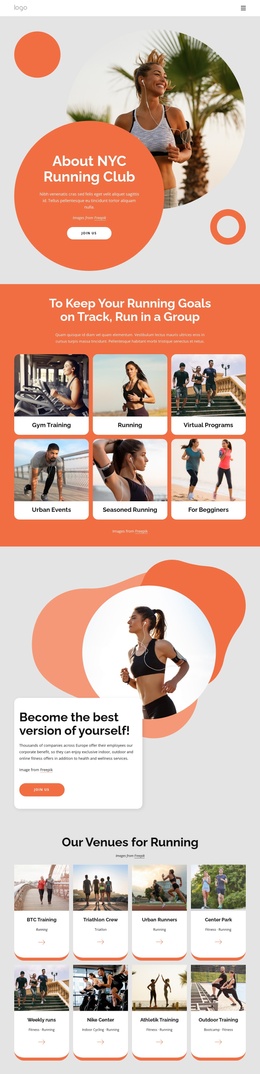
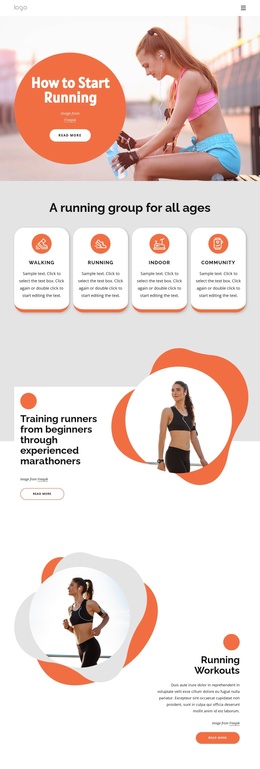
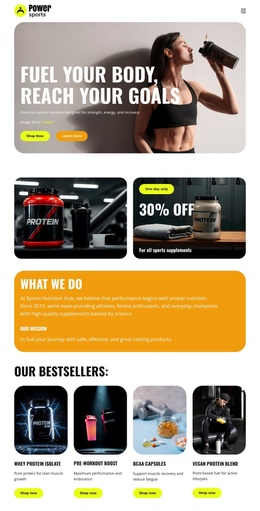
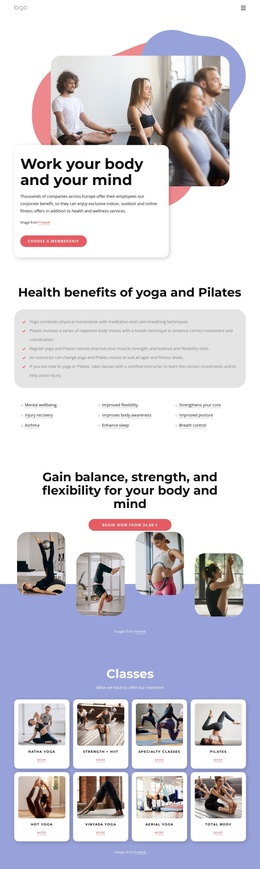
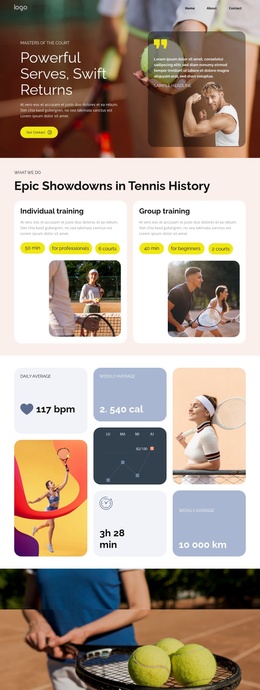
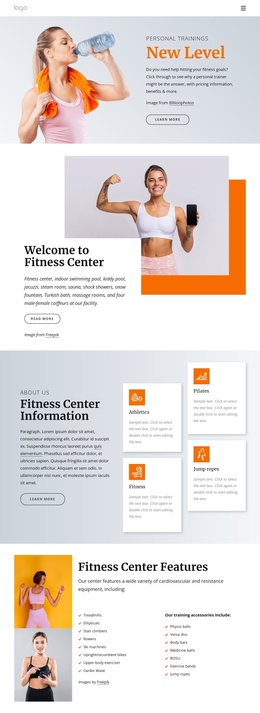
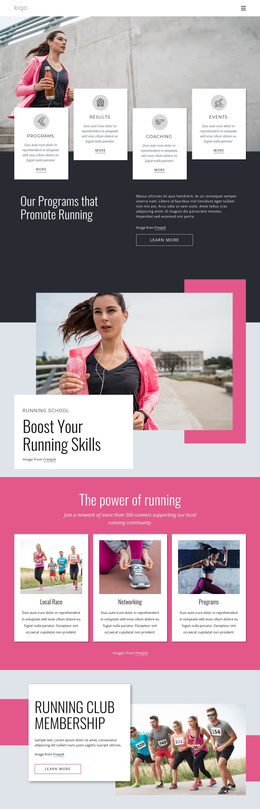
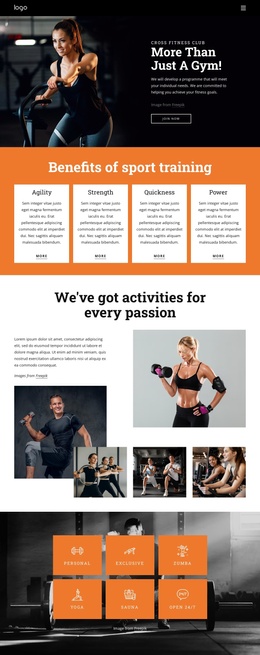
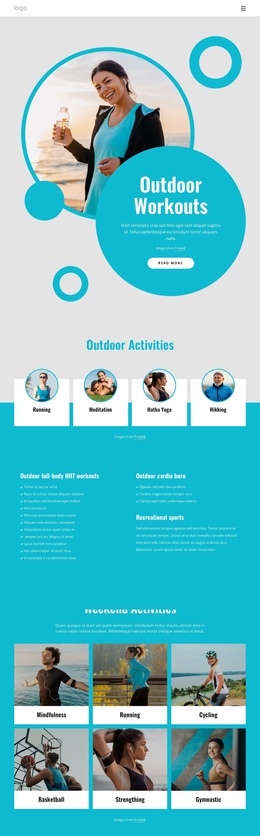
The six-card activity grid gives the design a useful set of structured information areas: Gym Training, Running, Virtual Programs, Urban Events, Seasoned Running, and For Beginners are separated without losing their shared visual treatment. The later venue grid extends that organization with eight cards covering named training groups, parks, weekly runs, and outdoor activities. This repeated content pattern can suit a Joomla-managed club site because recurring informational areas remain visually related while individual content categories can be maintained as distinct site sections.
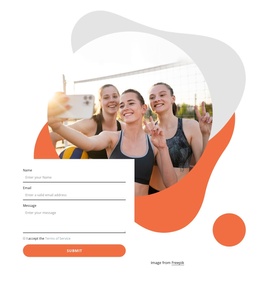
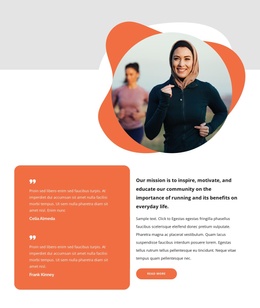
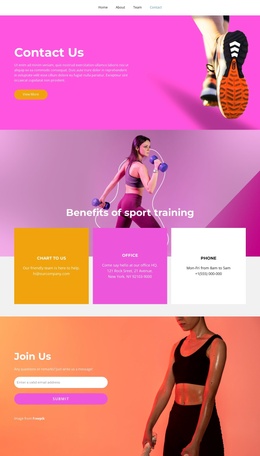
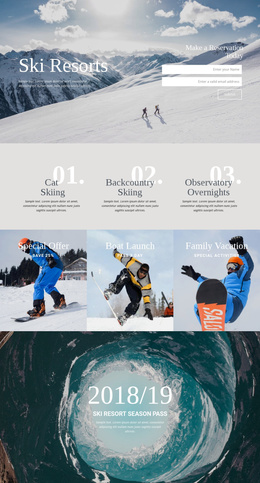
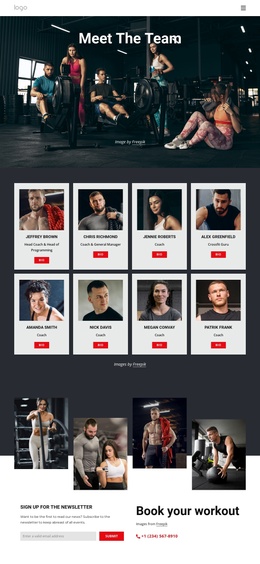
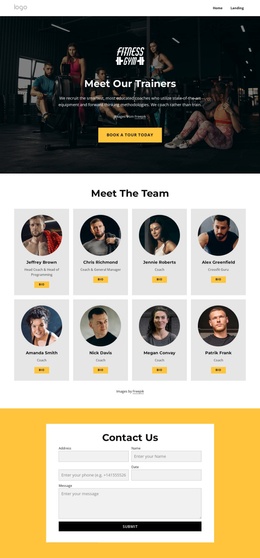
The page also includes a shared navigation component, a weekly event promotion, and a later Long Runs and Events section with Running Events and Club Guidelines actions. These elements connect the activity categories to practical participation information rather than leaving the page as a simple image gallery. The testimonial carousel adds a separate area for member-oriented statements, treated here only as testimonial structure, while the contact form provides a clear place for inquiries at the end of the journey. Together, the navigation, repeated cards, event content, testimonials, and contact area create a structured CMS-oriented foundation for organizing running-club information in Joomla without claiming that specific Joomla Articles or modules already exist in the template.
Customize with Nicepage
Open this ready-made template in the Joomla Page Builder and customize it visually in the Nicepage editor. Replace demo content, edit page sections, and adapt the design to your project without rebuilding the template from scratch.
Work With This Template in Joomla
Customize and Install the Joomla Template
Start with this ready-made template instead of building the Joomla design from scratch. Customize its layout, content, typography, images, sections, and other design elements visually in the Nicepage application, then export and install the Joomla Template, Nicepage Extension, and supported content on your Joomla website.
Edit the Template Directly in Joomla
After installation, you can edit the Joomla Template directly in Joomla with the Nicepage Joomla Extension. Customize the Header, Footer, Colors, Fonts, typography, and Page Templates from the Joomla workflow while keeping the site design connected with your CMS content.
Edit Joomla Articles Visually
Use the Nicepage Joomla Extension to open and edit Joomla Articles visually from the Joomla Administrator. Change text, images, sections, layouts, and other page content in the Nicepage editor while continuing to manage the Articles through Joomla.
Joomla Content and Template Integration
Use the customized template together with Joomla Articles, module Positions, menus, forms, Blog Pages, and other supported CMS elements. With the Nicepage Extension used as the Site Style Source, shared design settings can be applied across Joomla Articles while Joomla continues to provide the CMS environment for managing site content.
This workflow combines a ready-made Joomla Template with visual customization, direct template editing in Joomla, and continued content management through the Nicepage Joomla Extension.