Welcome to cycling club Joomla Template



Edit Template Offline
2. Create new page and search for id 4006089
Edit Template Online
Create Awesome Websites


Free Nicepage Builder
Keywords
Services, events, and contact regions divide the club content clearly
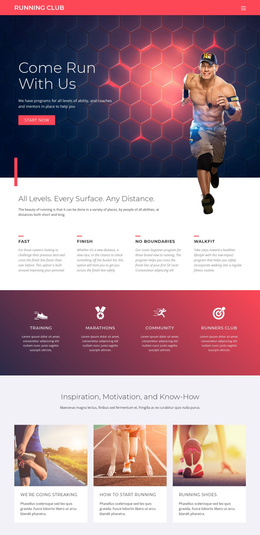
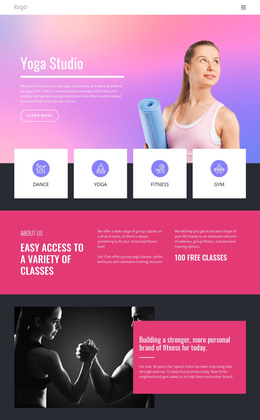
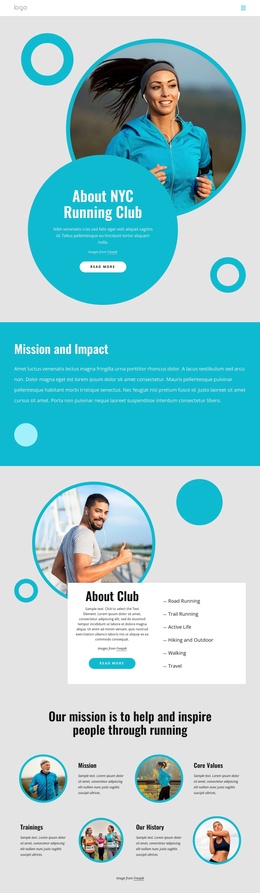
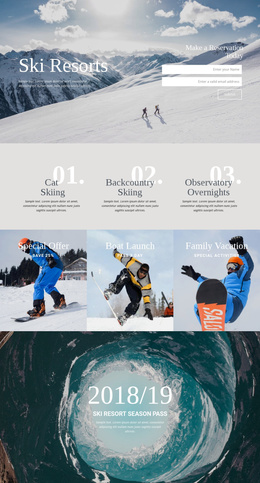
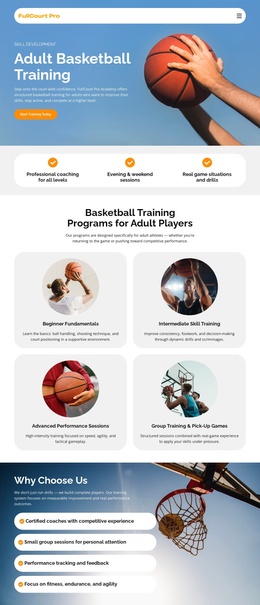
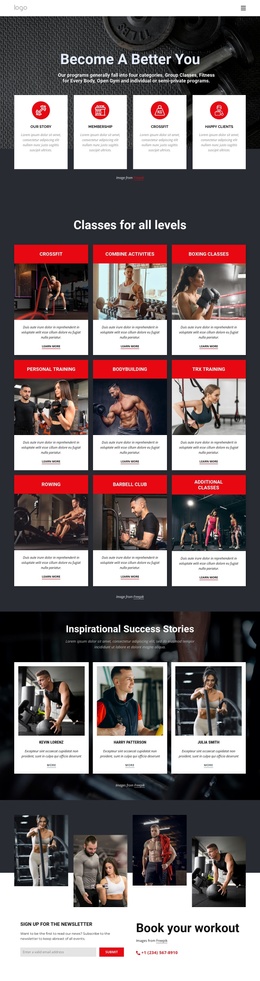
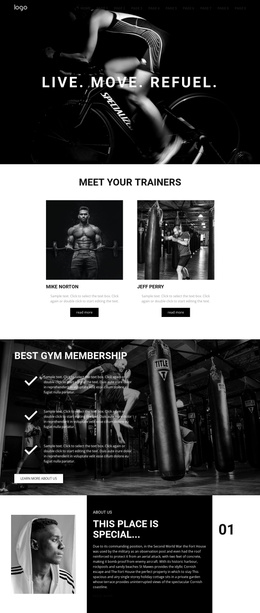
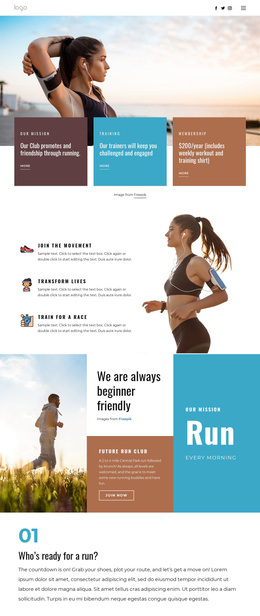
The service and activity areas give this design several natural content regions for a CMS-managed cycling club site. The Road Cycling Events section separates race-focused information from the broader four-card services group, where Workouts, Community, Membership, and Events can remain distinct recurring categories. The earlier cards for Bicycle Club, Outdoor Workouts, and Our Values add another layer of structured club information without changing the shared navigation or visual direction.
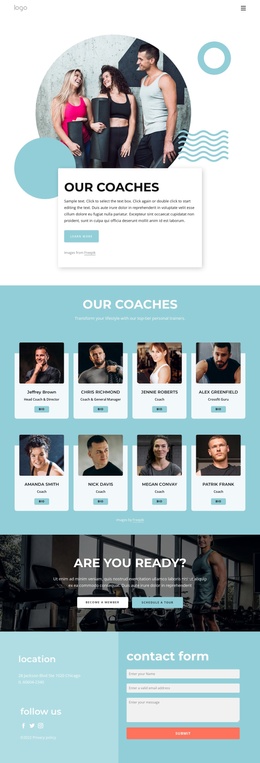
The page also contains regions with different editorial responsibilities. Mission, Vision, and Values can hold enduring statements about the organization, while Cycling Results can present supporting achievements or event-related information without being confused with the service overview. Near the bottom, the newsletter form creates a focused subscription area, and the three contact cards organize practical details under Find Us, Hours, and Call Us. Together, these regions give a Joomla project a recognizable division between informational content, activity promotion, member-facing services, and contact communication.
A Joomla implementation would therefore benefit from preserving the common header, navigation, repeated card patterns, and footer while assigning changing content to the appropriate site areas. The Joomla Extension supports creating and designing Joomla Articles, but the page analysis does not claim that Articles already exist in this template. The stronger evidence is the design's clear separation of reusable content regions and its consistent visual treatment across them.
Customize with Nicepage
Open this ready-made template in the Joomla Page Builder and customize it visually in the Nicepage editor. Replace demo content, edit page sections, and adapt the design to your project without rebuilding the template from scratch.
Work With This Template in Joomla
Customize and Install the Joomla Template
Start with this ready-made template instead of building the Joomla design from scratch. Customize its layout, content, typography, images, sections, and other design elements visually in the Nicepage application, then export and install the Joomla Template, Nicepage Extension, and supported content on your Joomla website.
Edit the Template Directly in Joomla
After installation, you can edit the Joomla Template directly in Joomla with the Nicepage Joomla Extension. Customize the Header, Footer, Colors, Fonts, typography, and Page Templates from the Joomla workflow while keeping the site design connected with your CMS content.
Edit Joomla Articles Visually
Use the Nicepage Joomla Extension to open and edit Joomla Articles visually from the Joomla Administrator. Change text, images, sections, layouts, and other page content in the Nicepage editor while continuing to manage the Articles through Joomla.
Joomla Content and Template Integration
Use the customized template together with Joomla Articles, module Positions, menus, forms, Blog Pages, and other supported CMS elements. With the Nicepage Extension used as the Site Style Source, shared design settings can be applied across Joomla Articles while Joomla continues to provide the CMS environment for managing site content.
This workflow combines a ready-made Joomla Template with visual customization, direct template editing in Joomla, and continued content management through the Nicepage Joomla Extension.