The best sport club Joomla Template



Edit Template Offline
2. Create new page and search for id 1290900
Edit Template Online
Create Awesome Websites


Free Nicepage Builder
Keywords
Fitness Categories and Contact Regions Create Organized CMS Content Areas
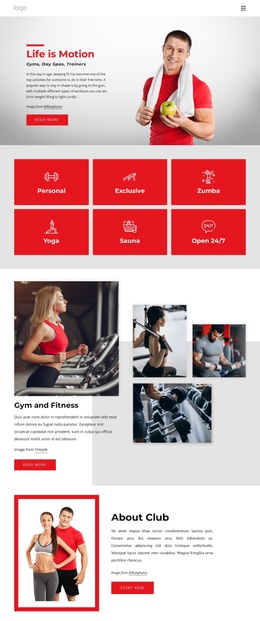
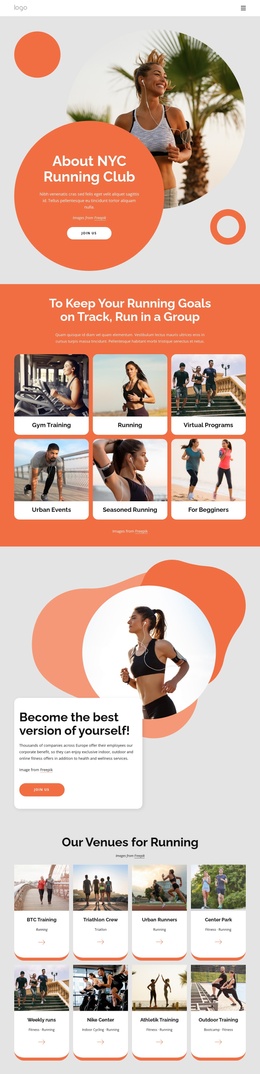
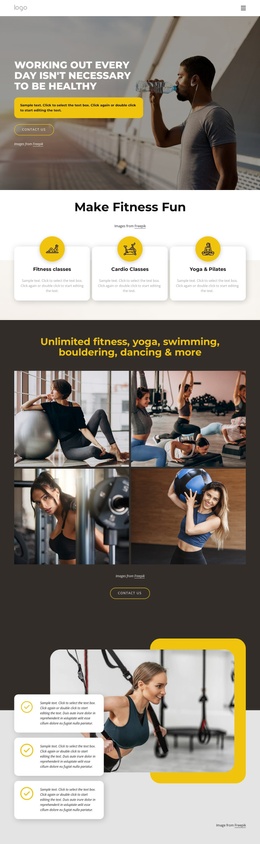
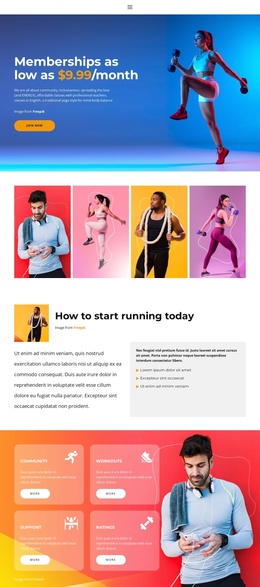
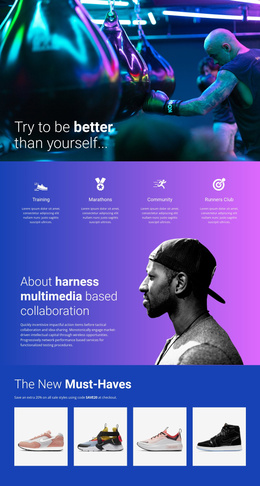
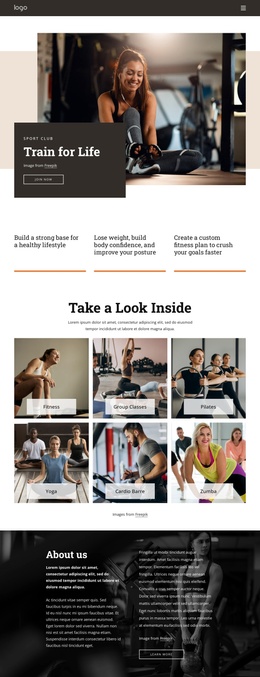
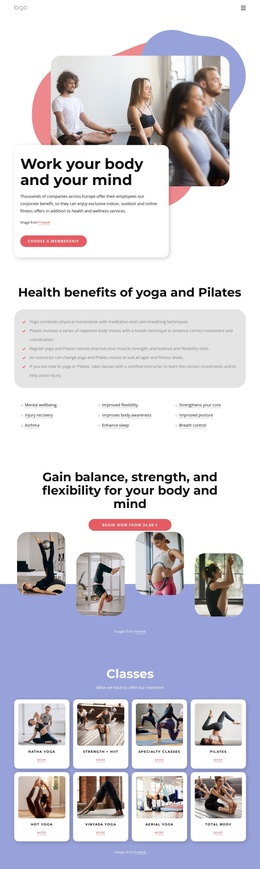
The six feature tiles give the design a useful division for structured fitness information. Personal, Exclusive, Zumba, Yoga, Sauna, and Open 24/7 can be treated as separate content themes while remaining visually coordinated within the same grid. That arrangement is different from a page built around one long block of text: it gives navigation and editorial planning several recognizable destinations for services, activities, and access information.
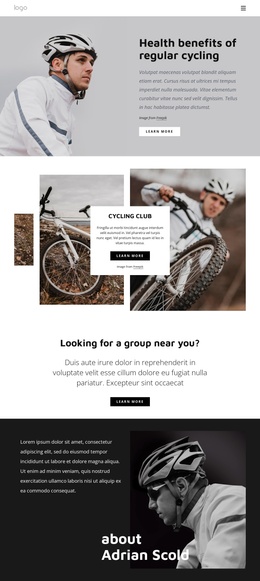
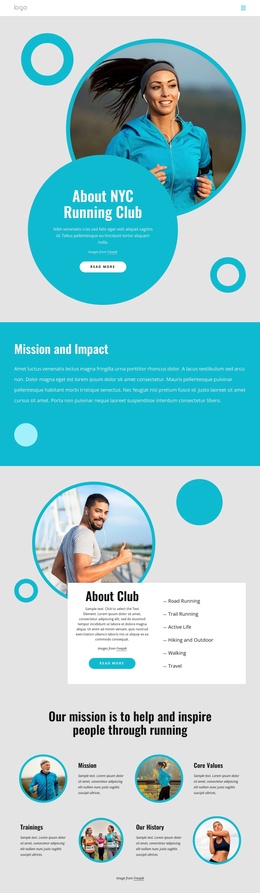
The Gym and Fitness section adds a visual content region, pairing a main description with a compact workout collage. About Club provides another stable area for club information, while the three Why Us cards separate Trainings, Our Gym, and Coach Care into recurring categories. Together, these sections create a practical relationship between overview content and more focused informational units. The dark footer and visible navigation reinforce the shared regions that can remain consistent as site content develops.
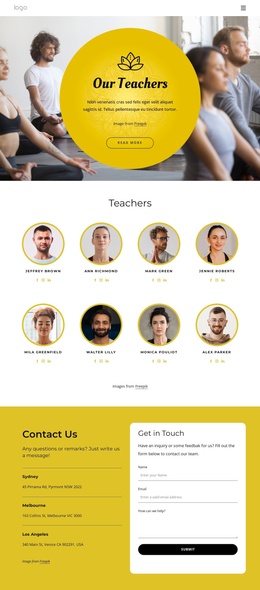
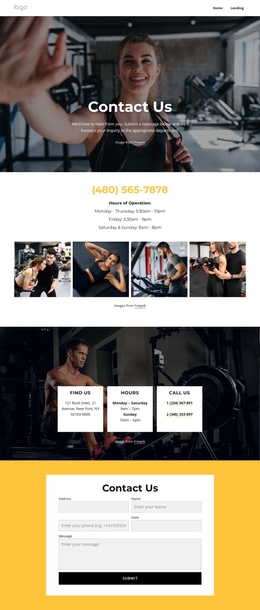
The Free fitness training form and the separate newsletter form should retain different roles. The first supports training contact, while the second supports ongoing audience engagement alongside Facebook, Twitter, and Instagram links. In a Joomla project, that separation can help organize contact-oriented and subscription-oriented content without treating sample text or displayed metrics as verified business claims. The template supplies the visual and sectional framework; the actual CMS-managed content would still need to be replaced with the gym’s own information.
Customize with Nicepage
Open this ready-made template in the Joomla Page Builder and customize it visually in the Nicepage editor. Replace demo content, edit page sections, and adapt the design to your project without rebuilding the template from scratch.
Work With This Template in Joomla
Customize and Install the Joomla Template
Start with this ready-made template instead of building the Joomla design from scratch. Customize its layout, content, typography, images, sections, and other design elements visually in the Nicepage application, then export and install the Joomla Template, Nicepage Extension, and supported content on your Joomla website.
Edit the Template Directly in Joomla
After installation, you can edit the Joomla Template directly in Joomla with the Nicepage Joomla Extension. Customize the Header, Footer, Colors, Fonts, typography, and Page Templates from the Joomla workflow while keeping the site design connected with your CMS content.
Edit Joomla Articles Visually
Use the Nicepage Joomla Extension to open and edit Joomla Articles visually from the Joomla Administrator. Change text, images, sections, layouts, and other page content in the Nicepage editor while continuing to manage the Articles through Joomla.
Joomla Content and Template Integration
Use the customized template together with Joomla Articles, module Positions, menus, forms, Blog Pages, and other supported CMS elements. With the Nicepage Extension used as the Site Style Source, shared design settings can be applied across Joomla Articles while Joomla continues to provide the CMS environment for managing site content.
This workflow combines a ready-made Joomla Template with visual customization, direct template editing in Joomla, and continued content management through the Nicepage Joomla Extension.