About NYC running club Joomla Template



Edit Template Offline
2. Create new page and search for id 4662682
Edit Template Online
Create Awesome Websites


Free Nicepage Builder
Keywords
Activity Categories and Contact Content for a Joomla Site
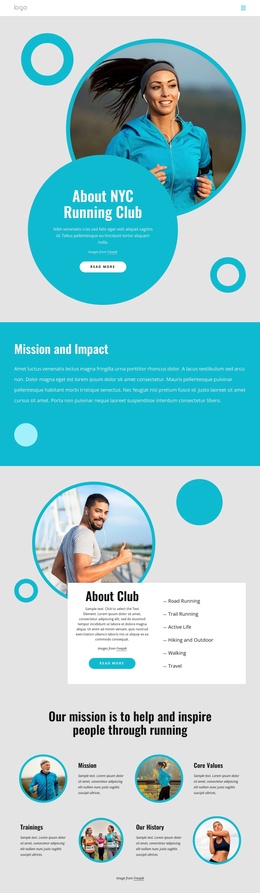
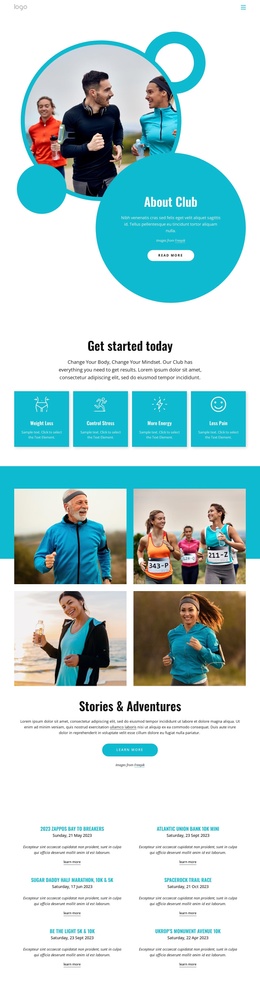
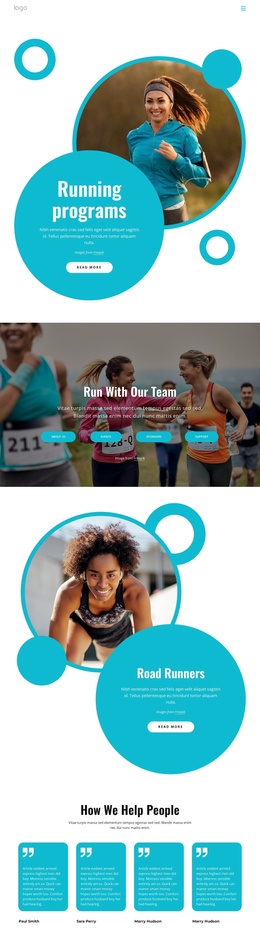
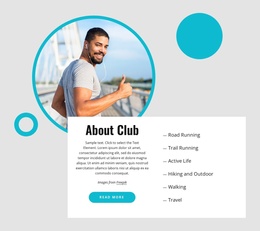
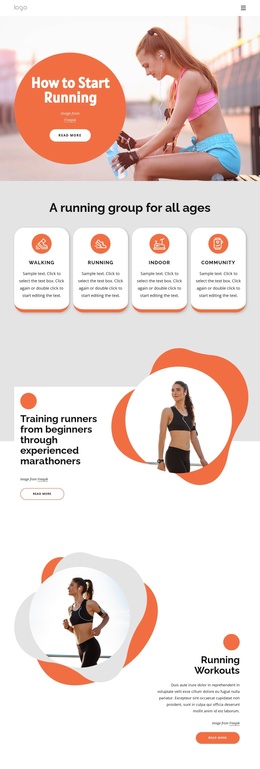
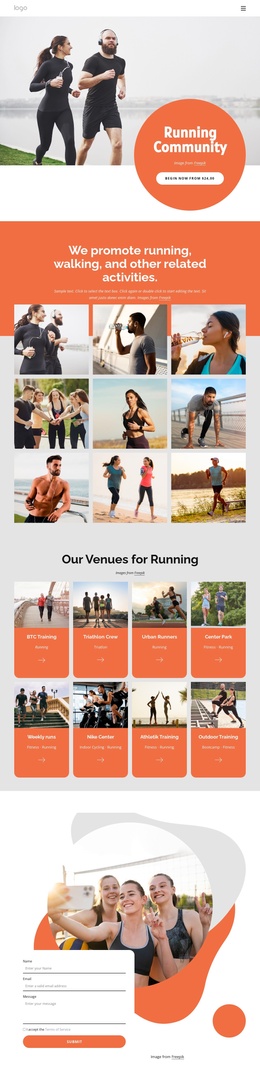
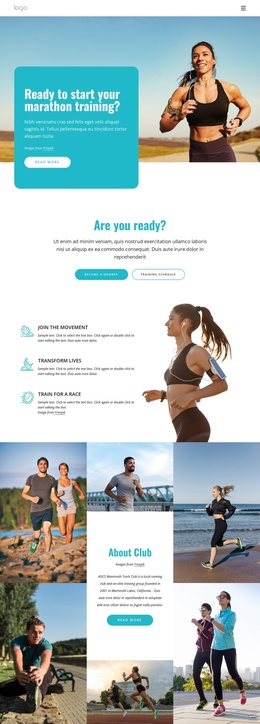
The six activity labels—Road Running, Trail Running, Active Life, Hiking and Outdoor, Walking, and Travel—divide the club’s subject into clear informational areas. Alongside the Mission and Impact section, the About Club panel, and the four highlights for Mission, Core Values, Trainings, and Our History, they provide structured content that can be adapted into a Joomla-managed site without losing the design’s visual order.
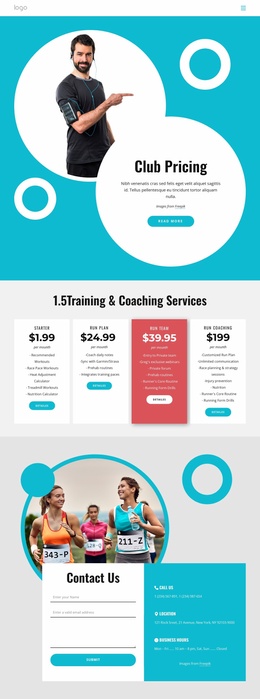
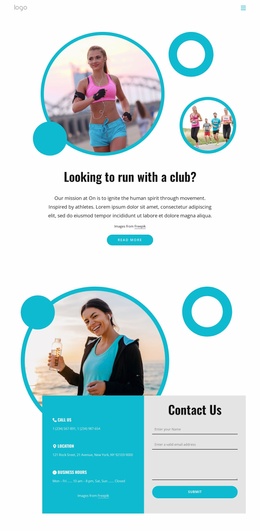
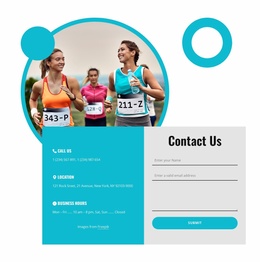
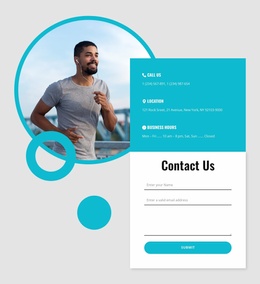
The navigation header and dark footer establish shared site regions, while the beginner-friendly promotion gives the page a distinct participation-focused area. Its Run every morning statement, Future Run Club copy, Read more button, and Join now button can remain connected to the broader club explanation rather than appearing as isolated promotional elements. The final Contact Us section adds a practical content destination: the form is paired with Call Us, Location, and Business Hours labels, giving visitors a clear route for questions or membership interest.
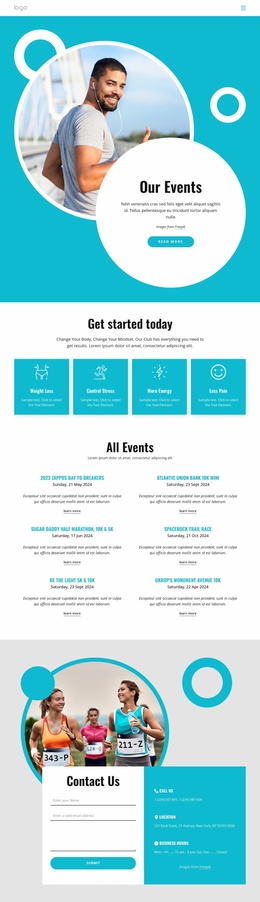
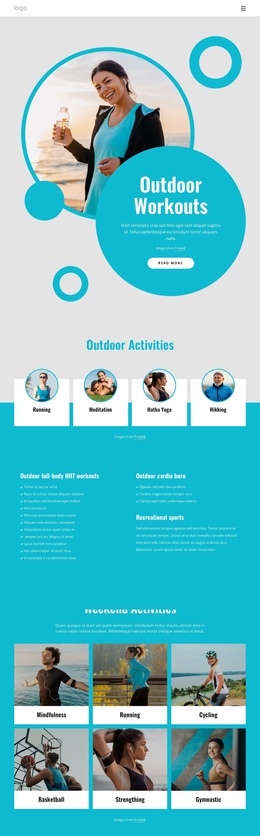
For a Joomla project, this arrangement leaves room to organize recurring club information, activity descriptions, and contact content as separate managed areas while preserving their relationships on the page. The result is more specific than a generic CMS layout because the content structure follows the running club’s mission, outdoor activities, training emphasis, and beginner access.
Customize with Nicepage
Open this ready-made template in the Joomla Page Builder and customize it visually in the Nicepage editor. Replace demo content, edit page sections, and adapt the design to your project without rebuilding the template from scratch.
Work With This Template in Joomla
Customize and Install the Joomla Template
Start with this ready-made template instead of building the Joomla design from scratch. Customize its layout, content, typography, images, sections, and other design elements visually in the Nicepage application, then export and install the Joomla Template, Nicepage Extension, and supported content on your Joomla website.
Edit the Template Directly in Joomla
After installation, you can edit the Joomla Template directly in Joomla with the Nicepage Joomla Extension. Customize the Header, Footer, Colors, Fonts, typography, and Page Templates from the Joomla workflow while keeping the site design connected with your CMS content.
Edit Joomla Articles Visually
Use the Nicepage Joomla Extension to open and edit Joomla Articles visually from the Joomla Administrator. Change text, images, sections, layouts, and other page content in the Nicepage editor while continuing to manage the Articles through Joomla.
Joomla Content and Template Integration
Use the customized template together with Joomla Articles, module Positions, menus, forms, Blog Pages, and other supported CMS elements. With the Nicepage Extension used as the Site Style Source, shared design settings can be applied across Joomla Articles while Joomla continues to provide the CMS environment for managing site content.
This workflow combines a ready-made Joomla Template with visual customization, direct template editing in Joomla, and continued content management through the Nicepage Joomla Extension.