Join our community of fitness enthusiasts Joomla Template



Edit Template Offline
2. Create new page and search for id 6211060
Edit Template Online
Create Awesome Websites


Free Nicepage Builder
Keywords
Activity categories give the fitness content clear CMS regions
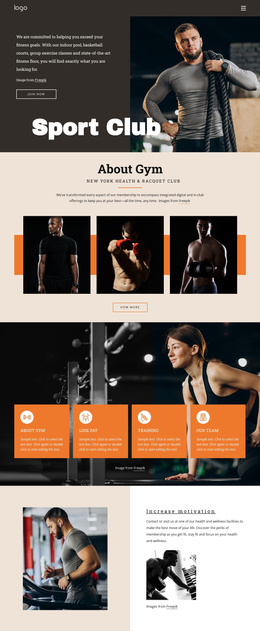
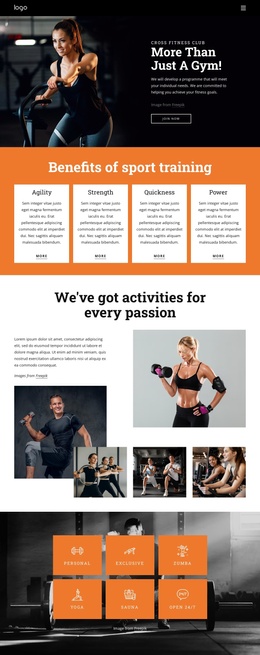
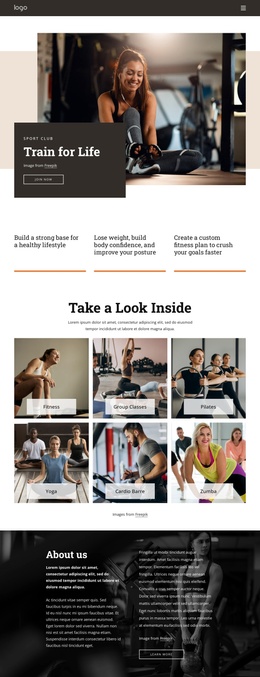
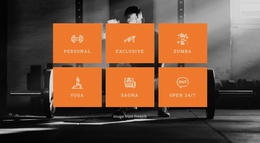
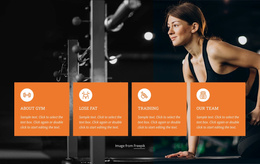
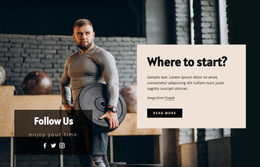
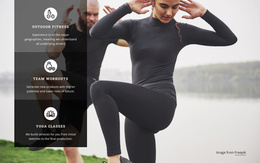
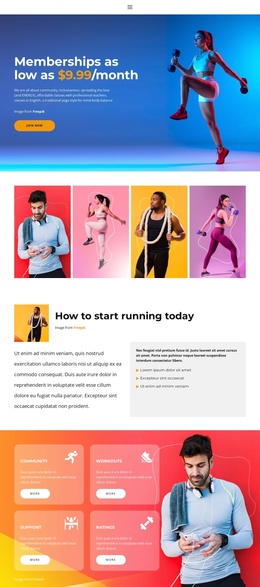
The activity tiles create a useful division between the club’s broad offer and its more specific workout formats. Personal, Exclusive, Zumba, Yoga, Sauna, and Open 24/7 appear as six distinct labels over a dark gym background, giving recurring fitness information a defined region. The following gallery narrows that overview into six formats, including Strength & Pilates, Cycling Revolution, Punch, Kick & Fly!, Strength & Cardio, Total Body, and Personal Training.
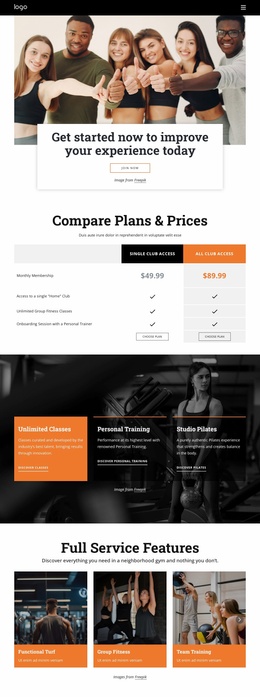
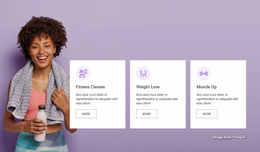
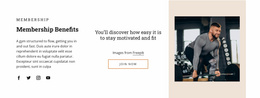
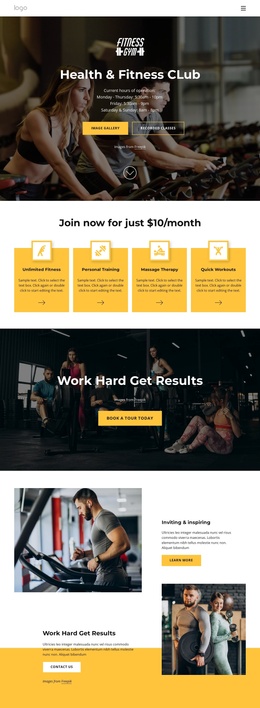
That progression suits a CMS-managed fitness site because the design separates general categories, detailed program choices, and membership services instead of placing every offering in one undifferentiated block. The four cards under the $10/month heading add another structured content area for Unlimited Fitness, Personal Training, Massage Therapy, and Quick Workouts. These relationships make it easier to preserve the visual distinction between program information and the membership proposition.
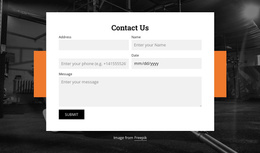
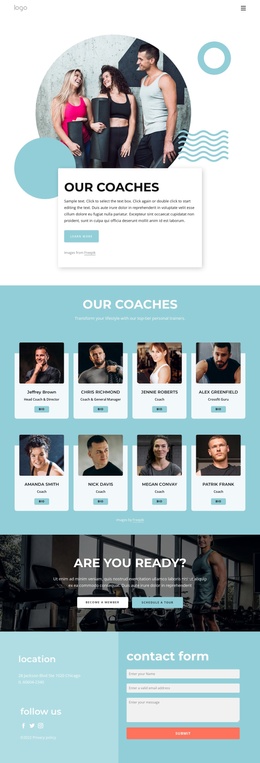
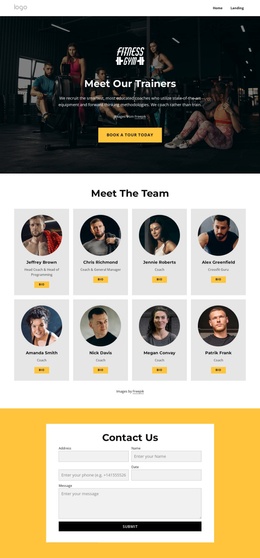
The six testimonial entries provide a separate proof region, while the final Contact Us section contains labeled fields for Name, Address, Phone, Date, and Message. In a Joomla implementation, the shared navigation, recurring informational sections, and contact area can remain coordinated while editors organize the site’s content through the CMS. The design is therefore useful not because it assumes Joomla content already exists, but because its categories, programs, services, and inquiry region map naturally to manageable site sections.
Customize with Nicepage
Open this ready-made template in the Joomla Page Builder and customize it visually in the Nicepage editor. Replace demo content, edit page sections, and adapt the design to your project without rebuilding the template from scratch.
Work With This Template in Joomla
Customize and Install the Joomla Template
Start with this ready-made template instead of building the Joomla design from scratch. Customize its layout, content, typography, images, sections, and other design elements visually in the Nicepage application, then export and install the Joomla Template, Nicepage Extension, and supported content on your Joomla website.
Edit the Template Directly in Joomla
After installation, you can edit the Joomla Template directly in Joomla with the Nicepage Joomla Extension. Customize the Header, Footer, Colors, Fonts, typography, and Page Templates from the Joomla workflow while keeping the site design connected with your CMS content.
Edit Joomla Articles Visually
Use the Nicepage Joomla Extension to open and edit Joomla Articles visually from the Joomla Administrator. Change text, images, sections, layouts, and other page content in the Nicepage editor while continuing to manage the Articles through Joomla.
Joomla Content and Template Integration
Use the customized template together with Joomla Articles, module Positions, menus, forms, Blog Pages, and other supported CMS elements. With the Nicepage Extension used as the Site Style Source, shared design settings can be applied across Joomla Articles while Joomla continues to provide the CMS environment for managing site content.
This workflow combines a ready-made Joomla Template with visual customization, direct template editing in Joomla, and continued content management through the Nicepage Joomla Extension.