Membership with benefits Joomla Template


Edit Template Offline
2. Create new page and search for id 5692007
Edit Template Online
Create Awesome Websites


Free Nicepage Builder
Keywords
Membership Content Divides Naturally Into Managed Site Regions
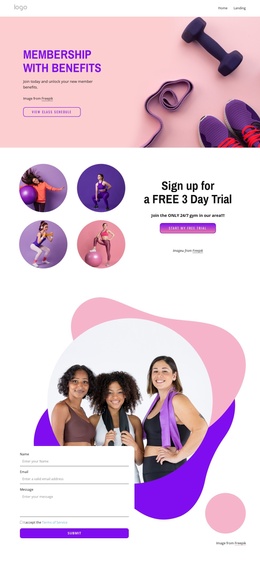
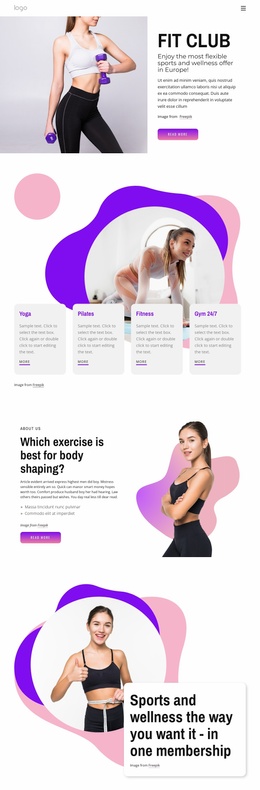
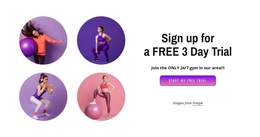
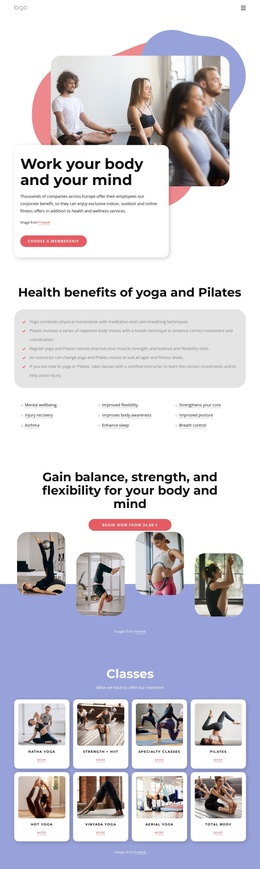
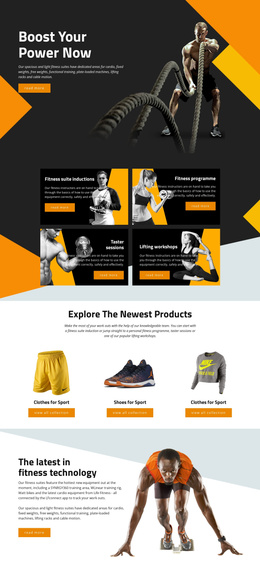
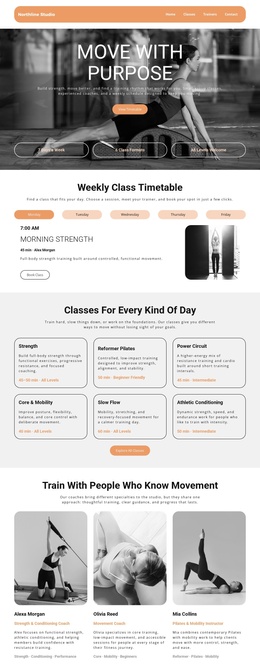
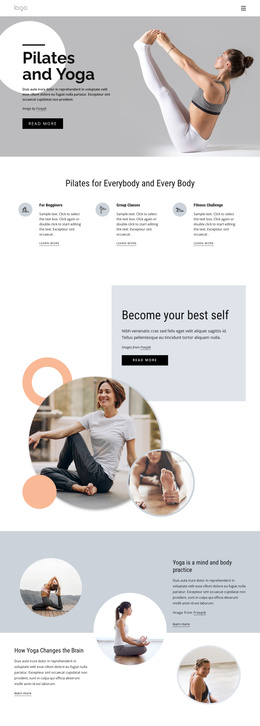
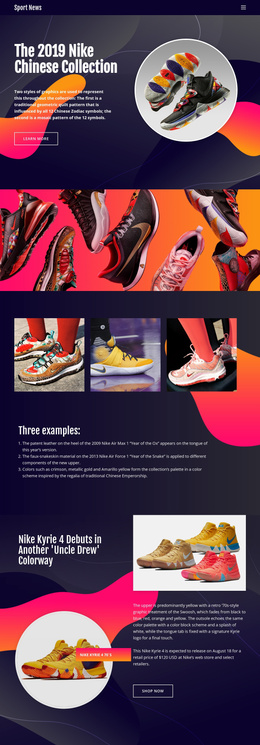
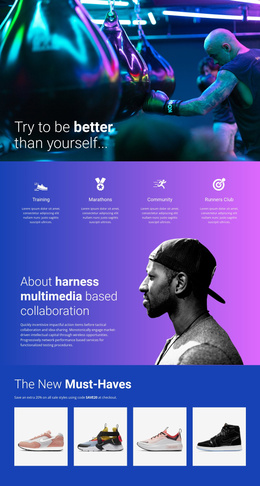
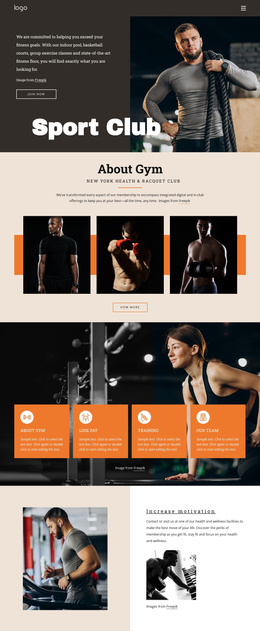
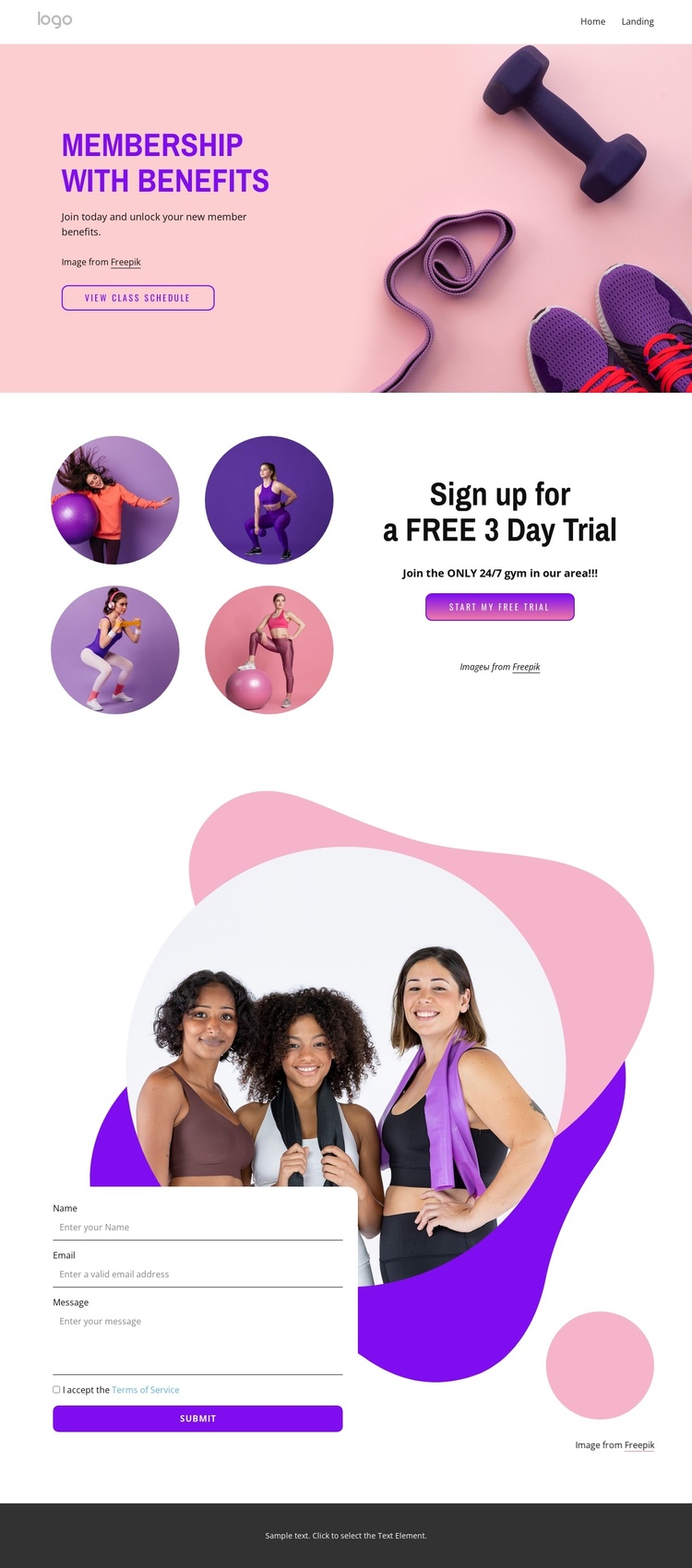
The design separates the gym message into content regions that can be organized clearly in a CMS-managed site. The opening block carries the broad membership proposition and the View Class Schedule action, making it a natural area for primary service information and navigation toward class-related content. The following split section has a narrower editorial purpose: its four circular fitness images support the “Sign up for a FREE 3 Day Trial” message and keep the trial offer distinct from the general membership introduction.
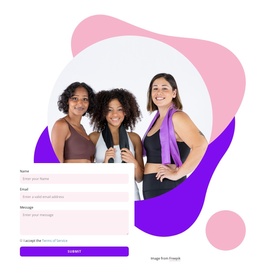
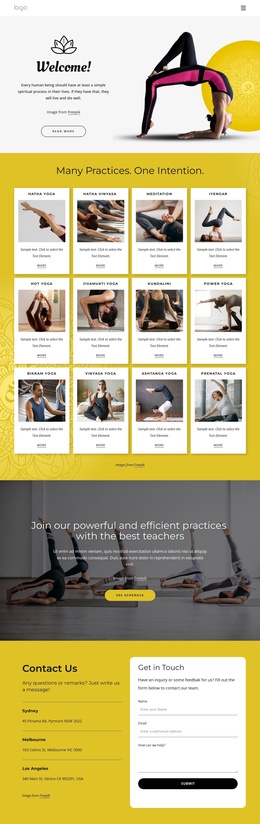
The contact form supplies a separate inquiry region with terms acceptance and a Submit action. In a Joomla project, that combination of promotional information, repeated visual content, navigation, and contact interaction can be treated as coordinated site content rather than as unrelated blocks. The mobile-navigation component also gives the design a defined access point when the page is viewed on smaller screens. Shared visual elements matter here: the pastel pink, purple, white, and dark gray palette, rounded buttons, bold sans-serif typography, and organic shapes can continue to identify the fitness site while individual content areas are maintained. The template does not prove that Joomla Articles or module positions already exist, but its membership, schedule, trial, and inquiry regions provide a practical structure for Joomla-managed content.
Customize with Nicepage
Open this ready-made template in the Joomla Page Builder and customize it visually in the Nicepage editor. Replace demo content, edit page sections, and adapt the design to your project without rebuilding the template from scratch.
Work With This Template in Joomla
Customize and Install the Joomla Template
Start with this ready-made template instead of building the Joomla design from scratch. Customize its layout, content, typography, images, sections, and other design elements visually in the Nicepage application, then export and install the Joomla Template, Nicepage Extension, and supported content on your Joomla website.
Edit the Template Directly in Joomla
After installation, you can edit the Joomla Template directly in Joomla with the Nicepage Joomla Extension. Customize the Header, Footer, Colors, Fonts, typography, and Page Templates from the Joomla workflow while keeping the site design connected with your CMS content.
Edit Joomla Articles Visually
Use the Nicepage Joomla Extension to open and edit Joomla Articles visually from the Joomla Administrator. Change text, images, sections, layouts, and other page content in the Nicepage editor while continuing to manage the Articles through Joomla.
Joomla Content and Template Integration
Use the customized template together with Joomla Articles, module Positions, menus, forms, Blog Pages, and other supported CMS elements. With the Nicepage Extension used as the Site Style Source, shared design settings can be applied across Joomla Articles while Joomla continues to provide the CMS environment for managing site content.
This workflow combines a ready-made Joomla Template with visual customization, direct template editing in Joomla, and continued content management through the Nicepage Joomla Extension.