Enjoy pilates and yoga Joomla Template


Edit Template Offline
2. Create new page and search for id 6037560
Edit Template Online
Create Awesome Websites


Free Nicepage Builder
Keywords
The Registration Table Gives Structured Content a Central Role
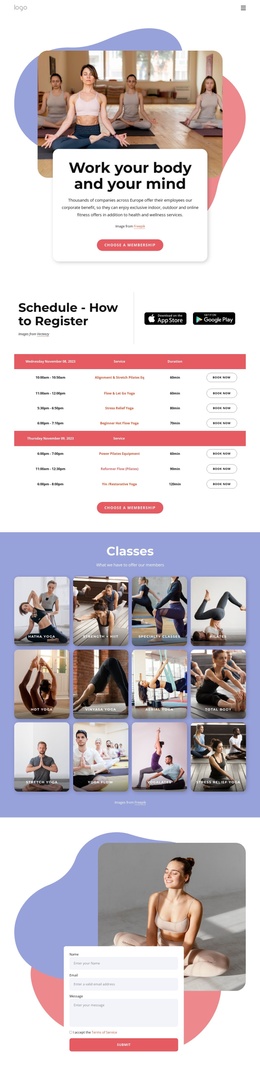
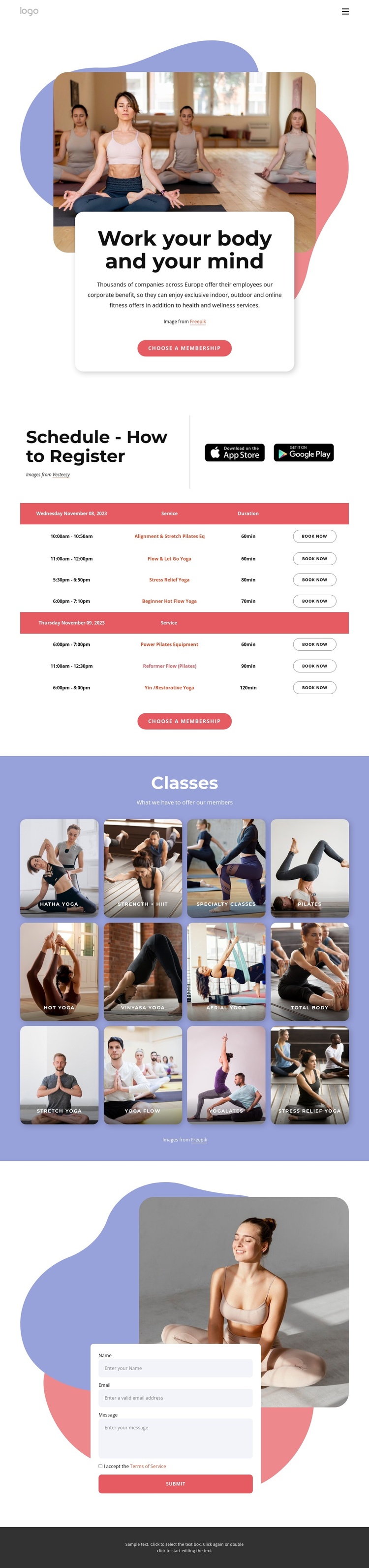
The schedule section provides the strongest organizing point for a Joomla-oriented implementation. It brings together registration instructions, app badges, and a table of listed classes with dates, times, services, durations, and booking actions. These are distinct information fields rather than one undifferentiated promotional paragraph, so they can be understood as structured content areas within the broader page design. The sample dates and durations indicate layout only and should not be treated as real class data.
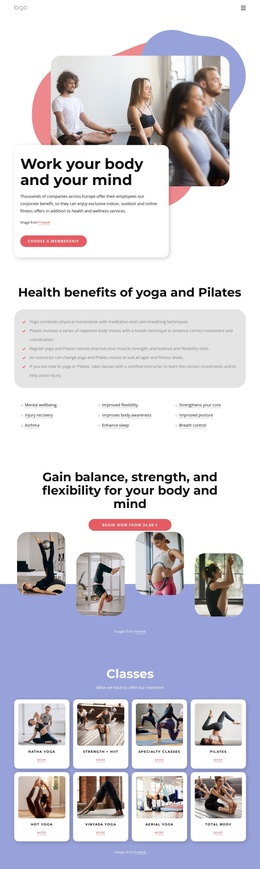
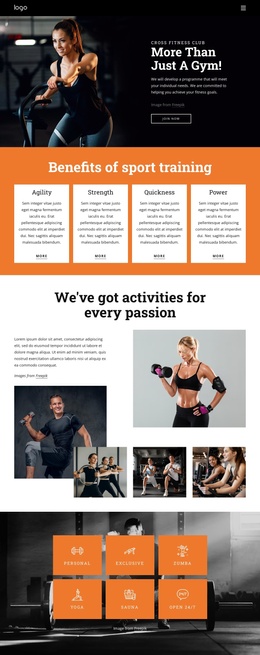
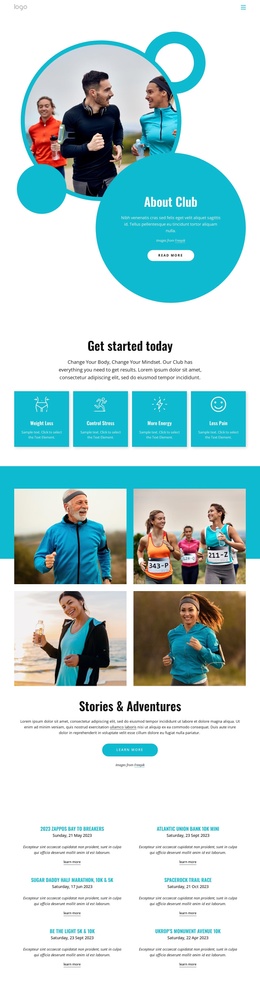
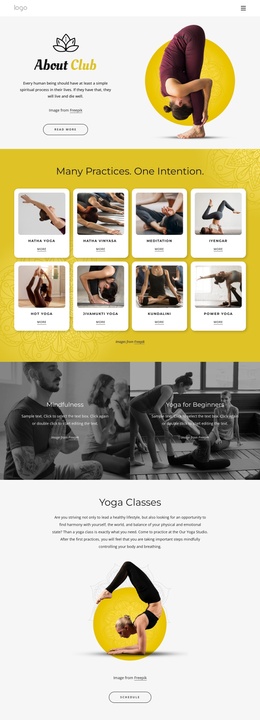
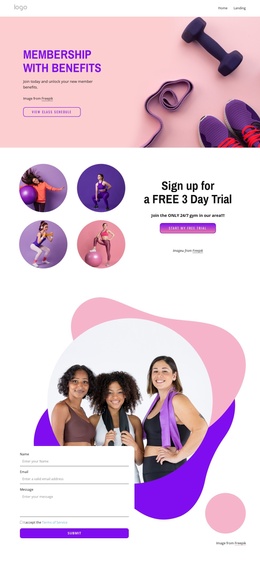
The twelve class cards add a second layer of organized information. Categories such as Hatha Yoga, Strength + HIIT, Specialty Classes, Pilates, Hot Yoga, and Stress Relief Yoga give the page a repeatable content pattern, while the hero and membership actions provide the higher-level introduction. The contact area then supplies a separate destination for name, email, and message inquiries, with terms acceptance and submission controls visible alongside the lifestyle image.
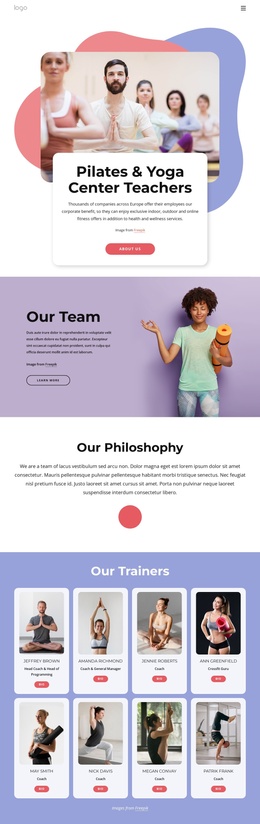
Together, these areas create a practical relationship between shared navigation, recurring class information, registration actions, and contact content. That makes the design suitable for a Joomla site where structured service sections and contact information need to remain visually coordinated. The page can retain its white, lavender, coral, and dark visual language while the underlying class listings, category descriptions, and inquiry content are maintained as the project’s current information changes.
Customize with Nicepage
Open this ready-made template in the Joomla Page Builder and customize it visually in the Nicepage editor. Replace demo content, edit page sections, and adapt the design to your project without rebuilding the template from scratch.
Work With This Template in Joomla
Customize and Install the Joomla Template
Start with this ready-made template instead of building the Joomla design from scratch. Customize its layout, content, typography, images, sections, and other design elements visually in the Nicepage application, then export and install the Joomla Template, Nicepage Extension, and supported content on your Joomla website.
Edit the Template Directly in Joomla
After installation, you can edit the Joomla Template directly in Joomla with the Nicepage Joomla Extension. Customize the Header, Footer, Colors, Fonts, typography, and Page Templates from the Joomla workflow while keeping the site design connected with your CMS content.
Edit Joomla Articles Visually
Use the Nicepage Joomla Extension to open and edit Joomla Articles visually from the Joomla Administrator. Change text, images, sections, layouts, and other page content in the Nicepage editor while continuing to manage the Articles through Joomla.
Joomla Content and Template Integration
Use the customized template together with Joomla Articles, module Positions, menus, forms, Blog Pages, and other supported CMS elements. With the Nicepage Extension used as the Site Style Source, shared design settings can be applied across Joomla Articles while Joomla continues to provide the CMS environment for managing site content.
This workflow combines a ready-made Joomla Template with visual customization, direct template editing in Joomla, and continued content management through the Nicepage Joomla Extension.