Better way of doing sports Joomla Template


Edit Template Offline
2. Create new page and search for id 71058
Edit Template Online
Create Awesome Websites


Free Nicepage Builder
Keywords
Training and Program Regions Form Structured CMS Content
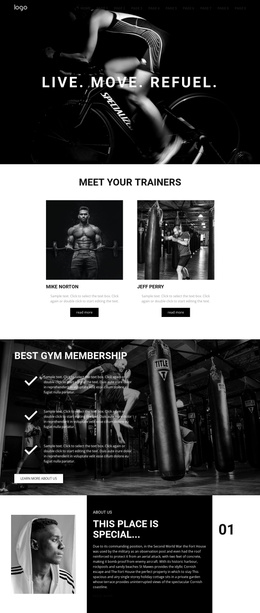
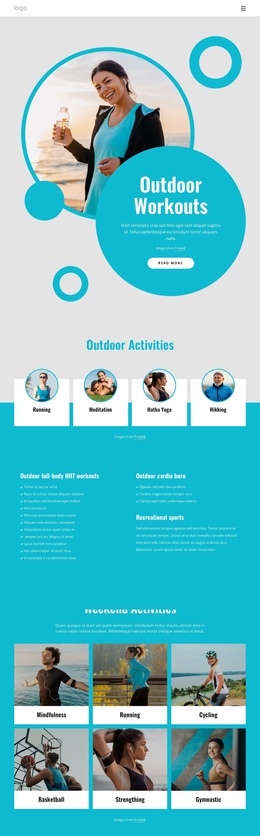
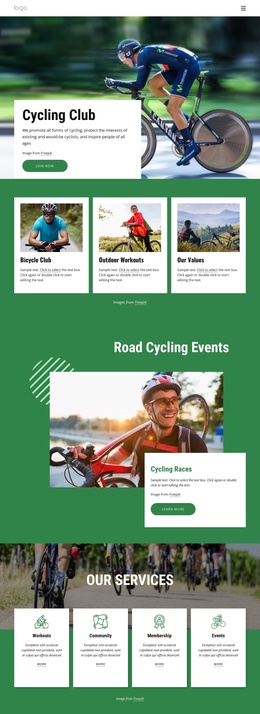
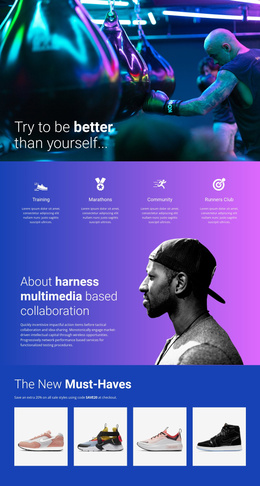
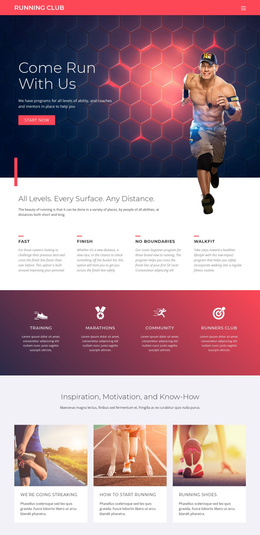
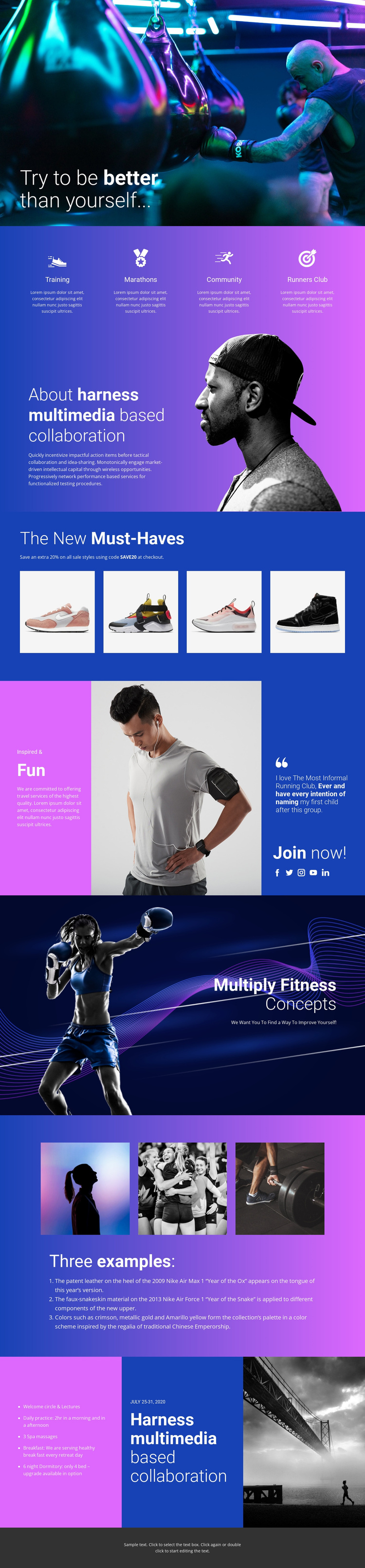
The four activity labels provide a useful way to divide the design’s core information: Training, Marathons, Community, and Runners Club each identify a different content area within the fitness project. Their shared presentation supports consistent navigation and organization while allowing the wording and supporting material for each area to change. The about section then supplies broader explanatory content through a text-and-portrait split rather than repeating the feature pattern.
The product showcase adds a separate, image-led region with four photographs beneath “The New Must-Haves.” In a CMS-managed project, this can be treated as a distinct promotional content area alongside the activity information. The community section contributes a quote, a Join now! invitation, and five social-link icons, giving the design a structured region for participation and external connections. The three-image example gallery and numbered list provide another repeatable content group.
At the end, a three-column panel combines an information list, a dated program display showing July 25-31, 2020, and a supporting photograph. The date is treated as sample structural content, not a verified current event. These separate regions make the design suitable for organizing site content and navigation in a Joomla-oriented project without claiming that Joomla Articles or module positions already exist.
Customize with Nicepage
Open this ready-made template in the Joomla Page Builder and customize it visually in the Nicepage editor. Replace demo content, edit page sections, and adapt the design to your project without rebuilding the template from scratch.
Work With This Template in Joomla
Customize and Install the Joomla Template
Start with this ready-made template instead of building the Joomla design from scratch. Customize its layout, content, typography, images, sections, and other design elements visually in the Nicepage application, then export and install the Joomla Template, Nicepage Extension, and supported content on your Joomla website.
Edit the Template Directly in Joomla
After installation, you can edit the Joomla Template directly in Joomla with the Nicepage Joomla Extension. Customize the Header, Footer, Colors, Fonts, typography, and Page Templates from the Joomla workflow while keeping the site design connected with your CMS content.
Edit Joomla Articles Visually
Use the Nicepage Joomla Extension to open and edit Joomla Articles visually from the Joomla Administrator. Change text, images, sections, layouts, and other page content in the Nicepage editor while continuing to manage the Articles through Joomla.
Joomla Content and Template Integration
Use the customized template together with Joomla Articles, module Positions, menus, forms, Blog Pages, and other supported CMS elements. With the Nicepage Extension used as the Site Style Source, shared design settings can be applied across Joomla Articles while Joomla continues to provide the CMS environment for managing site content.
This workflow combines a ready-made Joomla Template with visual customization, direct template editing in Joomla, and continued content management through the Nicepage Joomla Extension.