Empowering Strategic Decisions WordPress Theme


Edit Template Offline
2. Create new page and search for id 6389766
Edit Template Online
Create Awesome Websites


Free Nicepage Builder
Keywords
Consulting Content Areas Give the Theme a Clear Editorial Structure
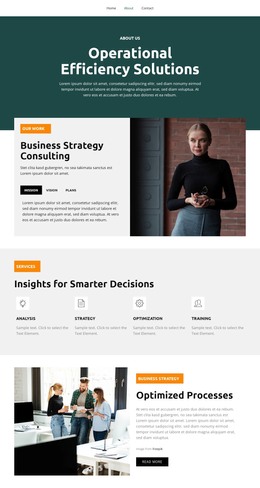
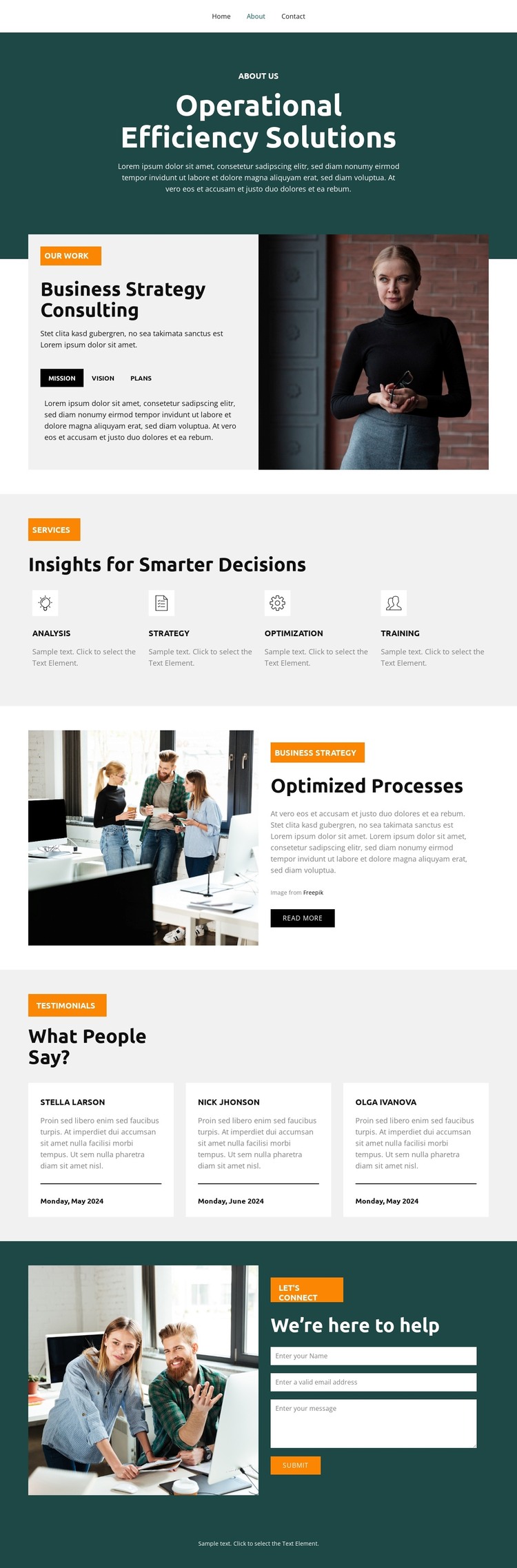
The page divides consulting information into content areas that can be interpreted naturally within a WordPress-managed site. The opening Operational Efficiency Solutions section establishes the permanent subject of the page, while the Business Strategy Consulting block gives the approach more structure through Mission, Vision, and Plans tabs. Those tabs separate related explanations inside one visual region, making the consulting narrative easier to organize than a single undifferentiated text panel.
The four service categories—Analysis, Strategy, Optimization, and Training—provide a second set of repeatable content units. Their shared presentation makes them suitable for replacing the sample labels and descriptions with verified service information while preserving the page’s visual relationship between categories. The Optimized Processes section adds a more focused feature area, pairing workplace photography with explanatory text and a Read More action.
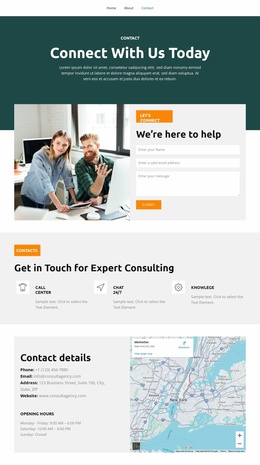
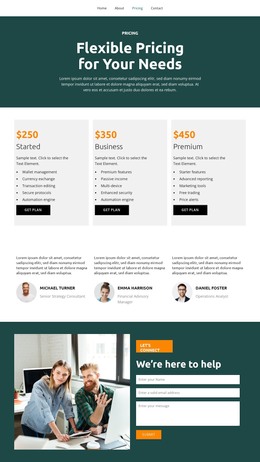
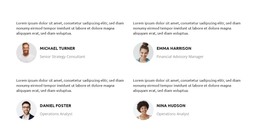
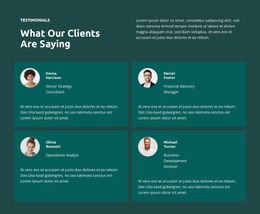
Three testimonial entries create a separate proof-oriented content region, but the displayed names and sample material should be treated as placeholders until independently verified. The final contact form supplies a practical inquiry area with name, email, and message inputs, supported by a photograph and the heading We’re here to help. Together, these permanent page sections give the theme a useful content foundation: explain the consulting approach, group services, expand on process work, present supporting voices, and invite contact. Regularly updated WordPress content could be added around this structure without changing its core visual character.
Customize with Nicepage
Open this ready-made template in the WordPress Website Builder and customize it visually in the Nicepage editor. Replace demo content, edit page sections, and adapt the design to your project without rebuilding the template from scratch.
Manage and Edit This Theme in WordPress
Customize and Install the WordPress Theme
Start with this ready-made theme instead of building the WordPress design from scratch. Customize its layout, content, typography, images, sections, and other design elements visually in Nicepage editor, then export and install the WordPress Theme, Plugin, and Pages on your WordPress site. The Nicepage WordPress Plugin lets you continue working with the site after installation.
Edit the Theme Directly in WordPress
After installation, you can edit the WordPress Theme directly in WordPress with the Nicepage WordPress Plugin. Use Site Style to customize site Colors, Fonts, Header, Footer, Blog, and Post Page Templates while working within your WordPress website.
Edit WordPress Pages Visually
Use the Nicepage WordPress Plugin to edit page content directly from the WordPress admin area. Open a WordPress Page with Nicepage and visually change its text, images, sections, and other page elements while continuing to manage the Page through WordPress.
WordPress Content and Theme Integration
Use the customized theme with WordPress Pages, Posts, Blog and Post Templates, menus, widgets, and other CMS-managed content. Shared theme elements such as Colors, Fonts, Header, Footer, Blog, and Post Page Templates can be managed as part of the overall site design, while WordPress provides the CMS environment for managing site content.
This workflow combines a ready-made WordPress Theme with visual customization, direct theme editing in WordPress, and continued content management through the Nicepage WordPress Plugin.