Optimizing Operational Efficiency WordPress Theme


Edit Template Offline
2. Create new page and search for id 6389784
Edit Template Online
Create Awesome Websites


Free Nicepage Builder
Keywords
Service and Editorial Areas Leave Room for Managed Consulting Content
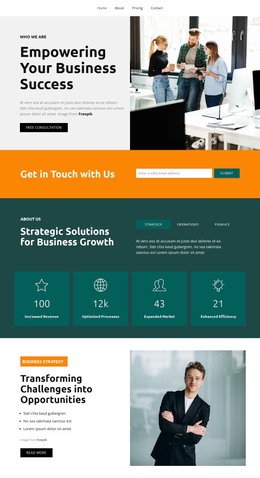
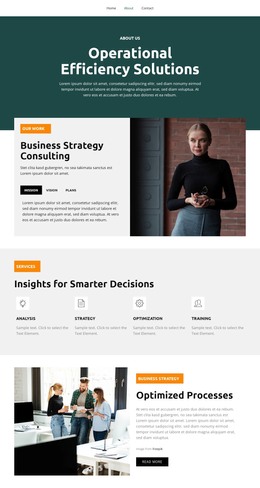
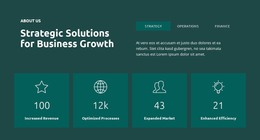
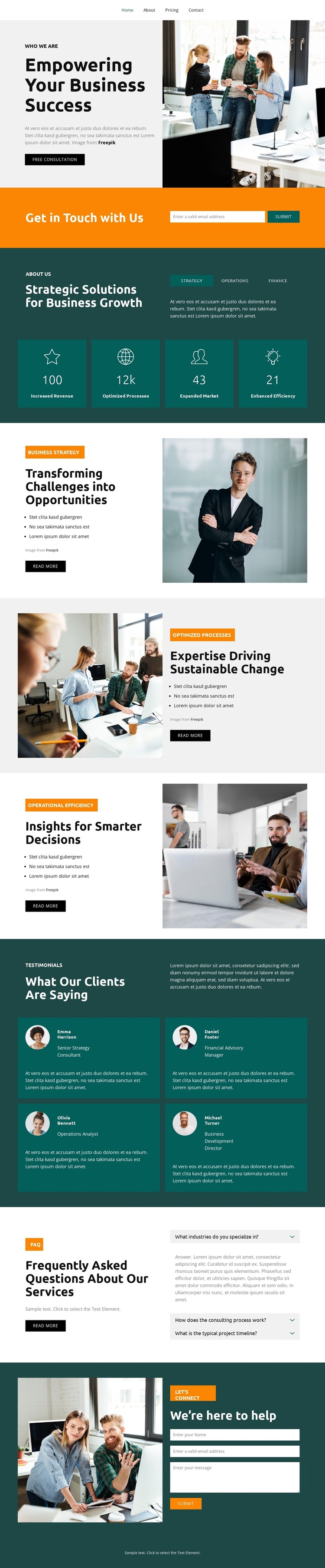
The page divides its consulting message into durable content areas that can translate naturally into a WordPress-oriented project. The overview section establishes the general business strategy context, while the three service sections separate Business Strategy, Optimizing Processes, and Operational Efficiency. Each area combines a heading, explanatory copy, bullet list, supporting photograph, and action, making the content easier to maintain as distinct page-oriented information rather than one undifferentiated block.
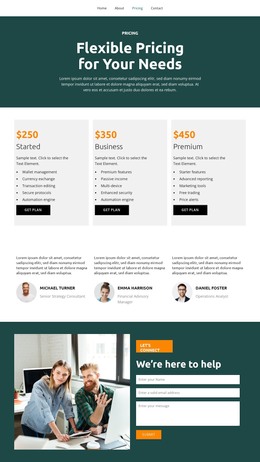
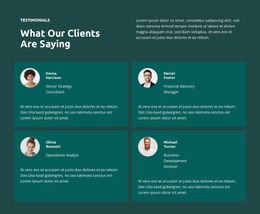
The repeated sections provide a second layer of content interpretation. Four testimonial cards create a structured place for client feedback, and the FAQ area organizes three visible question rows around service information. These components can support content that changes over time while remaining visually connected to the consulting theme. The design does not prove that WordPress Posts, categories, or blog structures already exist, so the safer interpretation is that its existing page content offers a visual framework for managed consulting information.
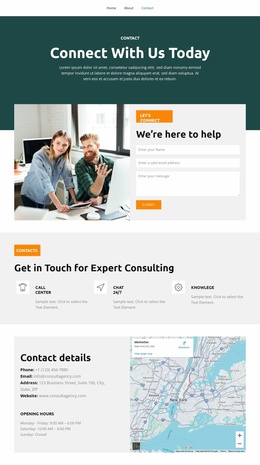
Navigation, the early Get in Touch prompt, and the final form help connect the content areas to the inquiry purpose. The dark teal panels, orange buttons, pale gray backgrounds, bold sans-serif type, and workplace photography can continue as shared theme characteristics around additional content. In that setting, the design is useful not merely as a static image, but as a coherent presentation for permanent consulting pages and future updates that need to retain the same visual language.
Customize with Nicepage
Open this ready-made template in the WordPress Website Builder and customize it visually in the Nicepage editor. Replace demo content, edit page sections, and adapt the design to your project without rebuilding the template from scratch.
Manage and Edit This Theme in WordPress
Customize and Install the WordPress Theme
Start with this ready-made theme instead of building the WordPress design from scratch. Customize its layout, content, typography, images, sections, and other design elements visually in Nicepage editor, then export and install the WordPress Theme, Plugin, and Pages on your WordPress site. The Nicepage WordPress Plugin lets you continue working with the site after installation.
Edit the Theme Directly in WordPress
After installation, you can edit the WordPress Theme directly in WordPress with the Nicepage WordPress Plugin. Use Site Style to customize site Colors, Fonts, Header, Footer, Blog, and Post Page Templates while working within your WordPress website.
Edit WordPress Pages Visually
Use the Nicepage WordPress Plugin to edit page content directly from the WordPress admin area. Open a WordPress Page with Nicepage and visually change its text, images, sections, and other page elements while continuing to manage the Page through WordPress.
WordPress Content and Theme Integration
Use the customized theme with WordPress Pages, Posts, Blog and Post Templates, menus, widgets, and other CMS-managed content. Shared theme elements such as Colors, Fonts, Header, Footer, Blog, and Post Page Templates can be managed as part of the overall site design, while WordPress provides the CMS environment for managing site content.
This workflow combines a ready-made WordPress Theme with visual customization, direct theme editing in WordPress, and continued content management through the Nicepage WordPress Plugin.