Volvo XC60 off-road car WordPress Theme


Edit Template Offline
2. Create new page and search for id 72817
Edit Template Online
Create Awesome Websites


Free Nicepage Builder
Keywords
Permanent Vehicle Content and Repeatable Service Areas Suit WordPress Pages
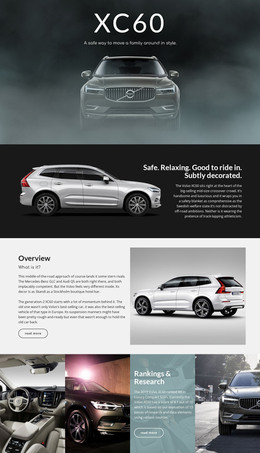
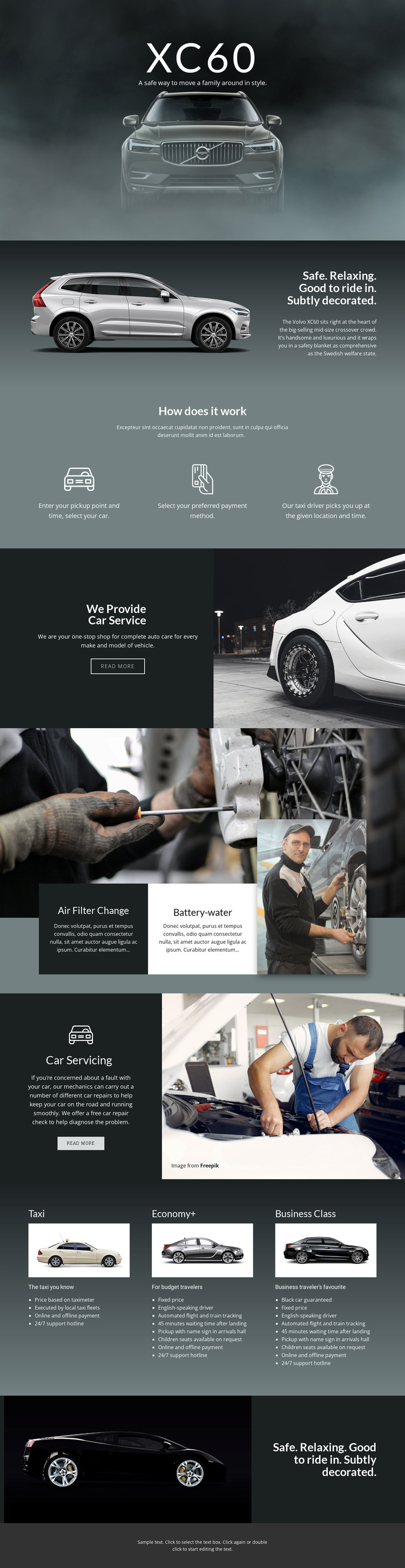
The XC60 hero and vehicle overview create clear permanent page content: the featured vehicle is introduced through a full-width image, then supported by a split descriptive panel about safety, comfort, and riding experience. That page-oriented information can remain distinct from the operational process section, which explains pickup selection, payment selection, and driver pickup as a related but separate subject.
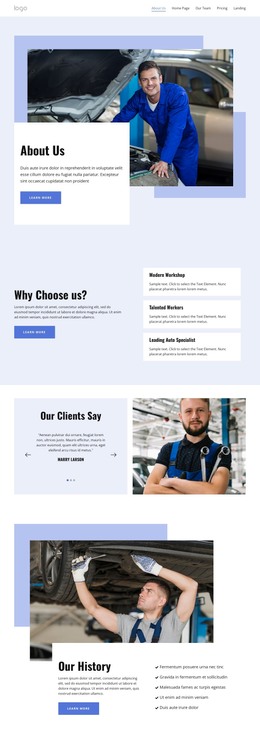
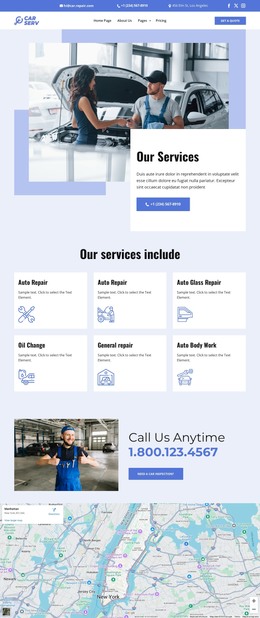
The service material offers a different kind of content relationship. Auto care, air filter change, battery-water service, and car servicing are presented with mechanic imagery, text panels, and two read-more actions. These areas can be treated as maintained service information in a WordPress-oriented project without claiming that posts, categories, or blog structures already exist in the template. The visual system can simply keep recurring service content aligned with the original automotive presentation.
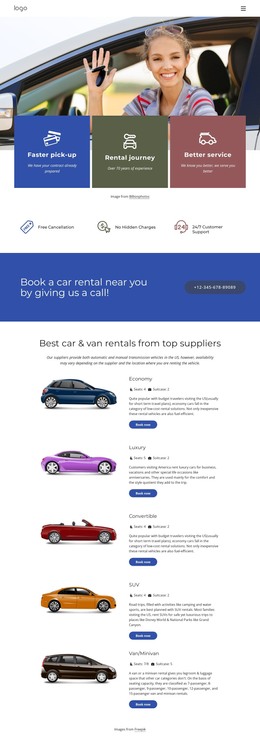
The Taxi, Economy+, and Business Class tiers provide named options with repeated image, description, and feature-list patterns. That makes them useful as organized page content for transportation offerings, while the shared navigation and mobile menu support movement between the page’s major subjects. The design’s strength as a WordPress theme lies in this separation between vehicle information, process explanation, maintenance topics, and service tiers. Future editorial or service updates could fit around those established areas without changing the core visual character.
Customize with Nicepage
Open this ready-made template in the WordPress Website Builder and customize it visually in the Nicepage editor. Replace demo content, edit page sections, and adapt the design to your project without rebuilding the template from scratch.
Manage and Edit This Theme in WordPress
Customize and Install the WordPress Theme
Start with this ready-made theme instead of building the WordPress design from scratch. Customize its layout, content, typography, images, sections, and other design elements visually in Nicepage editor, then export and install the WordPress Theme, Plugin, and Pages on your WordPress site. The Nicepage WordPress Plugin lets you continue working with the site after installation.
Edit the Theme Directly in WordPress
After installation, you can edit the WordPress Theme directly in WordPress with the Nicepage WordPress Plugin. Use Site Style to customize site Colors, Fonts, Header, Footer, Blog, and Post Page Templates while working within your WordPress website.
Edit WordPress Pages Visually
Use the Nicepage WordPress Plugin to edit page content directly from the WordPress admin area. Open a WordPress Page with Nicepage and visually change its text, images, sections, and other page elements while continuing to manage the Page through WordPress.
WordPress Content and Theme Integration
Use the customized theme with WordPress Pages, Posts, Blog and Post Templates, menus, widgets, and other CMS-managed content. Shared theme elements such as Colors, Fonts, Header, Footer, Blog, and Post Page Templates can be managed as part of the overall site design, while WordPress provides the CMS environment for managing site content.
This workflow combines a ready-made WordPress Theme with visual customization, direct theme editing in WordPress, and continued content management through the Nicepage WordPress Plugin.