Learn more about our consulting agency WordPress Theme



Edit Template Offline
2. Create new page and search for id 6208011
Edit Template Online
Create Awesome Websites


Free Nicepage Builder
Keywords
Team, news, and company information create distinct WordPress content areas
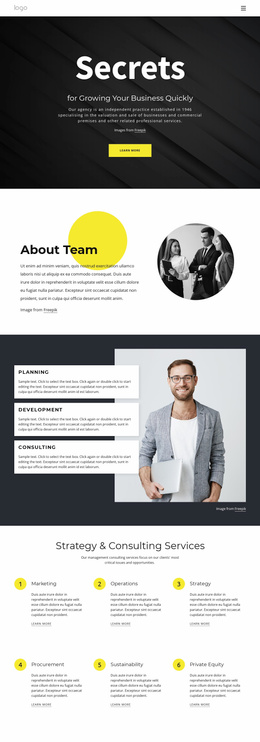
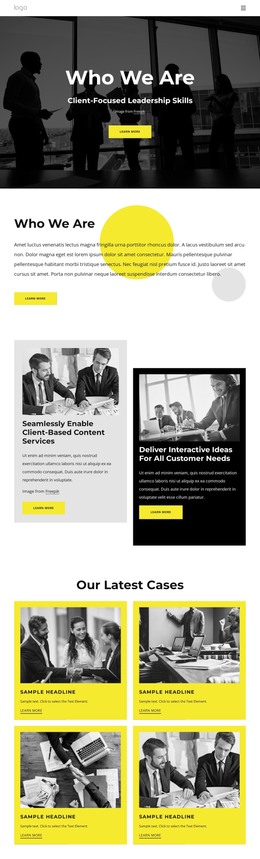
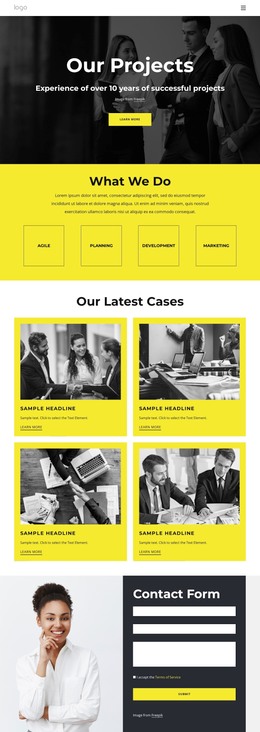
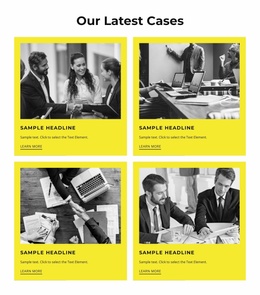
The page separates long-term company information from repeated content in a way that suits a WordPress-managed project. The “Who We Are” introduction and consulting explanation can serve as stable company-facing content, while the two capability cards and four case-study cards provide focused areas for describing services and examples of work. The six profile cards add a people-oriented section with names and role labels, giving the design a clear content group that can be maintained separately from the main company story.
The three dark company news cards introduce a different publishing pattern, with headlines, dates, images, and Read More links presented as recurring items. That editorial area sits alongside, rather than replacing, the five-question FAQ accordion and the testimonial group, so updates, answers, and customer perspective each retain their own role. At the bottom, four office listings, a map, a contact form, and a separate newsletter form distinguish location and communication content from editorial material. In a WordPress theme project, these relationships can guide the organization of Pages and regularly updated content without claiming that specific posts or WordPress structures already exist. The shared navigation, footer, palette, and card styling then keep those content areas visually connected as the site develops.
Customize with Nicepage
Open this ready-made template in the WordPress Website Builder and customize it visually in the Nicepage editor. Replace demo content, edit page sections, and adapt the design to your project without rebuilding the template from scratch.
Manage and Edit This Theme in WordPress
Customize and Install the WordPress Theme
Start with this ready-made theme instead of building the WordPress design from scratch. Customize its layout, content, typography, images, sections, and other design elements visually in Nicepage editor, then export and install the WordPress Theme, Plugin, and Pages on your WordPress site. The Nicepage WordPress Plugin lets you continue working with the site after installation.
Edit the Theme Directly in WordPress
After installation, you can edit the WordPress Theme directly in WordPress with the Nicepage WordPress Plugin. Use Site Style to customize site Colors, Fonts, Header, Footer, Blog, and Post Page Templates while working within your WordPress website.
Edit WordPress Pages Visually
Use the Nicepage WordPress Plugin to edit page content directly from the WordPress admin area. Open a WordPress Page with Nicepage and visually change its text, images, sections, and other page elements while continuing to manage the Page through WordPress.
WordPress Content and Theme Integration
Use the customized theme with WordPress Pages, Posts, Blog and Post Templates, menus, widgets, and other CMS-managed content. Shared theme elements such as Colors, Fonts, Header, Footer, Blog, and Post Page Templates can be managed as part of the overall site design, while WordPress provides the CMS environment for managing site content.
This workflow combines a ready-made WordPress Theme with visual customization, direct theme editing in WordPress, and continued content management through the Nicepage WordPress Plugin.