Our consulting success stories WordPress Theme


Edit Template Offline
2. Create new page and search for id 6209874
Edit Template Online
Create Awesome Websites


Free Nicepage Builder
Keywords
Repeated Case Content and Service Areas Support WordPress Site Content
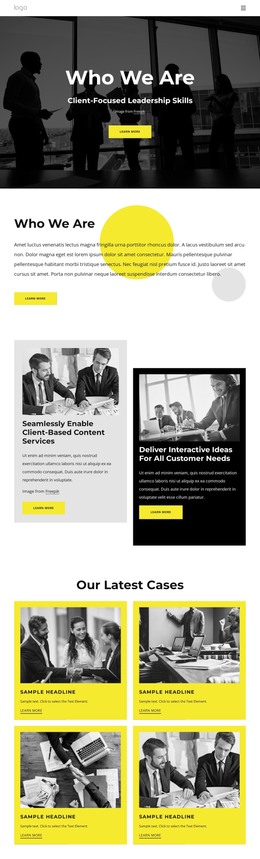
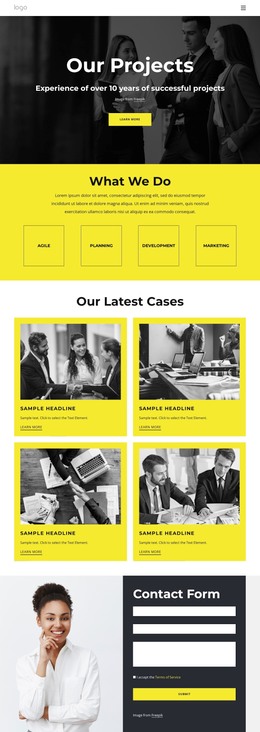
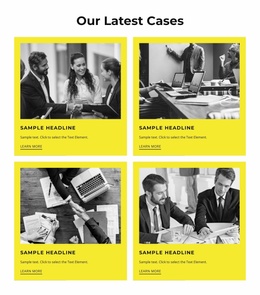
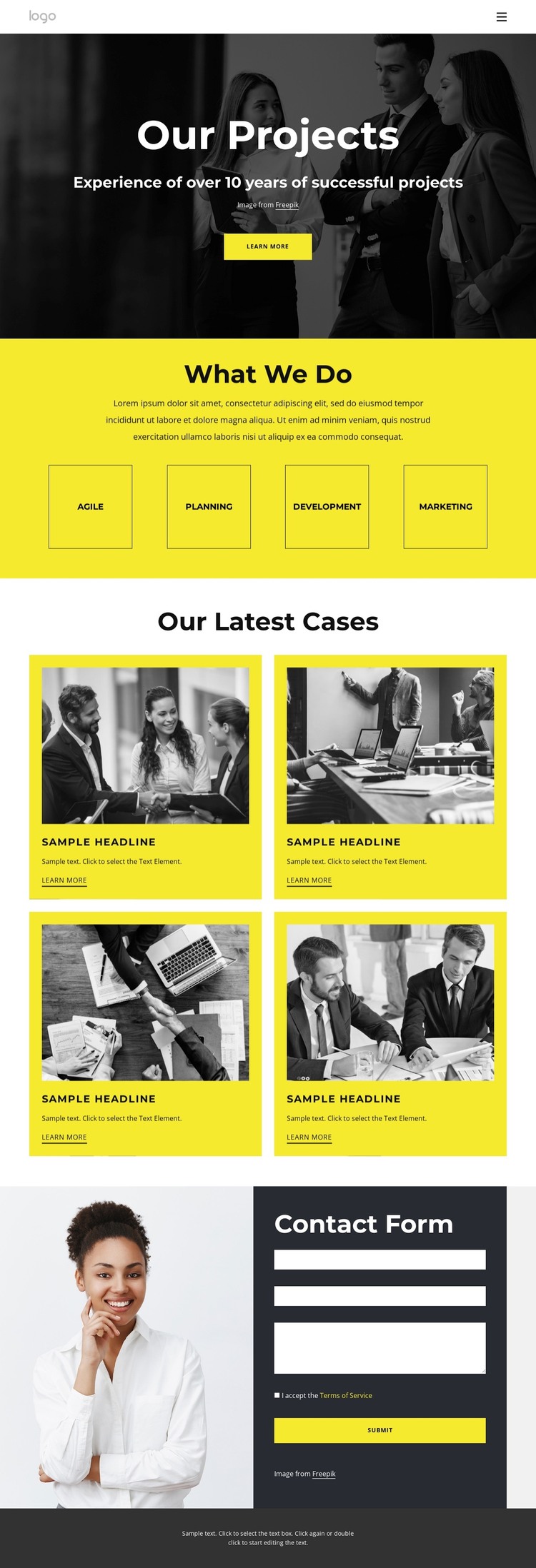
The four latest-case cards create the strongest content relationship for a WordPress-oriented implementation. Each card combines an image, title, description, and learn-more link, so the portfolio area has a repeatable editorial pattern rather than a single fixed statement. New project stories or updated case descriptions could follow that same structure while preserving the yellow card treatment and the page’s visual connection between project imagery and written context.
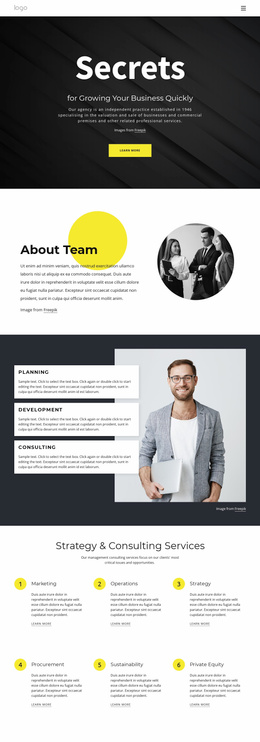
The four capability labels provide a different layer of permanent page content. Agile, Planning, Development, and Marketing can remain the service overview that explains the business before visitors explore individual cases. This separation between service information and recurring project content helps distinguish stable page material from content that may be expanded or refreshed over time. The hero and navigation then provide the entry point for moving between those areas, while the business photography maintains a consistent theme character.
The contact section completes the content relationship with a direct inquiry zone. Its portrait and dark form panel make communication visually distinct from the case grid, and the name, email, message, and submit fields identify the expected interaction without requiring the portfolio content to carry that role. With the footer closing the page, the design offers a coordinated theme direction for service pages, project content, and contact information rather than only a static showcase layout.
Customize with Nicepage
Open this ready-made template in the WordPress Website Builder and customize it visually in the Nicepage editor. Replace demo content, edit page sections, and adapt the design to your project without rebuilding the template from scratch.
Manage and Edit This Theme in WordPress
Customize and Install the WordPress Theme
Start with this ready-made theme instead of building the WordPress design from scratch. Customize its layout, content, typography, images, sections, and other design elements visually in Nicepage editor, then export and install the WordPress Theme, Plugin, and Pages on your WordPress site. The Nicepage WordPress Plugin lets you continue working with the site after installation.
Edit the Theme Directly in WordPress
After installation, you can edit the WordPress Theme directly in WordPress with the Nicepage WordPress Plugin. Use Site Style to customize site Colors, Fonts, Header, Footer, Blog, and Post Page Templates while working within your WordPress website.
Edit WordPress Pages Visually
Use the Nicepage WordPress Plugin to edit page content directly from the WordPress admin area. Open a WordPress Page with Nicepage and visually change its text, images, sections, and other page elements while continuing to manage the Page through WordPress.
WordPress Content and Theme Integration
Use the customized theme with WordPress Pages, Posts, Blog and Post Templates, menus, widgets, and other CMS-managed content. Shared theme elements such as Colors, Fonts, Header, Footer, Blog, and Post Page Templates can be managed as part of the overall site design, while WordPress provides the CMS environment for managing site content.
This workflow combines a ready-made WordPress Theme with visual customization, direct theme editing in WordPress, and continued content management through the Nicepage WordPress Plugin.