Law consulting agency WordPress Theme



Edit Template Offline
2. Create new page and search for id 6109701
Edit Template Online
Create Awesome Websites


Free Nicepage Builder
Keywords
Page Content and Repeatable Profiles in a Law Theme
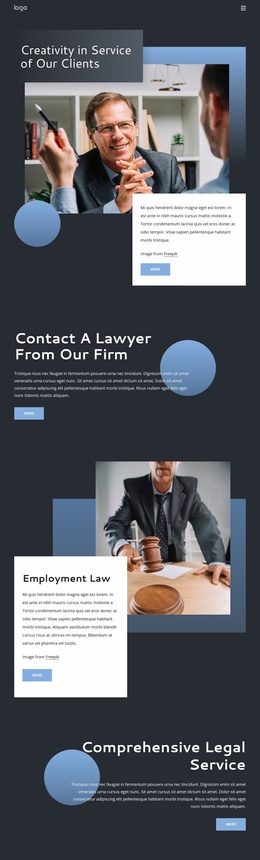
The introductory hero and Client Resource Center give the design page-oriented content that can remain central to a WordPress law theme. The three resource descriptions—global coverage, crisis management, and partnership—can be interpreted as related informational areas, while the separate Corporate Law feature and three practice-area tiles create distinct permanent content for the firm. This arrangement leaves room for the legal practice to explain both its principal focus and its wider service range.
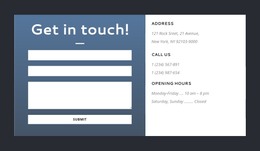
The people and background sections add repeatable content relationships. Six profile cards present personnel with names and professional roles, creating a clear structure for people-focused page content. The History section handles three displayed milestones as a separate chronological subject, while Recognition and Culture gathers organizational information into four metric cards. These areas can sit alongside the shared navigation and footer without changing the underlying visual character. The final contact region is also clearly bounded: a form appears next to address, telephone, and opening-hours details, so contact information is not buried inside a general text section. For a WordPress-oriented project, the design therefore provides a useful division between permanent firm information, recurring profile content, legal practice descriptions, and direct contact content, without requiring unsupported assumptions about blog or post sections.
Customize with Nicepage
Open this ready-made template in the WordPress Website Builder and customize it visually in the Nicepage editor. Replace demo content, edit page sections, and adapt the design to your project without rebuilding the template from scratch.
Manage and Edit This Theme in WordPress
Customize and Install the WordPress Theme
Start with this ready-made theme instead of building the WordPress design from scratch. Customize its layout, content, typography, images, sections, and other design elements visually in Nicepage editor, then export and install the WordPress Theme, Plugin, and Pages on your WordPress site. The Nicepage WordPress Plugin lets you continue working with the site after installation.
Edit the Theme Directly in WordPress
After installation, you can edit the WordPress Theme directly in WordPress with the Nicepage WordPress Plugin. Use Site Style to customize site Colors, Fonts, Header, Footer, Blog, and Post Page Templates while working within your WordPress website.
Edit WordPress Pages Visually
Use the Nicepage WordPress Plugin to edit page content directly from the WordPress admin area. Open a WordPress Page with Nicepage and visually change its text, images, sections, and other page elements while continuing to manage the Page through WordPress.
WordPress Content and Theme Integration
Use the customized theme with WordPress Pages, Posts, Blog and Post Templates, menus, widgets, and other CMS-managed content. Shared theme elements such as Colors, Fonts, Header, Footer, Blog, and Post Page Templates can be managed as part of the overall site design, while WordPress provides the CMS environment for managing site content.
This workflow combines a ready-made WordPress Theme with visual customization, direct theme editing in WordPress, and continued content management through the Nicepage WordPress Plugin.