If you need legal counsel, please contact us WordPress Theme


Contact Details Become Stable Page Content Beside the Form
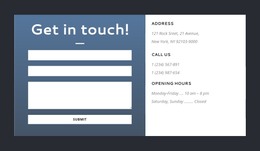
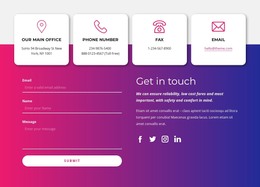
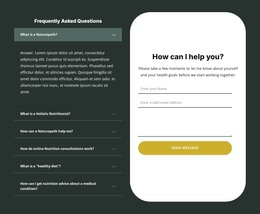
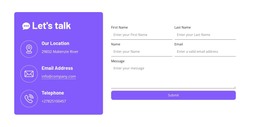
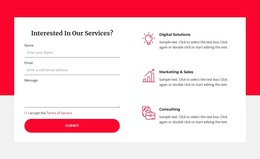
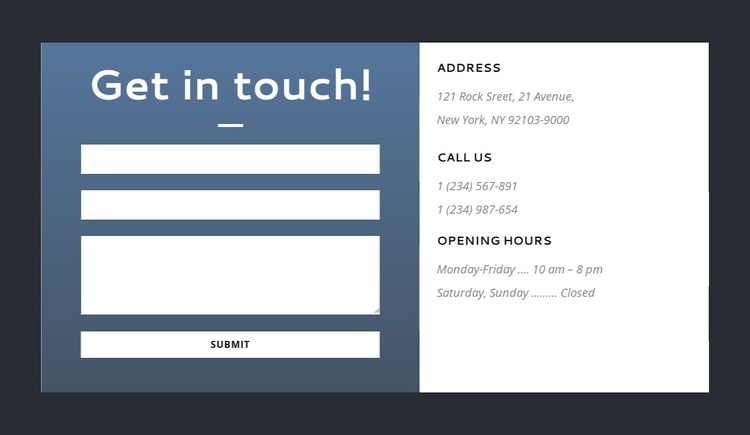
The left side of this section reads as permanent page content for a contact area: “Get in touch!” introduces name, email, and message fields, and the Submit action provides the form’s response point. The right side gives that interaction useful context by keeping Address, Call Us, and Opening Hours in three clearly separated groups. Visitors can review practical details while deciding what to include in their message, without leaving the section’s visual flow.
For a WordPress-managed page, the block’s main value is its repeatable content arrangement rather than any assumption about particular CMS items. The form occupies the dark blue panel and carries the strongest action emphasis. The white panel creates a contrasting reading surface for contact details, while uppercase labels and muted gray text establish a compact hierarchy. Balanced spacing between the columns keeps the form and information groups connected, but their different backgrounds prevent the two functions from blending together.
The section can sit within a stable contact or service page while the wider WordPress project manages other publishable content around it. Additional pages and site regions may provide navigation, introductions, or follow-up information, leaving this block to maintain a focused pattern for contact details and visitor inquiries.
Customize with Nicepage
Open this ready-made template in the WordPress Website Builder and customize it visually in the Nicepage editor. Replace demo content, edit page sections, and adapt the design to your project without rebuilding the template from scratch.
Edit Template Offline
2. Create a new page or select existing
3. Click Add new block, search for id 306934 and click enter
Edit Template Online
Create Awesome Websites


Free Nicepage Builder
Keywords
Manage and Edit This Theme in WordPress
Customize and Install the WordPress Theme
Start with this ready-made theme instead of building the WordPress design from scratch. Customize its layout, content, typography, images, sections, and other design elements visually in Nicepage editor, then export and install the WordPress Theme, Plugin, and Pages on your WordPress site. The Nicepage WordPress Plugin lets you continue working with the site after installation.
Edit the Theme Directly in WordPress
After installation, you can edit the WordPress Theme directly in WordPress with the Nicepage WordPress Plugin. Use Site Style to customize site Colors, Fonts, Header, Footer, Blog, and Post Page Templates while working within your WordPress website.
Edit WordPress Pages Visually
Use the Nicepage WordPress Plugin to edit page content directly from the WordPress admin area. Open a WordPress Page with Nicepage and visually change its text, images, sections, and other page elements while continuing to manage the Page through WordPress.
WordPress Content and Theme Integration
Use the customized theme with WordPress Pages, Posts, Blog and Post Templates, menus, widgets, and other CMS-managed content. Shared theme elements such as Colors, Fonts, Header, Footer, Blog, and Post Page Templates can be managed as part of the overall site design, while WordPress provides the CMS environment for managing site content.
This workflow combines a ready-made WordPress Theme with visual customization, direct theme editing in WordPress, and continued content management through the Nicepage WordPress Plugin.