We create experiences WordPress Theme


Edit Template Offline
2. Create new page and search for id 6058617
Edit Template Online
Create Awesome Websites


Free Nicepage Builder
Keywords
Service and Process Content Create Clear WordPress Page Areas
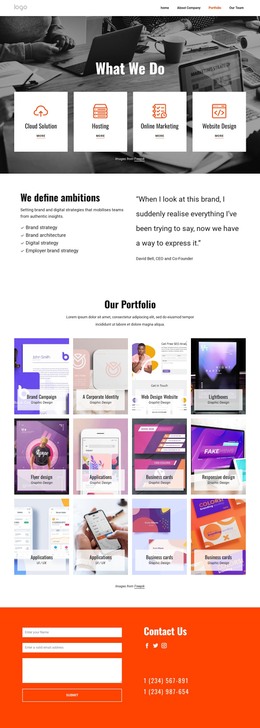
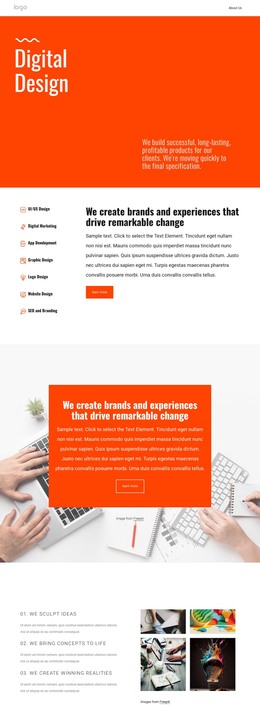
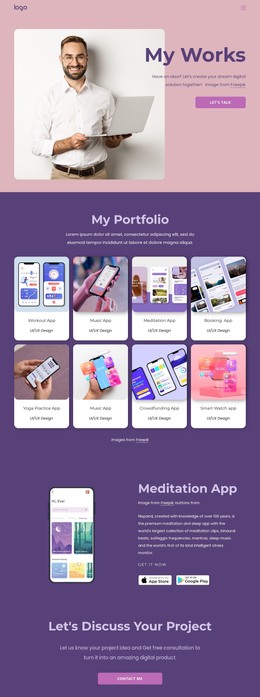
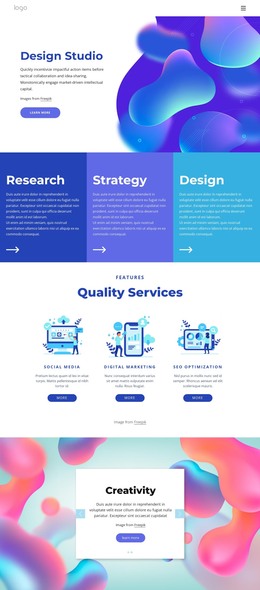
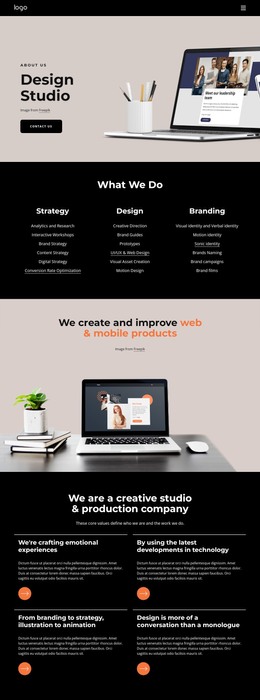
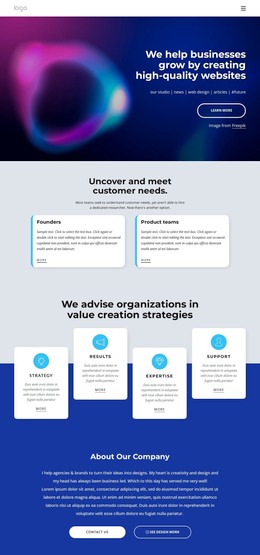
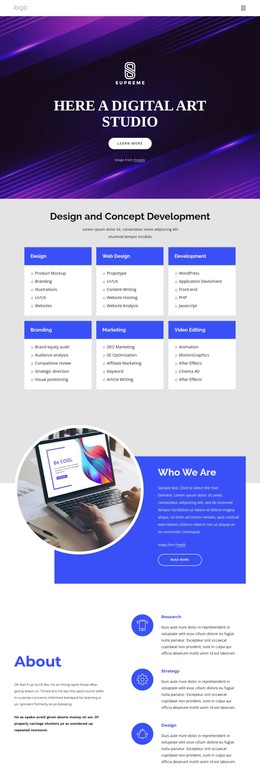
The seven named services give this design a strong set of permanent page-oriented content areas. UI/UX Design, Digital Marketing, App Development, Graphic Design, Logo Design, Website Design, and SEO and Branding can be presented as the agency’s core offering while the surrounding positioning copy explains how those categories relate. The existing navigation—Home, About Company, Portfolio, and Our Team—also places the About content within a broader site context rather than treating it as an isolated statement.
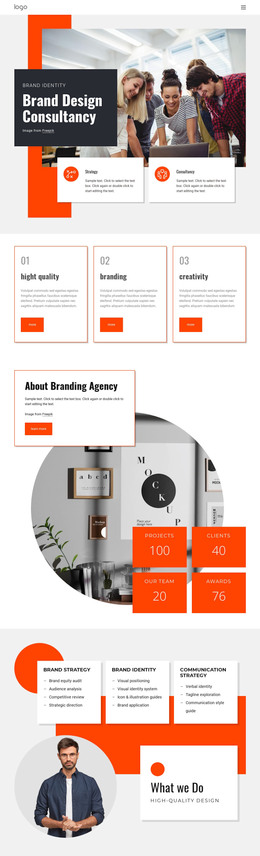
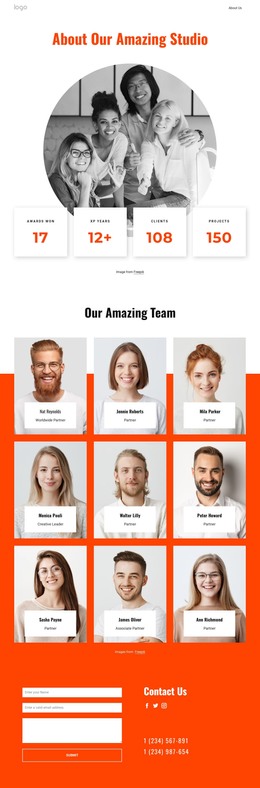
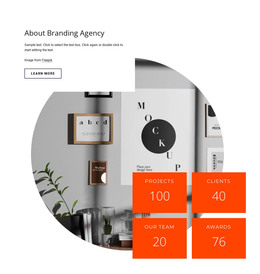
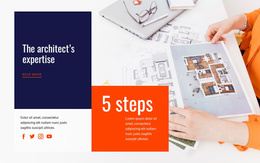
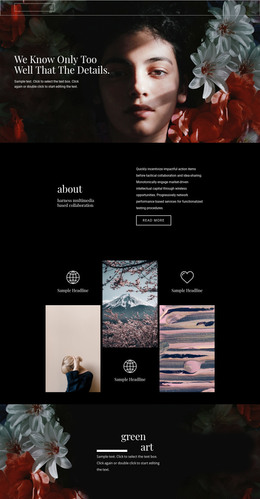
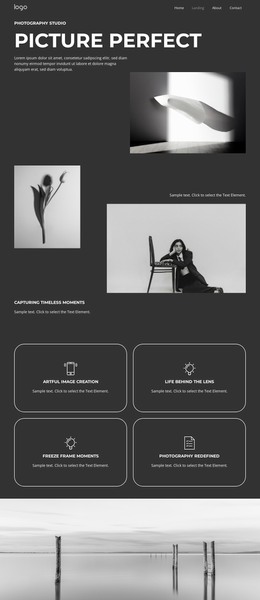
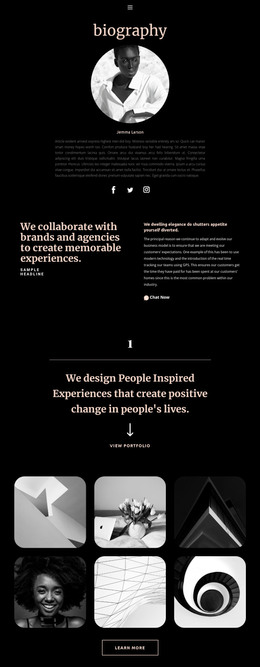
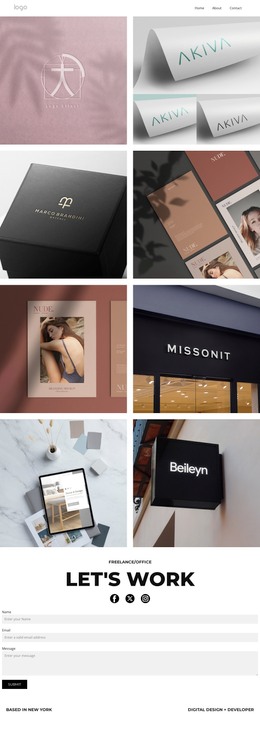
Several sections provide different kinds of content that can remain within the same visual system. The three numbered process steps describe a sequence of working ideas, while the four-image gallery supplies visual material for creative examples. The About Agency section and the collaboration statement add organizational and relationship-focused content, and the analytics and data-driven block pairs explanatory text with six logos. This combination can accommodate stable agency information alongside content that may be expanded as the project develops, without asserting that posts or blog structures already exist.
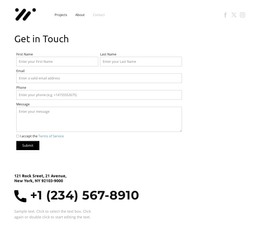
The final Contact Us area keeps the practical response content visible. Its inquiry form is supported by social links and telephone details, while the orange background connects the interaction block to the rest of the theme’s visual identity. The result is a page design where service information, agency background, visual examples, and contact content can be managed as related WordPress-oriented site areas.
Customize with Nicepage
Open this ready-made template in the WordPress Website Builder and customize it visually in the Nicepage editor. Replace demo content, edit page sections, and adapt the design to your project without rebuilding the template from scratch.
Manage and Edit This Theme in WordPress
Customize and Install the WordPress Theme
Start with this ready-made theme instead of building the WordPress design from scratch. Customize its layout, content, typography, images, sections, and other design elements visually in Nicepage editor, then export and install the WordPress Theme, Plugin, and Pages on your WordPress site. The Nicepage WordPress Plugin lets you continue working with the site after installation.
Edit the Theme Directly in WordPress
After installation, you can edit the WordPress Theme directly in WordPress with the Nicepage WordPress Plugin. Use Site Style to customize site Colors, Fonts, Header, Footer, Blog, and Post Page Templates while working within your WordPress website.
Edit WordPress Pages Visually
Use the Nicepage WordPress Plugin to edit page content directly from the WordPress admin area. Open a WordPress Page with Nicepage and visually change its text, images, sections, and other page elements while continuing to manage the Page through WordPress.
WordPress Content and Theme Integration
Use the customized theme with WordPress Pages, Posts, Blog and Post Templates, menus, widgets, and other CMS-managed content. Shared theme elements such as Colors, Fonts, Header, Footer, Blog, and Post Page Templates can be managed as part of the overall site design, while WordPress provides the CMS environment for managing site content.
This workflow combines a ready-made WordPress Theme with visual customization, direct theme editing in WordPress, and continued content management through the Nicepage WordPress Plugin.