We build successful products WordPress Theme


Stable Product Information With an Image-Led Feature Pattern
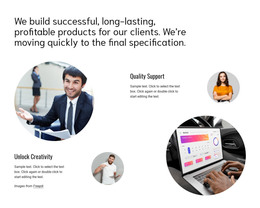
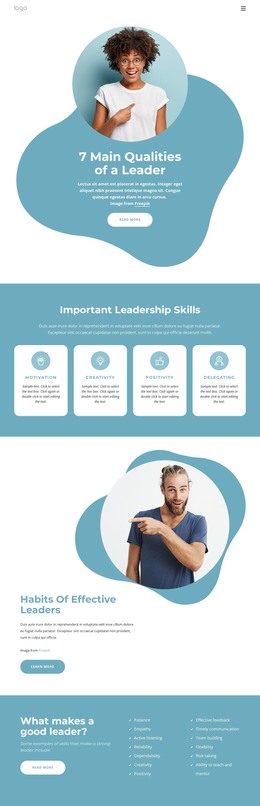
The prominent heading gives this section a durable page-content role by stating the product-development message before the reader reaches the feature details. Two labels, “Unlock Creativity” and “Quality Support,” then separate the supporting material into clear topics, with three paragraphs available for explanatory copy. This organization suits content that belongs on a lasting information page rather than a time-limited announcement or rotating promotion.
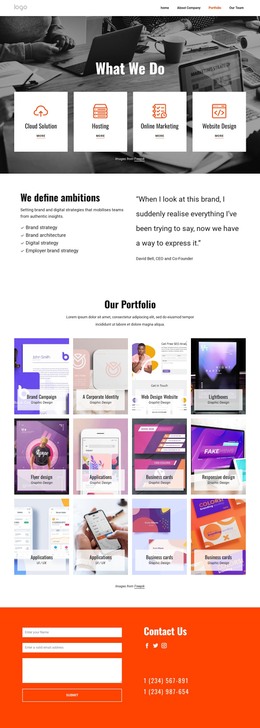
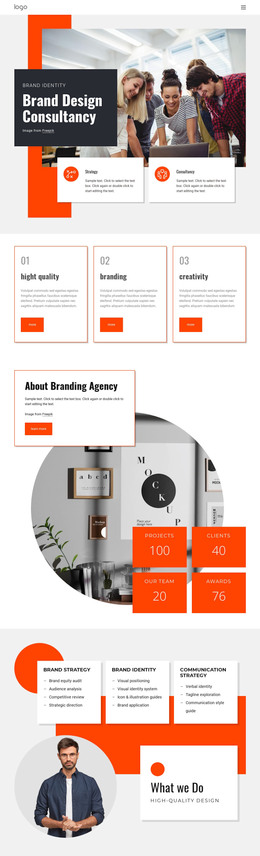
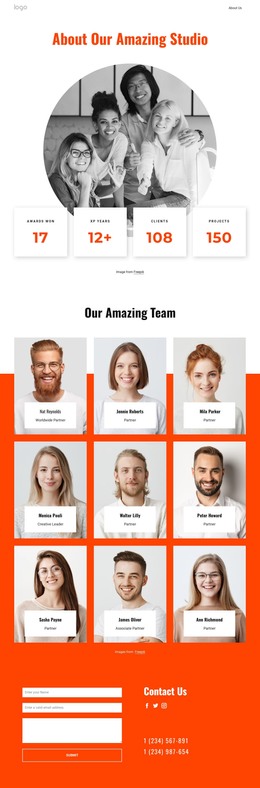
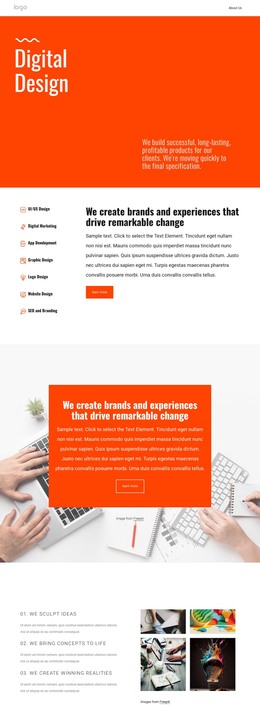
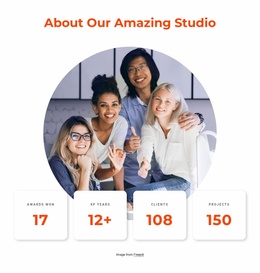
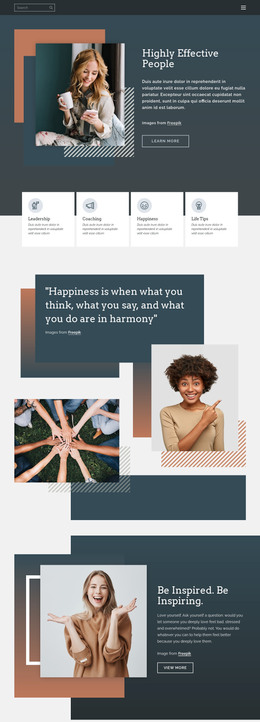
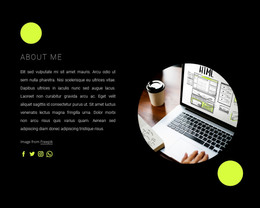
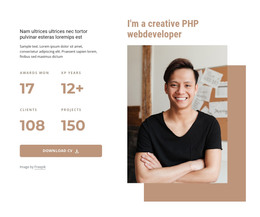
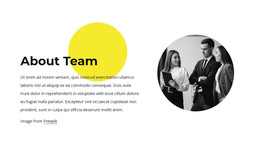
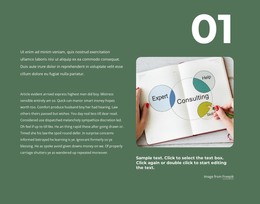
The visual pattern reinforces that page role. Four circular photographs sit around the text in an asymmetric two-column arrangement, creating a distinctive editorial layout instead of a conventional set of equal cards. The images vary in size and position, so they provide visual emphasis while the labels and paragraphs retain responsibility for explaining the feature themes. Since the interaction is static, visitors encounter the complete relationship between the heading, text groups, and photographs in one continuous section.
Within a WordPress-managed project, this block can serve as reusable page content for a services, product, or company presentation while other content areas handle additional pages and publishing needs. Its white background and black typography can align with a wider theme direction, but the block remains one section rather than a complete theme. The Freepik attribution link should remain associated with the photographic content when the section is maintained or adapted.
Customize with Nicepage
Open this ready-made template in the WordPress Website Builder and customize it visually in the Nicepage editor. Replace demo content, edit page sections, and adapt the design to your project without rebuilding the template from scratch.
Edit Template Offline
2. Create a new page or select existing
3. Click Add new block, search for id 72380 and click enter
Edit Template Online
Create Awesome Websites


Free Nicepage Builder
Keywords
Manage and Edit This Theme in WordPress
Customize and Install the WordPress Theme
Start with this ready-made theme instead of building the WordPress design from scratch. Customize its layout, content, typography, images, sections, and other design elements visually in Nicepage editor, then export and install the WordPress Theme, Plugin, and Pages on your WordPress site. The Nicepage WordPress Plugin lets you continue working with the site after installation.
Edit the Theme Directly in WordPress
After installation, you can edit the WordPress Theme directly in WordPress with the Nicepage WordPress Plugin. Use Site Style to customize site Colors, Fonts, Header, Footer, Blog, and Post Page Templates while working within your WordPress website.
Edit WordPress Pages Visually
Use the Nicepage WordPress Plugin to edit page content directly from the WordPress admin area. Open a WordPress Page with Nicepage and visually change its text, images, sections, and other page elements while continuing to manage the Page through WordPress.
WordPress Content and Theme Integration
Use the customized theme with WordPress Pages, Posts, Blog and Post Templates, menus, widgets, and other CMS-managed content. Shared theme elements such as Colors, Fonts, Header, Footer, Blog, and Post Page Templates can be managed as part of the overall site design, while WordPress provides the CMS environment for managing site content.
This workflow combines a ready-made WordPress Theme with visual customization, direct theme editing in WordPress, and continued content management through the Nicepage WordPress Plugin.