We are ready to meet you WordPress Theme


Edit Template Offline
2. Create new page and search for id 5663588
Edit Template Online
Create Awesome Websites


Free Nicepage Builder
Keywords
A representative profile gives the contact page reusable WordPress content roles
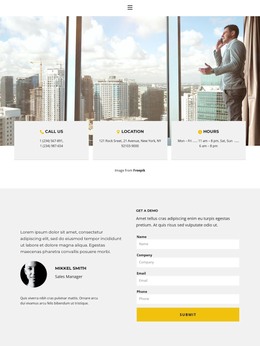
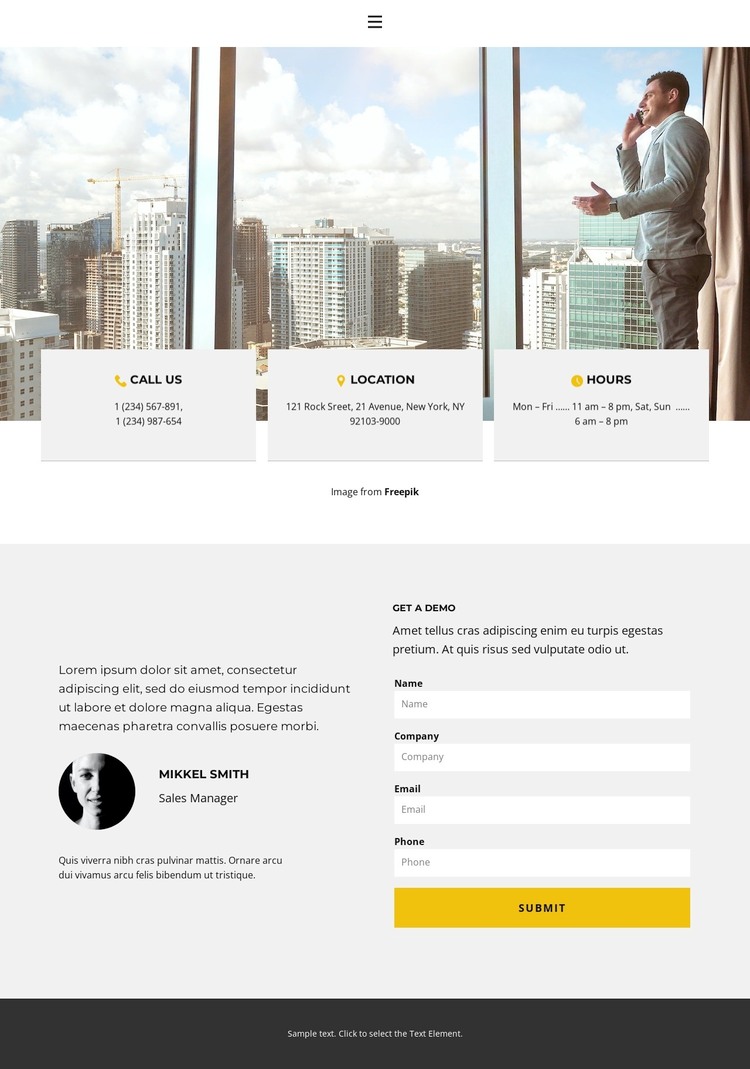
The page divides its content into two complementary groups that can be interpreted naturally in a WordPress-managed site. The city-window opening uses three compact cards for Call Us, Location, and Hours, making practical contact details the first information visitors encounter. These labels define permanent page content without relying on the sample phone number, address, or schedule as verified business information.
The lower section is organized around a different relationship. The Mikkel Smith and Sales Manager profile supplies representative context, while the adjacent Get a demo area asks for name, company, email, and phone details. This distinction gives the page a clear separation between explanatory content and visitor-submitted information. If the project later adds regularly updated business material, the same visual system can accommodate it around these stable page sections rather than treating the contact screen as an isolated image composition.
The simple navigation row supports movement between page-oriented content, and the dark footer creates a shared closing boundary. Light gray and white surfaces make the profile and form readable as separate columns, while yellow accents identify the response-oriented action without overwhelming the contact information. The result is a WordPress Theme interpretation grounded in concrete page areas: practical contact details, a representative introduction, and a structured inquiry path, with the sample identity and values remaining replaceable demo content.
Customize with Nicepage
Open this ready-made template in the WordPress Website Builder and customize it visually in the Nicepage editor. Replace demo content, edit page sections, and adapt the design to your project without rebuilding the template from scratch.
Manage and Edit This Theme in WordPress
Customize and Install the WordPress Theme
Start with this ready-made theme instead of building the WordPress design from scratch. Customize its layout, content, typography, images, sections, and other design elements visually in Nicepage editor, then export and install the WordPress Theme, Plugin, and Pages on your WordPress site. The Nicepage WordPress Plugin lets you continue working with the site after installation.
Edit the Theme Directly in WordPress
After installation, you can edit the WordPress Theme directly in WordPress with the Nicepage WordPress Plugin. Use Site Style to customize site Colors, Fonts, Header, Footer, Blog, and Post Page Templates while working within your WordPress website.
Edit WordPress Pages Visually
Use the Nicepage WordPress Plugin to edit page content directly from the WordPress admin area. Open a WordPress Page with Nicepage and visually change its text, images, sections, and other page elements while continuing to manage the Page through WordPress.
WordPress Content and Theme Integration
Use the customized theme with WordPress Pages, Posts, Blog and Post Templates, menus, widgets, and other CMS-managed content. Shared theme elements such as Colors, Fonts, Header, Footer, Blog, and Post Page Templates can be managed as part of the overall site design, while WordPress provides the CMS environment for managing site content.
This workflow combines a ready-made WordPress Theme with visual customization, direct theme editing in WordPress, and continued content management through the Nicepage WordPress Plugin.