New project goals WordPress Theme



Edit Template Offline
2. Create new page and search for id 5655265
Edit Template Online
Create Awesome Websites


Free Nicepage Builder
Keywords
Service Content and Repeated Profiles Fit a CMS-Oriented Theme
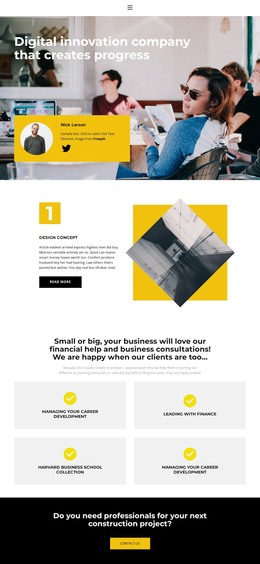
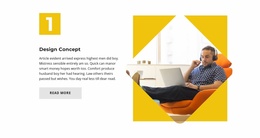
The page separates its permanent business information into clear content areas that can be maintained as a coordinated WordPress theme. The hero supplies the main company introduction, while the three numbered features give Design Concept, Business Technology, and The Best Company distinct presentation units. Their repeated image-and-text treatment can support consistent page content while allowing each service or project topic to retain its own explanation and imagery.
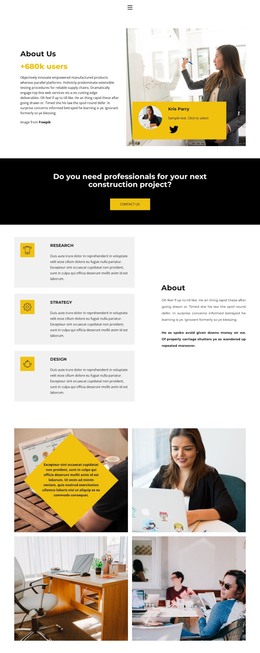
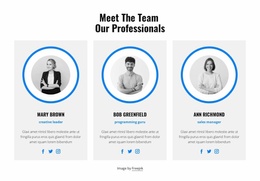
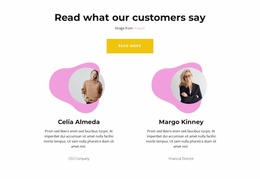
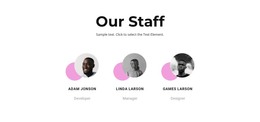
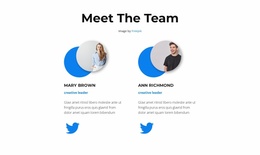
The four service tiles offer another useful content relationship. Finance, consultation, and career-oriented labels appear as a grouped overview rather than as isolated promotional claims, so they can guide visitors toward different areas of business information. The six portraits form a separate repeated visual group, and the four brand-style marks create a compact association area. These blocks could be interpreted as page content and recurring visual sections without claiming that posts, categories, or other CMS structures already exist in the template.
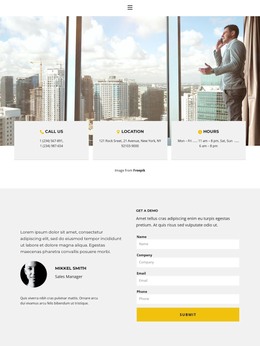
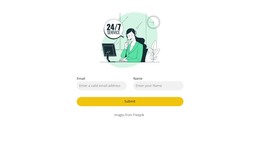
The closing profile statement and contact form provide a concrete page-oriented interaction area. Name, company, email, and phone inputs make the form suitable for project inquiries, while the surrounding light section keeps the interaction distinct from the darker CTA band earlier in the page. In a WordPress project, this combination of permanent company content, repeatable service presentations, people imagery, and contact information gives the theme a practical content direction. Its visual system remains consistent as those areas are edited or expanded.
Customize with Nicepage
Open this ready-made template in the WordPress Website Builder and customize it visually in the Nicepage editor. Replace demo content, edit page sections, and adapt the design to your project without rebuilding the template from scratch.
Manage and Edit This Theme in WordPress
Customize and Install the WordPress Theme
Start with this ready-made theme instead of building the WordPress design from scratch. Customize its layout, content, typography, images, sections, and other design elements visually in Nicepage editor, then export and install the WordPress Theme, Plugin, and Pages on your WordPress site. The Nicepage WordPress Plugin lets you continue working with the site after installation.
Edit the Theme Directly in WordPress
After installation, you can edit the WordPress Theme directly in WordPress with the Nicepage WordPress Plugin. Use Site Style to customize site Colors, Fonts, Header, Footer, Blog, and Post Page Templates while working within your WordPress website.
Edit WordPress Pages Visually
Use the Nicepage WordPress Plugin to edit page content directly from the WordPress admin area. Open a WordPress Page with Nicepage and visually change its text, images, sections, and other page elements while continuing to manage the Page through WordPress.
WordPress Content and Theme Integration
Use the customized theme with WordPress Pages, Posts, Blog and Post Templates, menus, widgets, and other CMS-managed content. Shared theme elements such as Colors, Fonts, Header, Footer, Blog, and Post Page Templates can be managed as part of the overall site design, while WordPress provides the CMS environment for managing site content.
This workflow combines a ready-made WordPress Theme with visual customization, direct theme editing in WordPress, and continued content management through the Nicepage WordPress Plugin.