Detailed information WordPress Theme



Edit Template Offline
2. Create new page and search for id 5663426
Edit Template Online
Create Awesome Websites


Free Nicepage Builder
Keywords
Team Roles and Capability Cards Suit WordPress Page Content
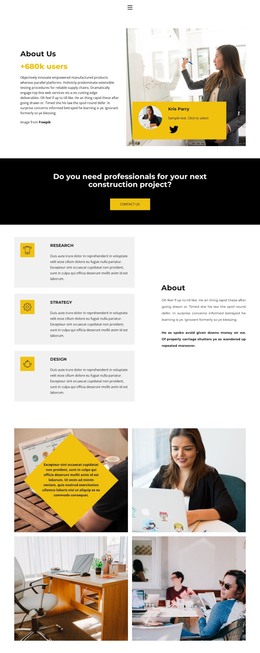
The About Us introduction and the three Research, Strategy, and Design cards provide page-oriented content that can remain central to a WordPress-managed company site. The cards divide the organization’s capabilities into recognizable units, while the construction project prompt gives the profile a separate contact context. This separation makes the design suitable for permanent company content that may be expanded over time without losing the distinction between introduction, capabilities, and inquiry messaging.
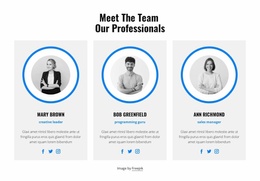
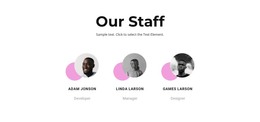
The nine-person portrait gallery adds a repeated content relationship built around images and displayed roles. It can represent the organization’s people as a dedicated page area, while the four-image workplace gallery supports a more visual account of the working environment. Because these two image groups have different purposes, they can accommodate changes to team information and company imagery without requiring the same content treatment. The strong black, white, pale gray, and yellow palette keeps those areas visually connected.
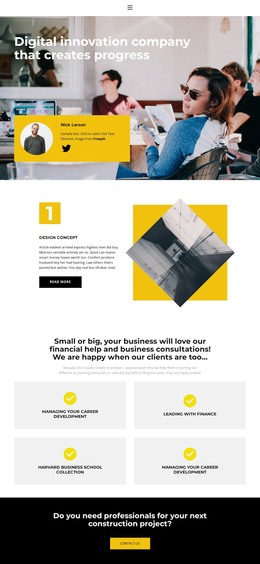
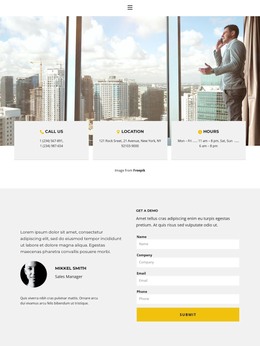
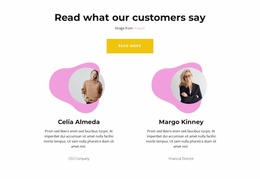
The Free consultation block and Get a demo panel provide practical page destinations for service communication and contact. The consultation section uses a heading, image, and Read more button, whereas the closing panel combines testimonial-style content with a form requesting name, company, email, and phone. This distinction gives a WordPress-oriented project room for both explanatory page content and an inquiry-focused area, while navigation, social links, and the footer preserve shared site elements.
Customize with Nicepage
Open this ready-made template in the WordPress Website Builder and customize it visually in the Nicepage editor. Replace demo content, edit page sections, and adapt the design to your project without rebuilding the template from scratch.
Manage and Edit This Theme in WordPress
Customize and Install the WordPress Theme
Start with this ready-made theme instead of building the WordPress design from scratch. Customize its layout, content, typography, images, sections, and other design elements visually in Nicepage editor, then export and install the WordPress Theme, Plugin, and Pages on your WordPress site. The Nicepage WordPress Plugin lets you continue working with the site after installation.
Edit the Theme Directly in WordPress
After installation, you can edit the WordPress Theme directly in WordPress with the Nicepage WordPress Plugin. Use Site Style to customize site Colors, Fonts, Header, Footer, Blog, and Post Page Templates while working within your WordPress website.
Edit WordPress Pages Visually
Use the Nicepage WordPress Plugin to edit page content directly from the WordPress admin area. Open a WordPress Page with Nicepage and visually change its text, images, sections, and other page elements while continuing to manage the Page through WordPress.
WordPress Content and Theme Integration
Use the customized theme with WordPress Pages, Posts, Blog and Post Templates, menus, widgets, and other CMS-managed content. Shared theme elements such as Colors, Fonts, Header, Footer, Blog, and Post Page Templates can be managed as part of the overall site design, while WordPress provides the CMS environment for managing site content.
This workflow combines a ready-made WordPress Theme with visual customization, direct theme editing in WordPress, and continued content management through the Nicepage WordPress Plugin.